New project
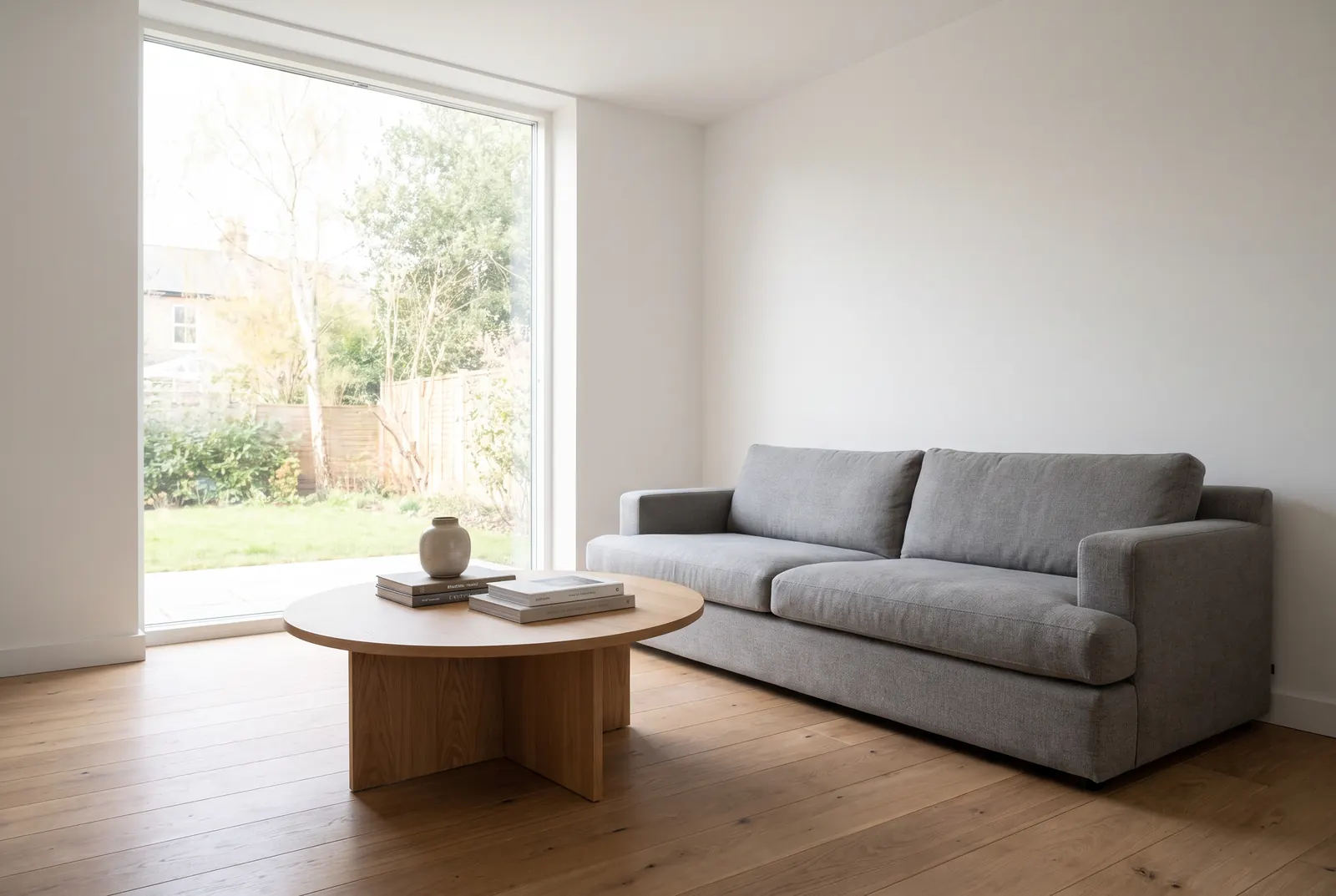
Upload a photo of your room and see it repainted: walls, an accent wall, trim and ceiling, matte to semi-gloss. Compare colors before you buy paint.
A paint color visualizer for your own room
Paint chips and sample rooms only go so far: a color looks different in your light, next to your floor and your sofa. Upload a photo of the room you want to paint and the AI repaints it in the color you pick, and is made to keep the furniture, floor, windows and light as they are. Choose all walls or one accent wall, decide what happens to the trim and the ceiling, and pick a sheen. Treat the result as a close visual preview, and test a sample on your wall before you buy.
How the room paint visualizer works
- Upload a photo of the room. A daylight photo with the walls you want to paint in view works best. JPEG, PNG and WebP files up to 10 MB work.
- Choose what to paint: all walls or one accent wall, then the wall color. Pick a swatch or enter a hex code.
- Set the trim and doors (keep, white, match the walls or a contrast color), the ceiling and the finish.
- Generate. The result usually arrives in under a minute. Drag the slider to compare it with your photo, download it, or try the next color.
The tool tells the AI to repaint only the surfaces you chose and to keep everything else as it is: furniture, art, flooring, cabinets, windows, switches, the light and the camera angle. Check each result, because AI can occasionally touch a nearby detail, like a picture frame or a door. If it does, run it again.
Compare paint colors side by side
Torn between sage and greige? Turn on Compare in the wall color picker and choose up to four colors. Each one becomes its own image of the same photo, labelled with its color, so the only difference between them is the paint. How many images one run can make depends on your plan; see the pricing page.
Keep the trim, ceiling and finish the same while you compare. Change one thing at a time and the choice gets easier.
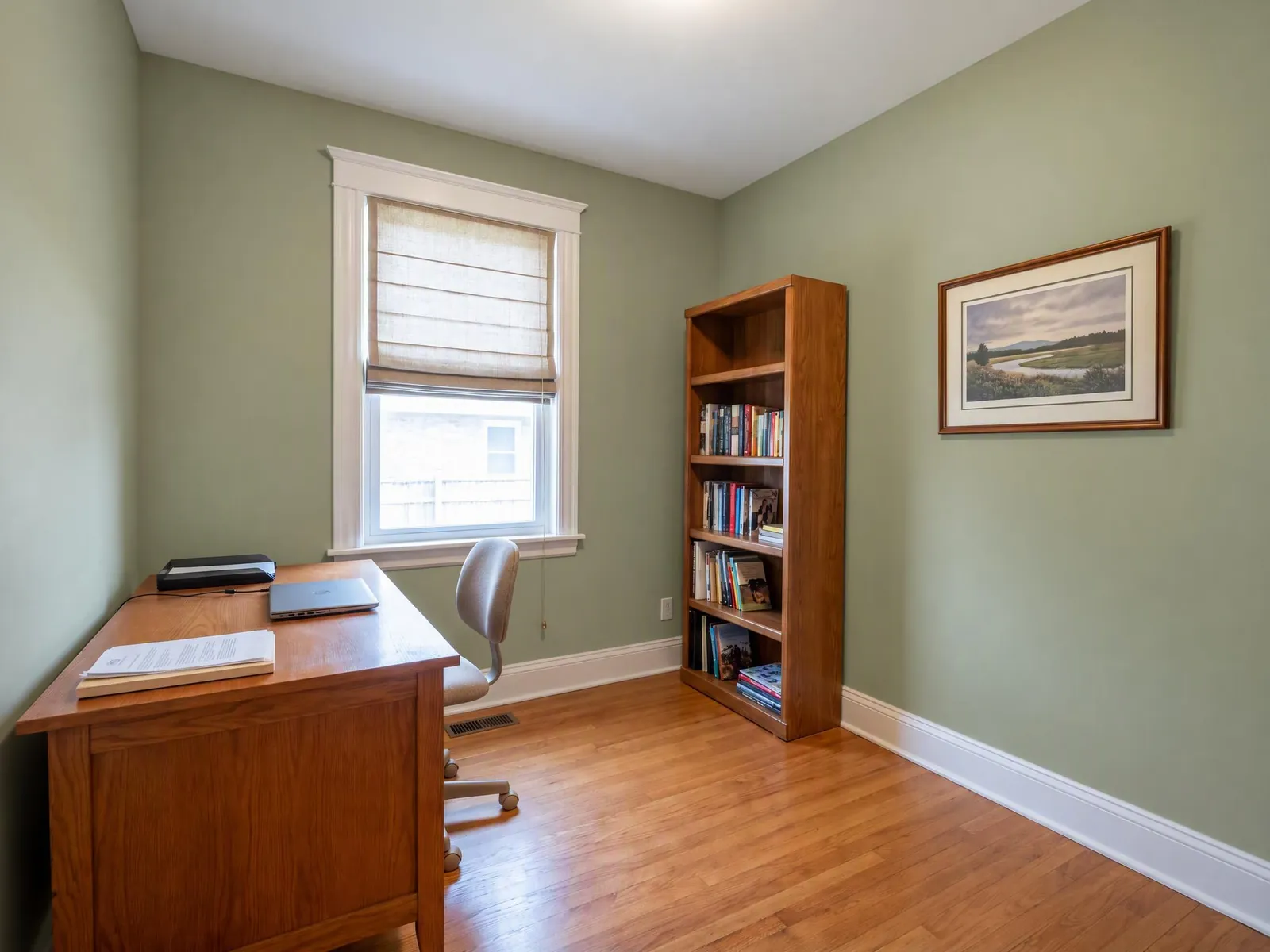
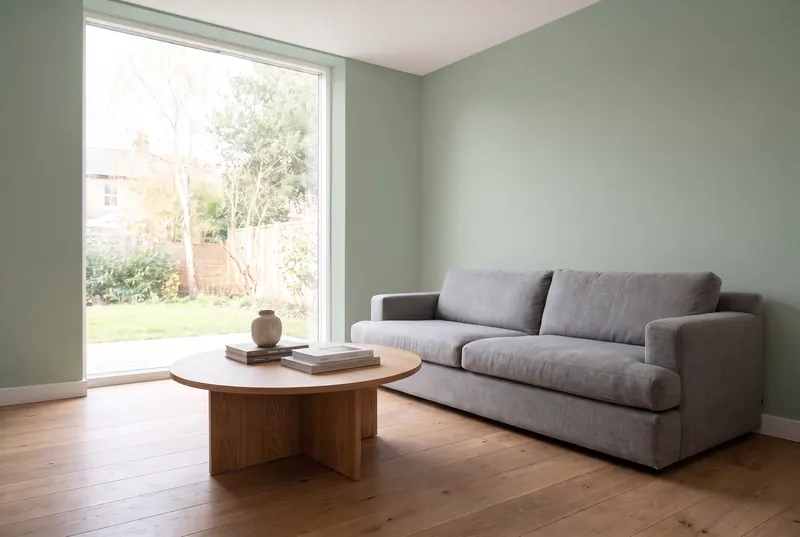 Sage
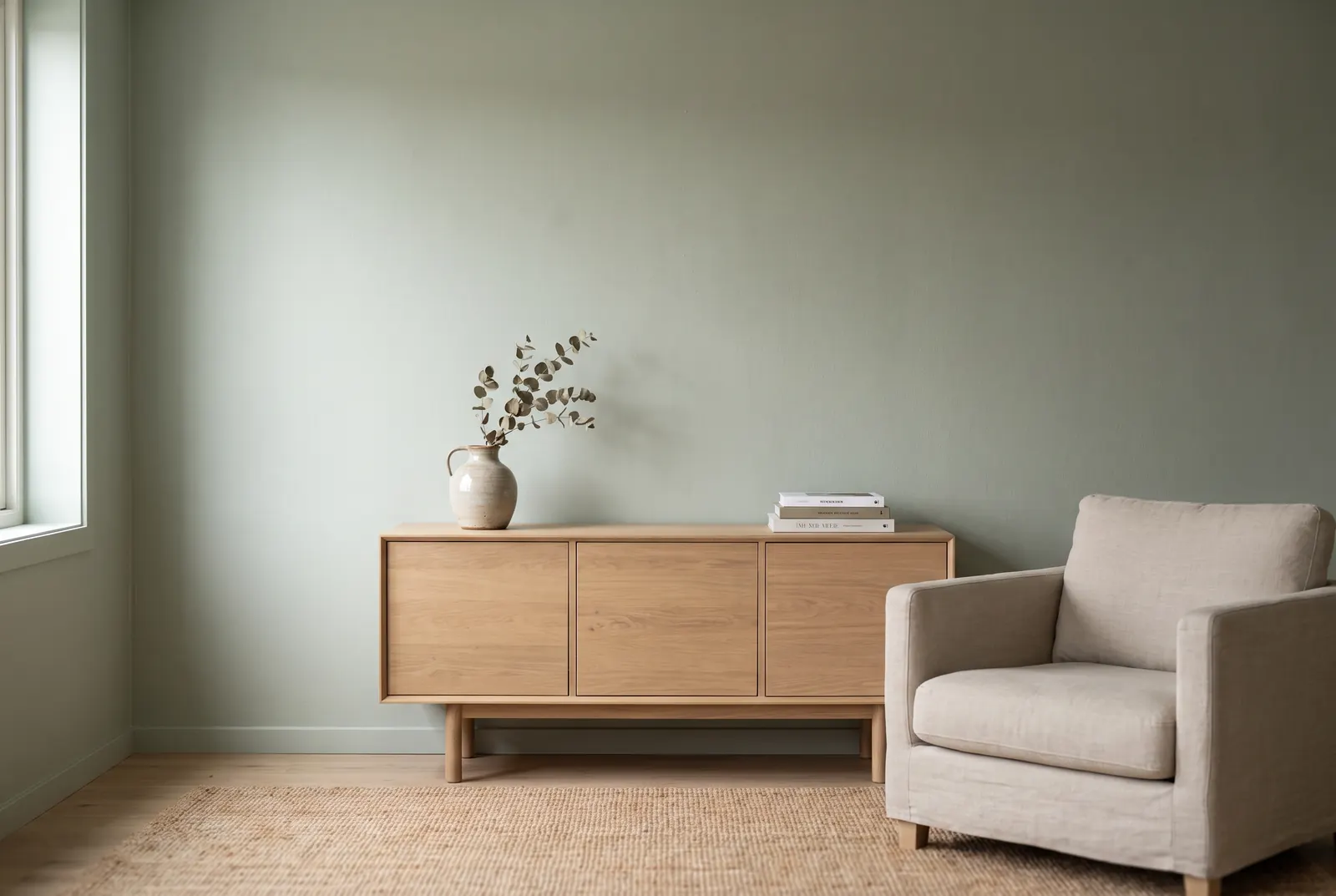
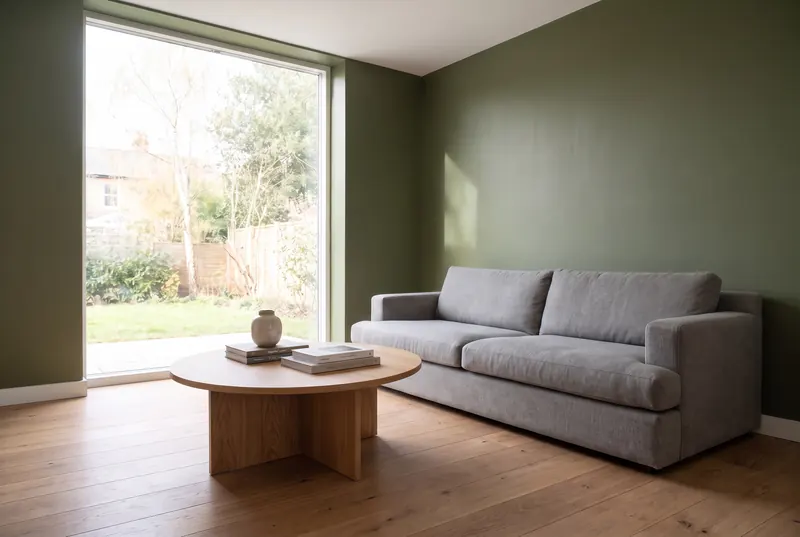 Olive
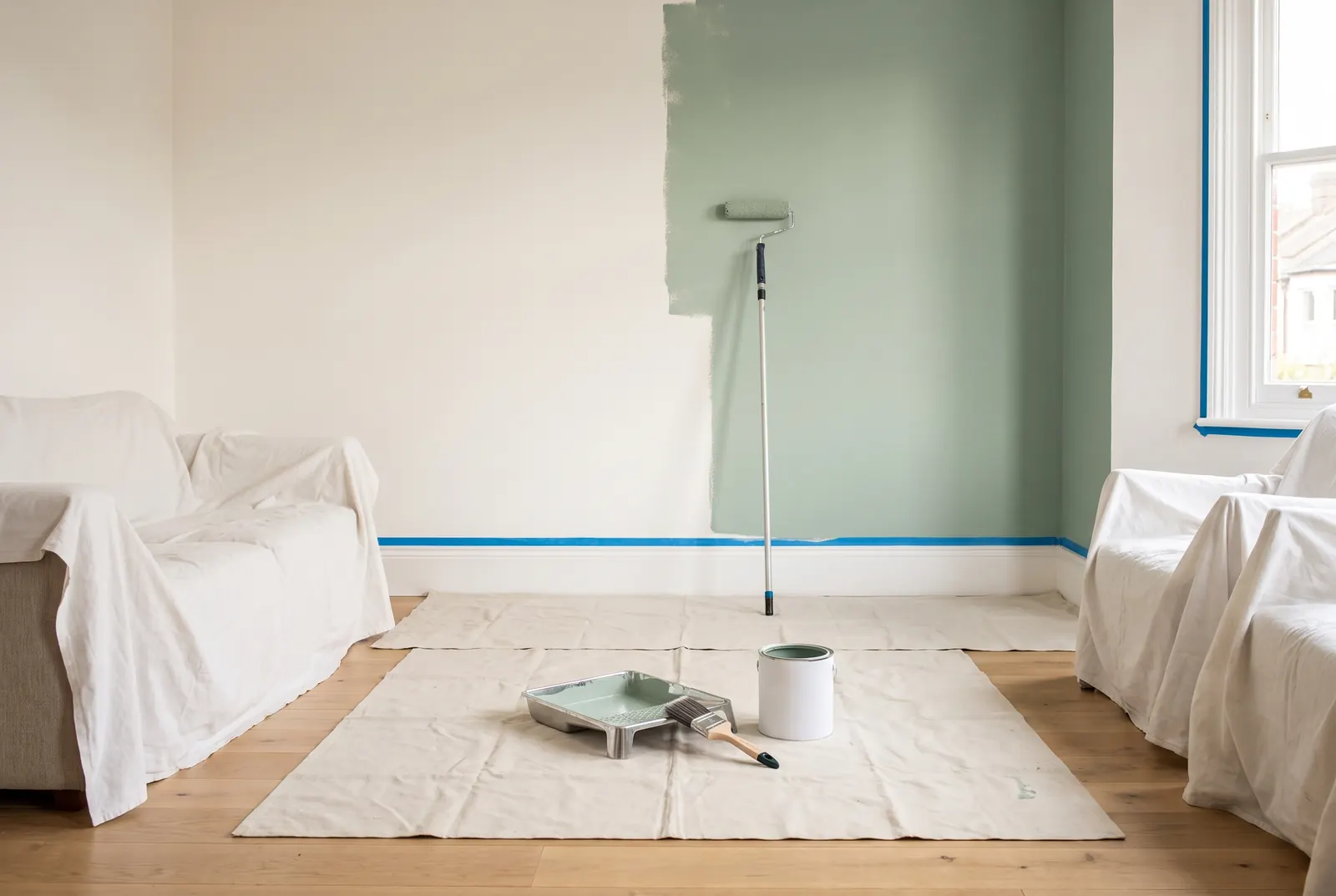
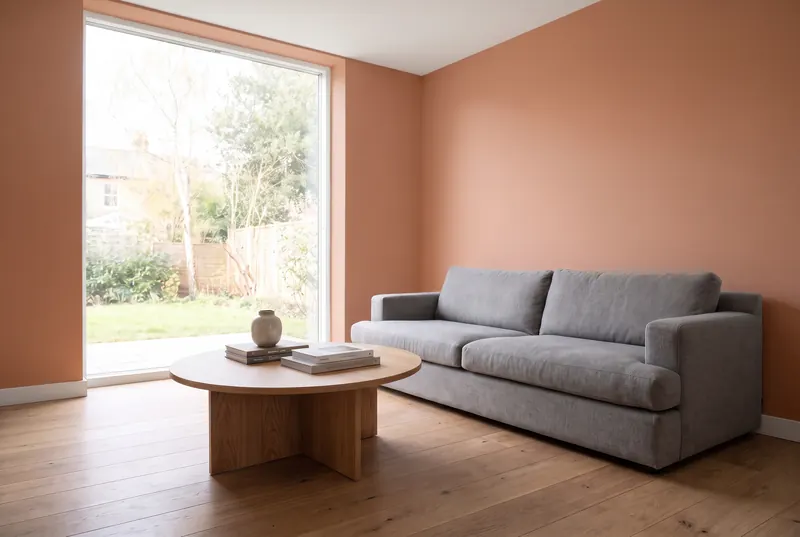 Terracotta
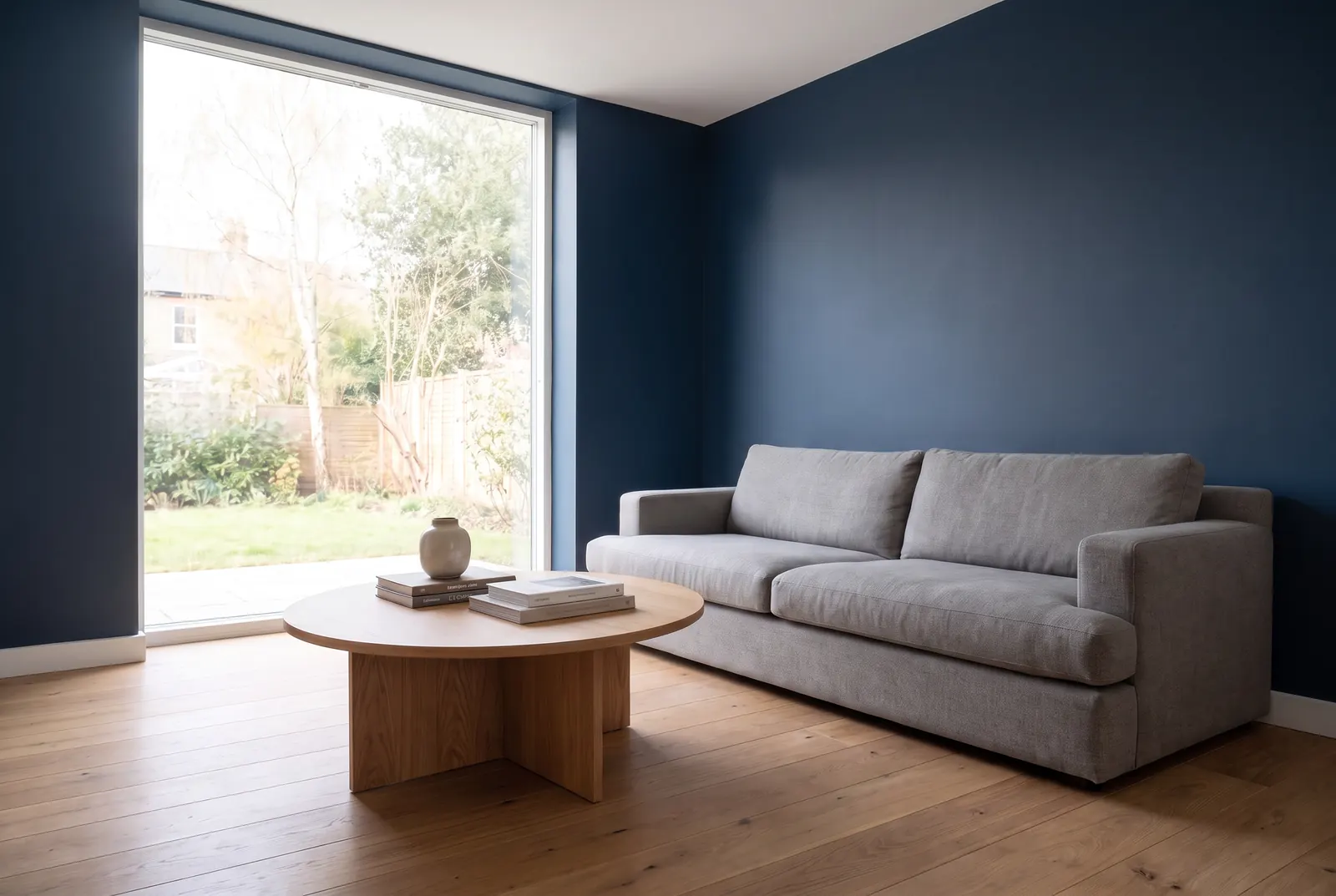
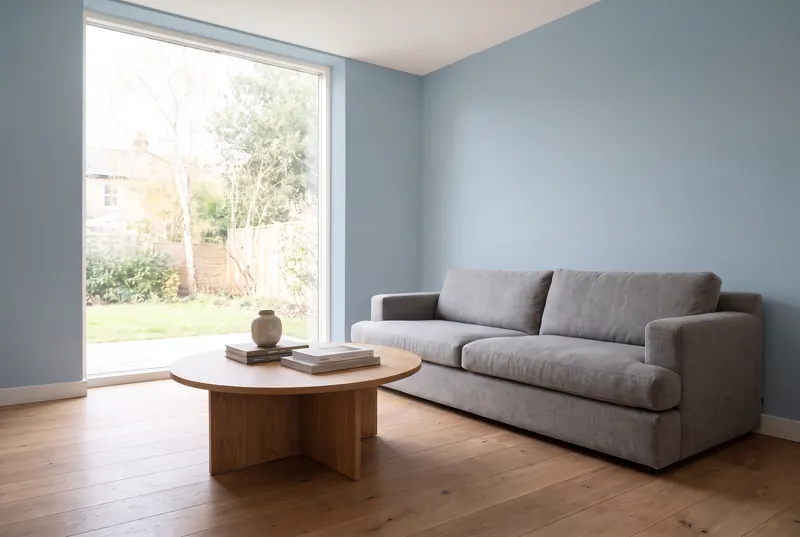 Dusty blue
Wall, trim and ceiling pairings to try
A room reads as a scheme, not a single color. A few pairings to start from:
- Sage walls, bright white trim, white ceiling: fresh and calm, an easy start for bedrooms and living rooms.
- Navy walls, bright white trim, white ceiling: a classic contrast for studies, dining rooms and hallways.
- Greige walls with the trim matched to the walls and a white ceiling: soft, with no hard lines around doors and windows.
- Forest green walls with the trim and ceiling matched: a fully color-drenched room that feels enclosed and cozy.
- Warm white walls with charcoal trim: crisp outlines around windows and doors in an otherwise light room.
- A terracotta accent wall behind the sofa or bed, the other walls as they are: warmth on one wall without darkening the room.
- Dusty rose walls and a plaster pink ceiling: a gentle, all-over warmth for bedrooms.
Try an accent wall
Choose "Accent wall" and only one wall changes: the largest wall facing the camera. Take the photo straight on to the wall you have in mind, such as the wall behind the bed or the sofa, so that is the one the AI paints. Deep colors like navy, forest green, terracotta or aubergine work well as accents because the other walls balance them.
Paint finishes: matte, eggshell, satin and semi-gloss
- Matte: no shine. It hides small dents and uneven walls, which suits living rooms, bedrooms and ceilings.
- Eggshell: a very low sheen and easier to wipe. A common choice for living spaces and hallways.
- Satin: a soft sheen that copes with moisture and scuffs, common in kitchens, bathrooms and on doors.
- Semi-gloss: a visible shine that catches the light, often used on trim and doors.
Sheen is subtle in a photo. You see it most where light hits the wall at an angle, so the difference between eggshell and satin may be small in the result.
Paint colors to choose from
- Whites: bright white, warm white, ivory, cream and cool white.
- Neutrals and grays: linen, greige, sand, mushroom, taupe, and grays from pale to charcoal.
- Blues and greens: powder blue to navy, mint to forest green, with teal and eucalyptus in between.
- Earth tones and pinks: camel, ochre, clay, terracotta and rust; peach, blush, plaster pink, dusty rose and mauve.
- Deep darks: ink blue, aubergine, oxblood, chocolate and black.
- A custom color: enter any hex code, or pick one with the color picker.
Tips for realistic paint previews
- Use daylight and turn off colored lamps. The result keeps the light in your photo, so warm evening light makes every color warmer.
- Get as much of the wall in frame as you can, and move things that block it if that is easy.
- Try your favorite on a day photo and an evening photo of the same room.
- Look at the result on more than one screen: phones and laptops show colors differently.
- Use the box under the options for details the AI should keep, like "keep the wooden door as it is".
What a paint visualizer cannot show
- The exact color on your wall: screens, cameras and the AI all shift color a little. The result is a close visual preview, not a color match, so test a sample on your wall before you buy.
- A paint maker's color by name: the AI reads a name as a description. If the maker lists a hex code for the color, enter that instead.
- Several wall colors in one image: a run paints the walls one color, or one accent wall. For two wall colors, run it again on the result.
- How much paint to buy: it does not measure the room.
Frequently asked questions
Can I upload a picture of my room and try paint colors?
Yes. Upload a photo of your room, choose the walls and a color, and the AI repaints them and is made to keep the rest of the room as it is. You can also repaint the trim and the ceiling.
Can I upload a photo and select an exact paint color?
Pick one of the swatches, or enter the color as a hex code, such as #A3B18A. The result is a close visual preview, so test a sample on your wall before you buy.
Can I find paint colors from an image?
Not automatically. If you have a color from a picture you like, get its hex code with any color picker and enter it as a custom color here.
Is there an app that can show me paint colors on my walls?
You do not need an app: this works in the browser on your phone or computer. Take a photo of the room, upload it and try colors in a minute or so.
Can I paint just one wall?
Yes. Choose "Accent wall" and only the largest wall facing the camera is meant to change. The other walls keep their color.
Can I change the trim and the ceiling too?
Yes. Set the trim and doors to white, to the wall color or to a contrast color, and paint the ceiling white, to the wall color or in another color. Leave either one on "Keep as is" to leave it unchanged.
Can I compare several paint colors at once?
Yes. Turn on Compare in the wall color picker and choose up to four colors. Each becomes its own labelled image of the same photo. How many images one run can make depends on your plan.
Will it paint my furniture or floor?
It is told not to. Furniture, art, flooring, rugs, cabinets and windows are meant to stay as they are. If something nearby changes anyway, run it again.
How accurate are the colors?
Close, but not exact. Your camera, your screen and the AI all shift color slightly, and the light in your photo changes how a color looks. Use the result to narrow down your choice, then test a physical sample.
Can I try colors on the outside of my house?
Use the exterior paint visualizer for siding, trim, the front door, the roof and the garage door.
Is the paint visualizer free?
It is free to start: new accounts get free credits, and no card is needed. Current credit costs are on the pricing page.