New project
Upload a photo of a dated room and preview the renovation: new cabinets, countertops, flooring, walls, tiles and fixtures, in a style you pick or describe.
How AI remodel works
- Upload a photo of the room you want to renovate. JPEG, PNG and WebP files up to 10 MB work.
- Pick the room type, then tick what to replace: cabinets, countertops, tiles, flooring, walls, fixtures or lighting. Cabinetry, countertops, flooring and walls are ticked to start. Pick a style, or describe the finishes in your own words.
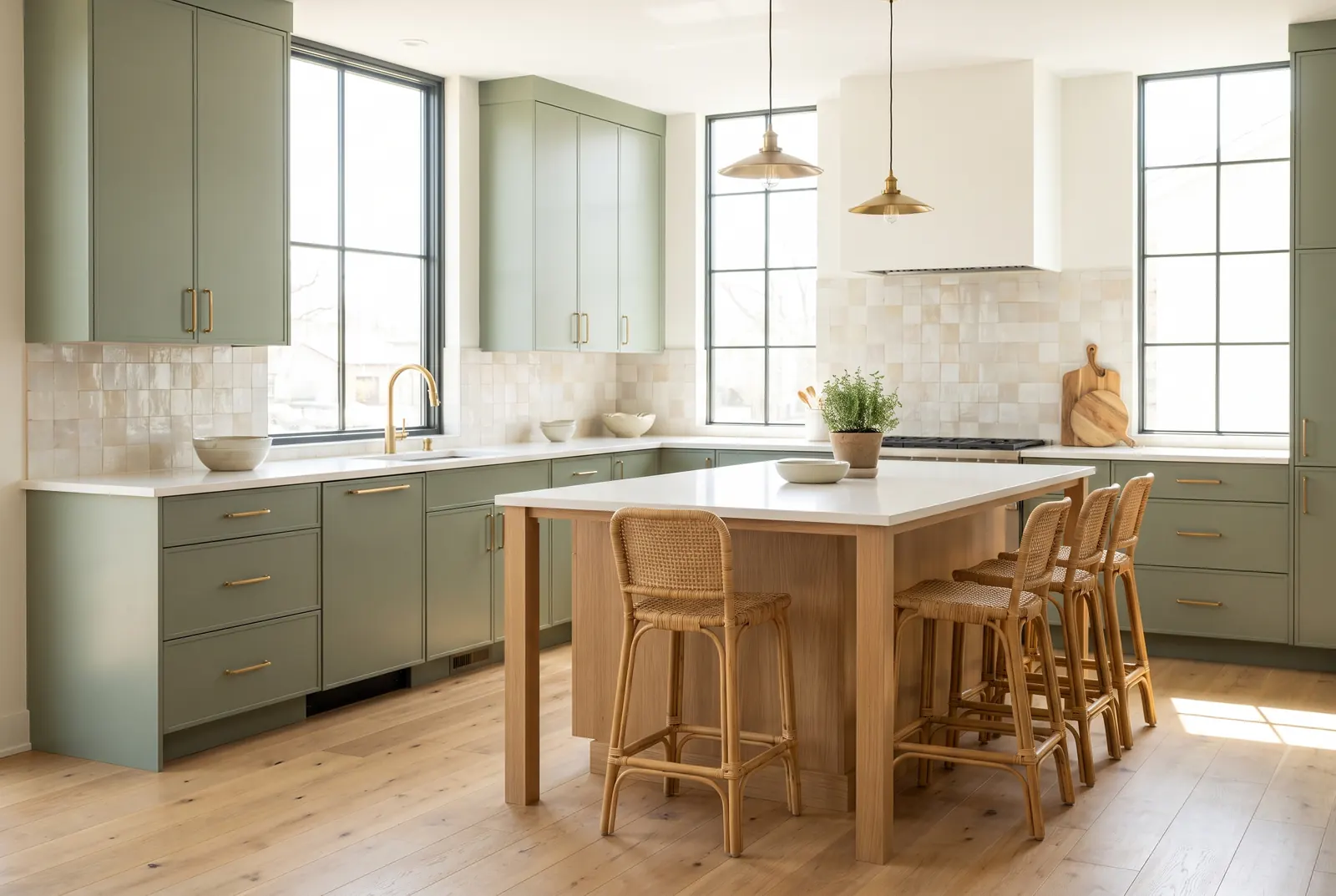
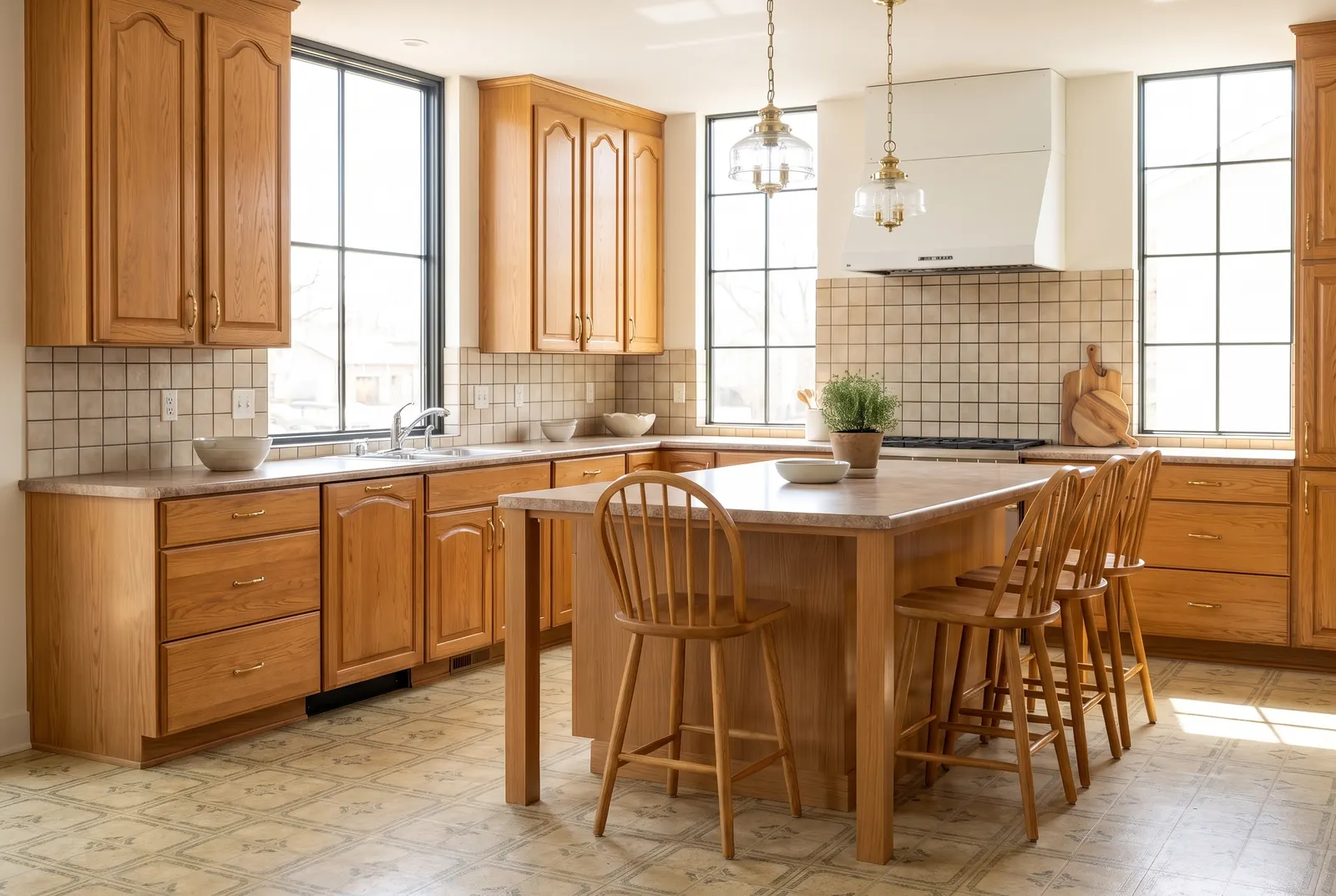
- Generate. The result usually arrives in under a minute. Drag the slider to compare before and after, then download it or try other finishes.
The tool tells the AI to keep the room's shape, camera angle, windows, doors and ceiling, and the positions of the plumbing and appliances. Only the parts you ticked are meant to be replaced; everything else is meant to stay as it is. Look over each result before you rely on it, because AI can still move a detail. If it does, generate again or switch to Max, which stays closer to your photo.
AI home remodel, room by room
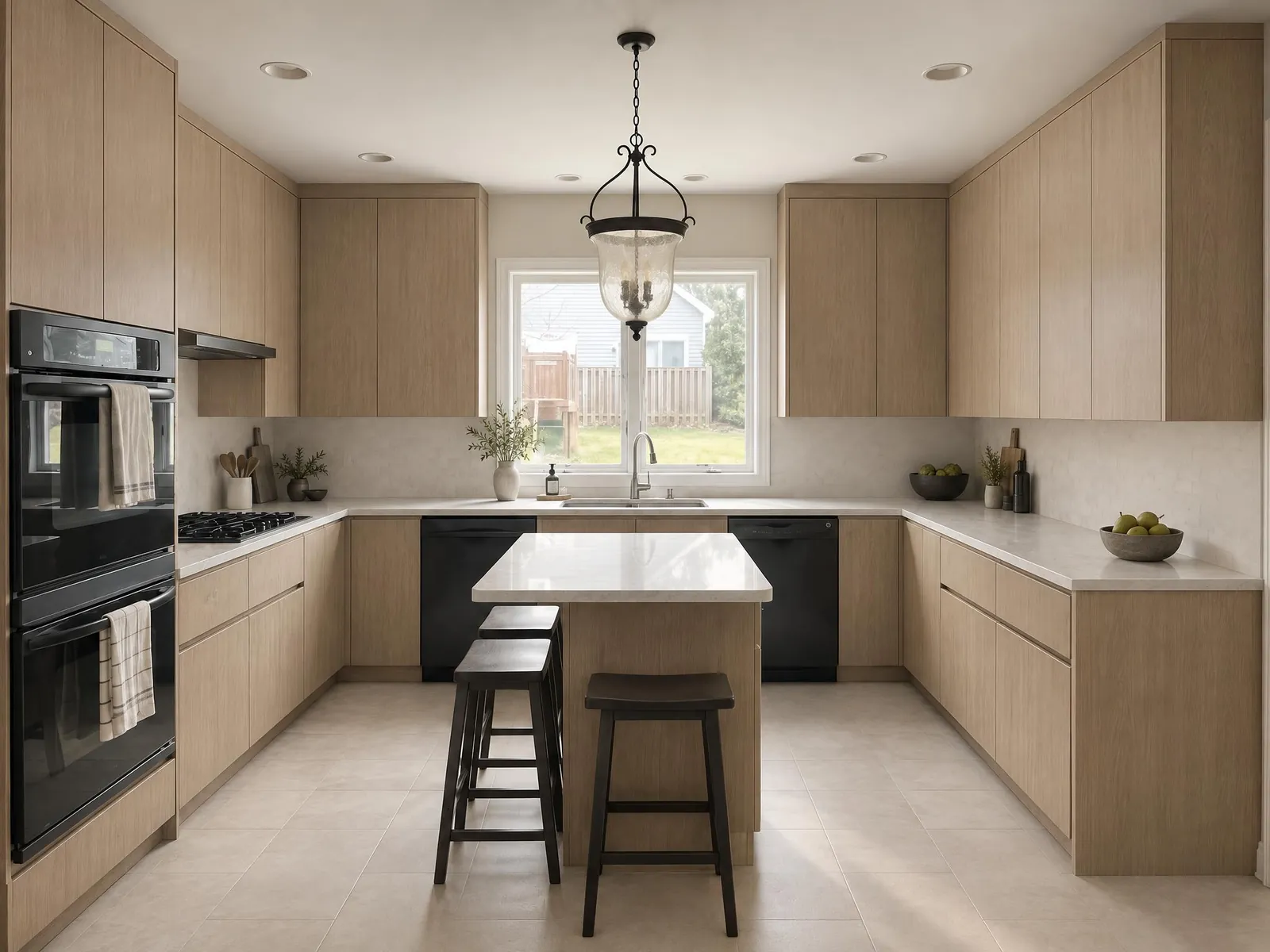
- Kitchens: new cabinets, countertops, backsplash tile, flooring and lighting. AI Kitchen Design opens with the kitchen already selected.
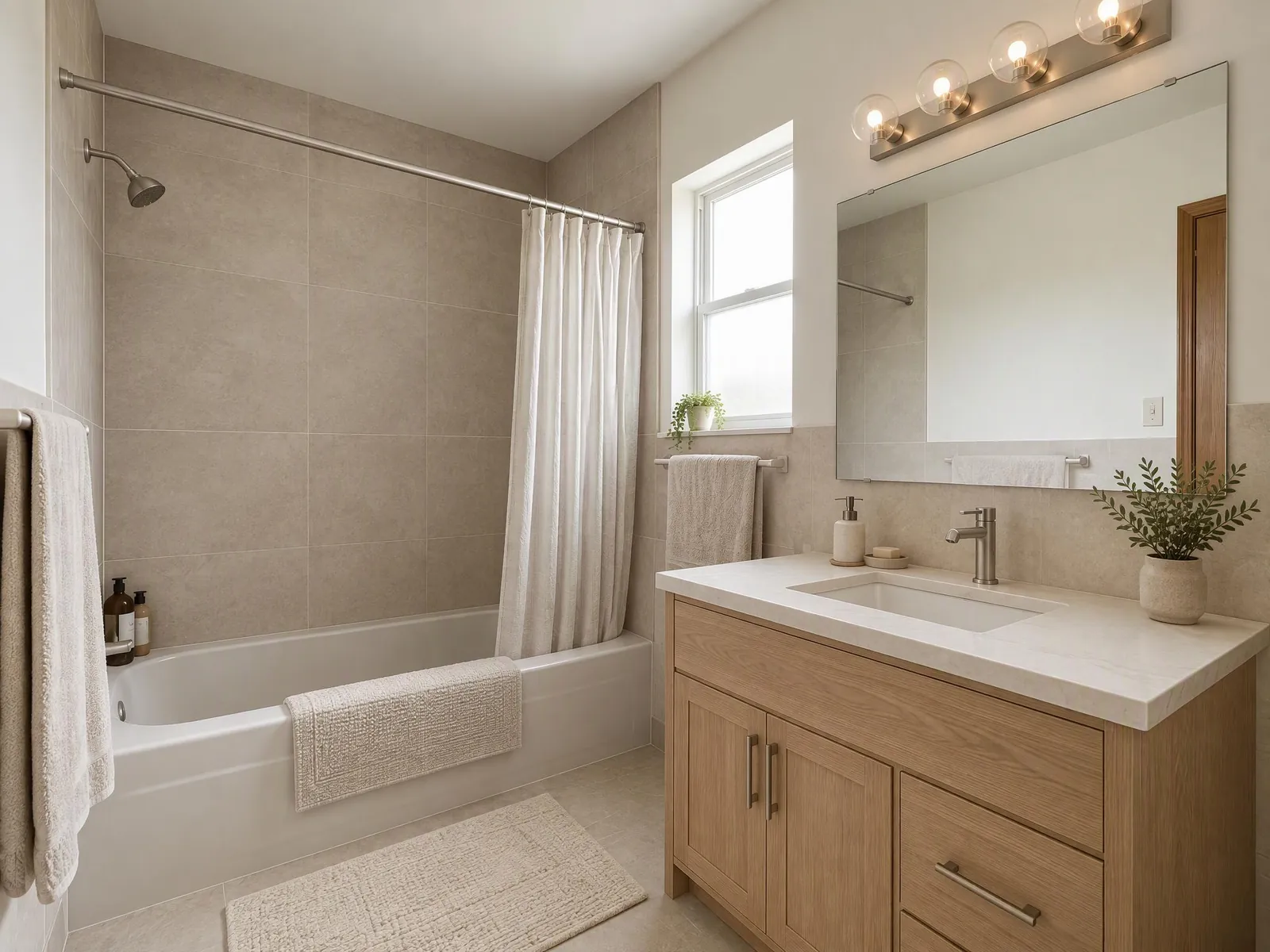
- Bathrooms: tiles, fixtures, walls and lighting. AI Bathroom Design opens with these selected; tick Cabinetry for the vanity.
- Living rooms: new flooring, wall finishes and lighting, like "wide oak floor, limewash walls, recessed lights".
- Bedrooms: flooring, walls and lighting for a calmer room.
- Dining rooms: a new floor, wall paneling and a statement light over the table.
- Home offices: built-in shelving, flooring and better lighting.
Remodel or redesign: which one you need
Interior Design changes what you could carry out of the room: furniture, rugs, lamps and decor. Remodel changes what is built in: cabinets, counters, tiles, floors, wall finishes, fixtures and light fittings. If you are buying new furniture, start with Interior Design. If you are calling a contractor, start here.
They also work together. Remodel the room first, then pick the result with "Choose from my creations" in Interior Design to furnish it. Or turn the before and after into a renovation timelapse video.
Plan a renovation before you ask for quotes
- Decide what to replace: tick only the parts you are unsure about and see whether the rest still works.
- Compare finishes: run the same photo with two floors or two cabinet colors.
- Brief your contractor: show the picture so the quote starts from the same idea.
- Phase the work: see the room with only the floor done, then with everything done, and decide what comes first.
- For designers and flippers: make quick concepts from the existing room before any drawings.
Free to start: Lite and Max
New accounts get free credits to start, and no card is needed. Current credit costs and plans are on the pricing page. You choose a quality level on every run. Lite is faster and uses fewer credits, which suits exploring finishes. Max gives sharper detail, closer to your photo, which helps when you judge tile, stone and wood. Open the result you like and press Regenerate to run it again on Max with the same settings. If a generation fails, its credits are refunded.
Tips for a better AI room remodel
- Clear counters and floors, so the AI can see the surfaces it is replacing.
- Shoot from a corner or doorway in daylight, with the phone level.
- Name material and color together, like "large matte grey porcelain floor tiles" or "white oak flooring".
- Use a style reference: upload a photo of a renovated room you like, and the AI matches its materials and colors.
- Change a few parts at a time, so you know which change you like.
- Use the same photo for every version, so the only difference between results is the finish.
Describe finishes the way a contractor would
The more specific the words, the closer the picture is to what you would actually order:
- Floors: name the material, color and format, like "wide-plank white oak", "large matte grey porcelain tiles" or "polished concrete".
- Walls: name the finish, like "limewash in warm white", "vertical wood paneling" or "matte sage paint".
- Cabinets: name the door style and color, like "flat slab walnut" or "painted navy shaker".
- Counters: name the material and edge, like "white quartz with a thin edge" or "honed black granite".
- Lighting: name the fitting, like "recessed downlights", "linen drum pendant" or "brass wall sconces".
What AI remodel can't do
- Change the layout: it keeps plumbing, appliances, windows and walls where they are. It does not show a moved wall or a new extension.
- Estimate cost: it shows how the room could look, not what it costs.
- Give measurements or drawings: contractors still need to measure and plan.
- Show exact products: tiles, cabinets and fixtures are drawn by AI.
- Get every detail right: check the result and generate again if needed.
Frequently asked questions
What is the difference between Remodel and Interior Design?
Interior Design restyles furniture and decor. Remodel also replaces the built parts you choose: cabinets, countertops, tiles, flooring, walls, fixtures and lighting.
Which rooms can I remodel?
Kitchens, bathrooms, living rooms, bedrooms, dining rooms and home offices.
Can it estimate what the remodel will cost?
No. It shows how the finished room could look so you can decide what you want before you ask contractors for quotes.
Do I have to pick a style?
A style is always set; Modern is selected to start. Pick another one, or describe the finishes in your own words for more control.
Can I keep my cabinets and change only the floor?
Yes. Untick everything except Flooring. Everything you leave unticked is meant to stay as it is; check the result.
Can I match a renovation I saw online?
Add that photo as the style reference. The AI takes its materials and colors for the parts you ticked and is made to keep your room's layout.
Can I make a video of the renovation?
Yes. Use the before photo and your remodel result in AI Renovation Timelapse or Before and After Video.