New project
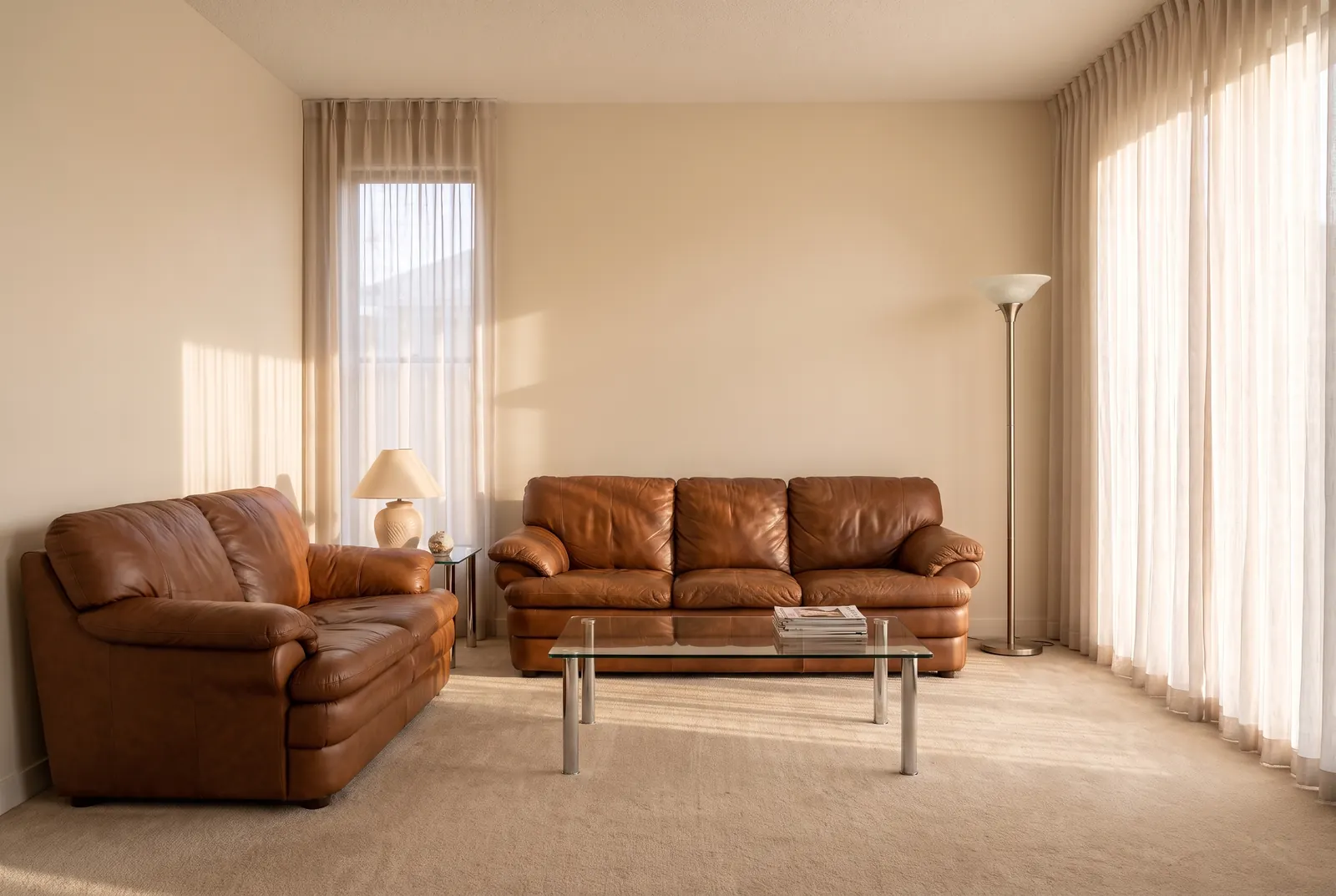
Upload a photo of your living room and redesign it with AI: pick the style, seating layout, focal point, rug and lighting. Compare styles side by side.
A living room designer for the room you have
Take a photo of your living room and choose how it should work, not just how it should look: where the seating goes, what it faces, how full the room feels, which light it has and what stays. The tool is made to keep the walls, windows, doors and camera angle of your photo and to change the furniture, decor, textiles and colors. For a small living room or a living area in an open-plan space, pick that first, so the furniture is sized and placed for it.
How to design your living room with AI
- Upload a photo of the living room. Stand in a corner or doorway so the photo shows as much floor and wall as possible. JPEG, PNG and WebP files up to 10 MB work.
- Pick the space (standard, small or open-plan) and a style, or use an inspiration photo as the style reference.
- Choose the seating layout, the focal point, what to keep, the lighting and how full the room should be. Add a main color if you have one in mind.
- Generate. The result usually arrives in under a minute. Drag the slider to compare it with your photo, then try another layout or style.
The tool tells the AI to keep the room itself: no new doors, windows, openings or built-ins, and no fireplace that is not already there. Check each result, because AI can occasionally move a detail it should have kept. If it does, run it again.
Living room seating layouts
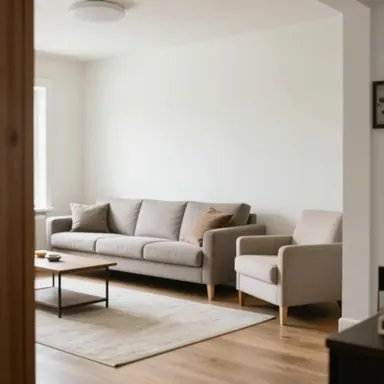 Keep as is
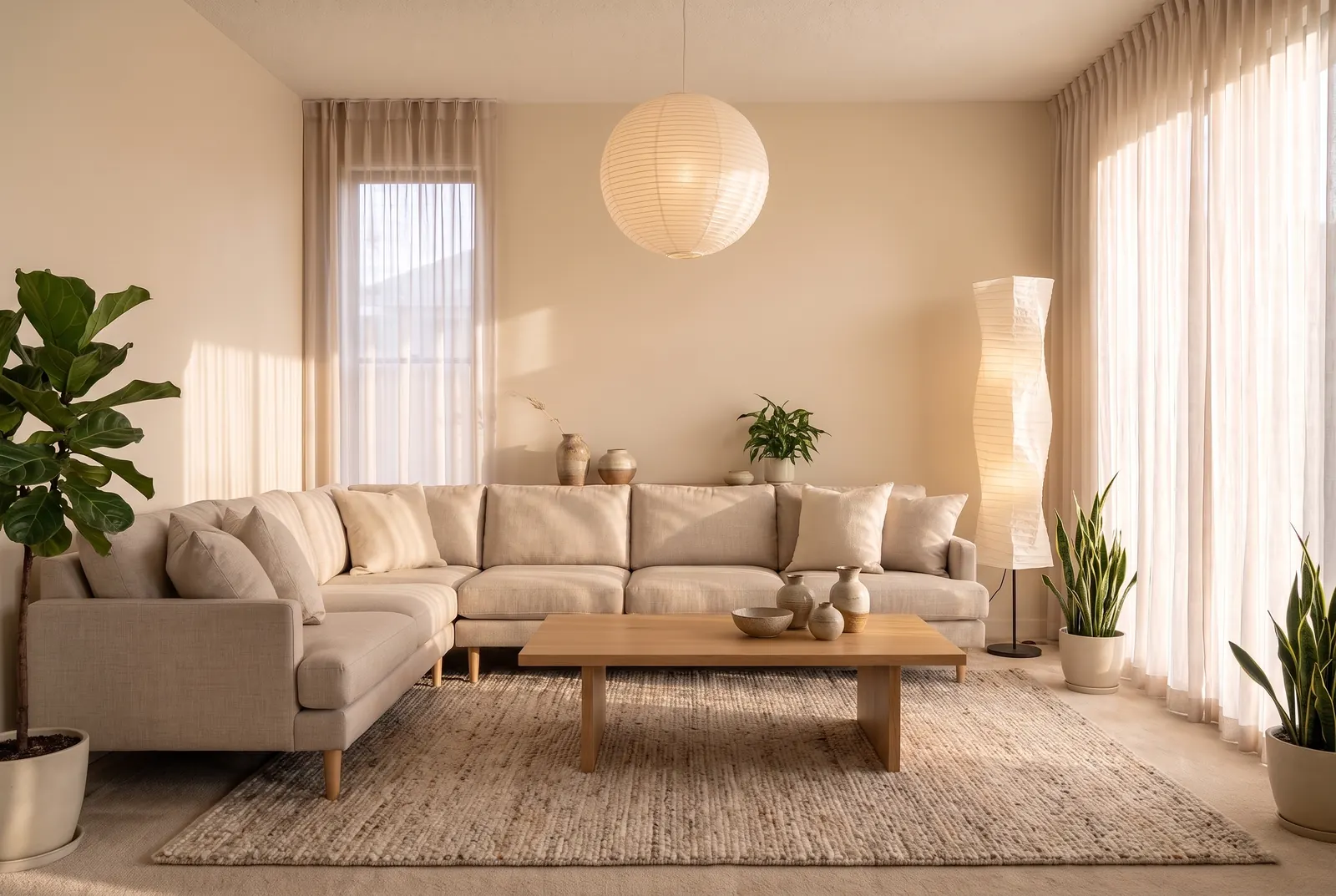
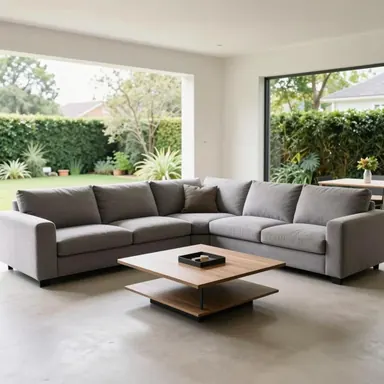 L-shaped sectional
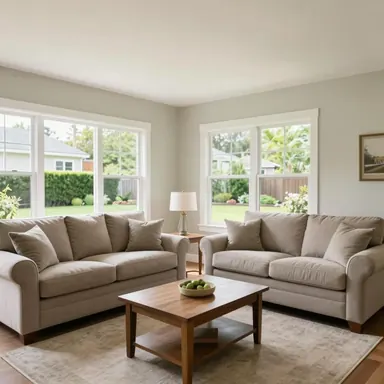 Two sofas facing
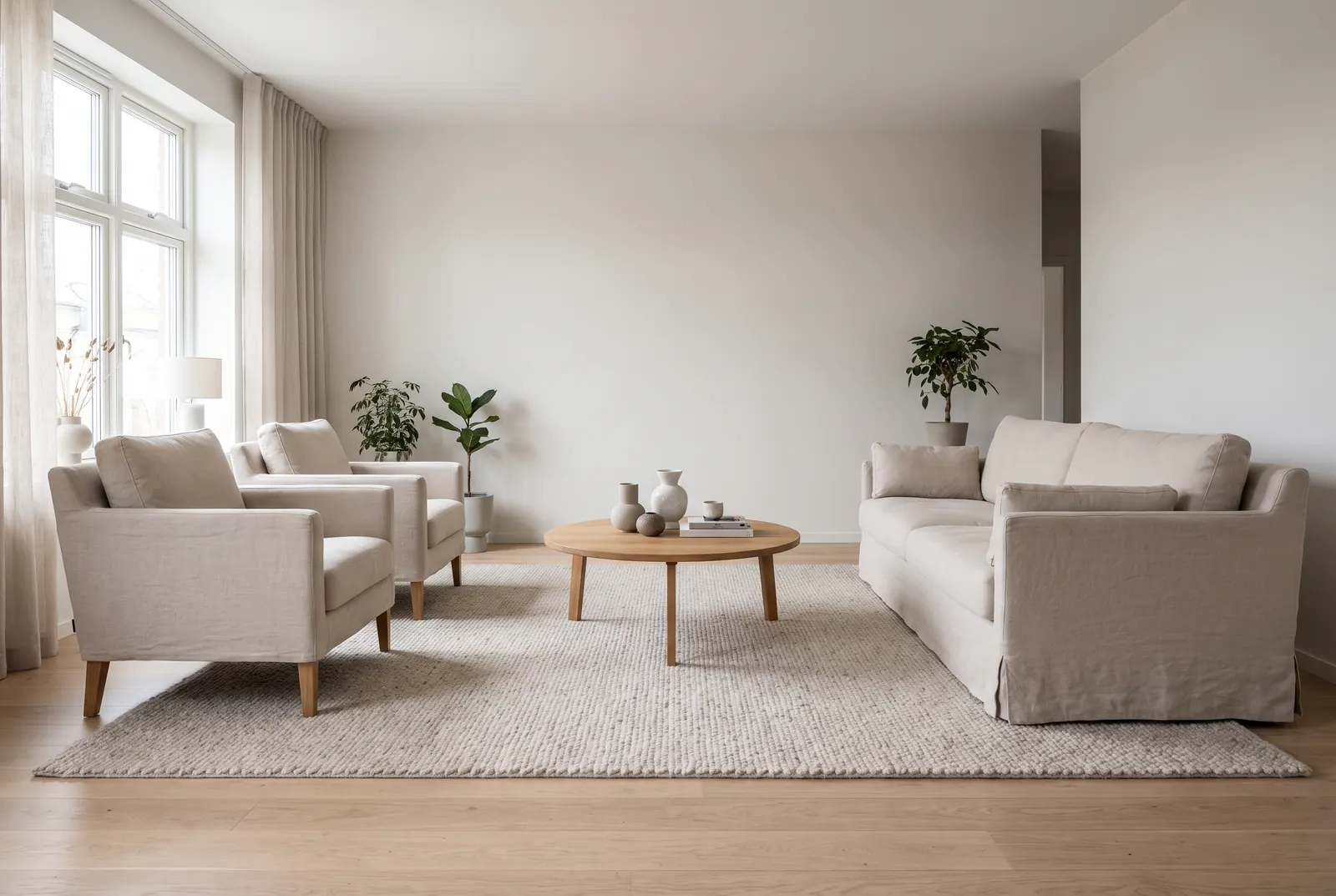
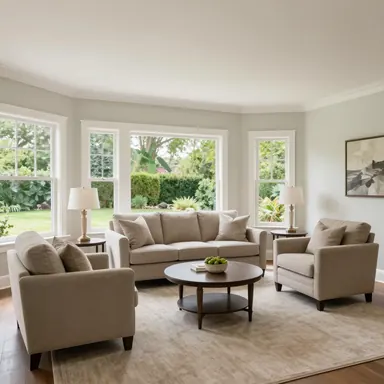 Sofa and two chairs
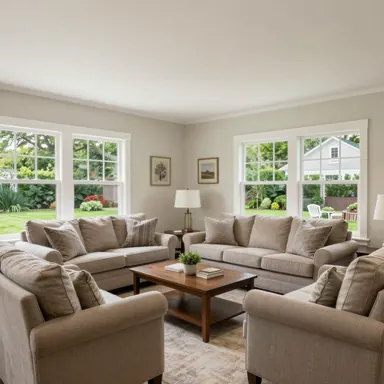 Conversation area
- Keep as is: the sofa and chairs stay where they are and only change style. Choose this when the layout already works.
- L-shaped sectional: one large corner sofa around a coffee table. Good for family rooms and for watching TV together.
- Two sofas facing: a symmetrical, formal layout that suits conversation and rooms with a fireplace or a window at one end.
- Sofa and two chairs: a sofa with two armchairs opposite it. Flexible, and easy to fit into most rooms.
- Conversation area: seating in a close U around a coffee table, facing each other. Good for rooms used more for talking than for TV.
Choose a focal point
Every living room needs one place the eye goes first. Pick the TV wall for a media wall with a low console, the window when the view is worth facing, a gallery wall of framed art above the sofa, or the fireplace. The fireplace option only styles a fireplace that is already in your photo; if there is none, the tool does not add one and centers the seating on the main wall instead. "Let the design decide" leaves the choice to the style.
Small living room design
With "Small" selected, the AI chooses compact, raised-leg furniture in proportion to the room, keeps the walkways clear and uses light and mirrors to make the space feel larger. Pair it with "Airy" for fewer, lighter pieces, and try the sofa and two chairs layout, which is easier to fit than a large sectional.
Open-plan living rooms
In an open-plan space, the living area has no walls to define it. With "Open-plan" selected, the AI uses the rug and the seating to mark out the living area and is told to leave any kitchen or dining area in the photo as it is. A sectional or a sofa with its back to the kitchen works well as a soft divider.
Living room layout rules of thumb
The tool follows a few common rules of thumb. They are guidelines, not laws, but they explain why the results look settled:
- The 2/3 rug rule: the rug should be at least about two thirds the length of the sofa, and large enough for at least the front legs of the sofa and chairs to rest on it.
- The 3-5-7 rule: decor looks more natural in odd-numbered groups, such as three vases, five frames or seven books on a shelf.
- Walkways: leave about 90 cm (36 in) for the main paths through the room.
- Coffee table: about 40–45 cm (16–18 in) from the sofa, close enough to reach.
Compare living room styles side by side
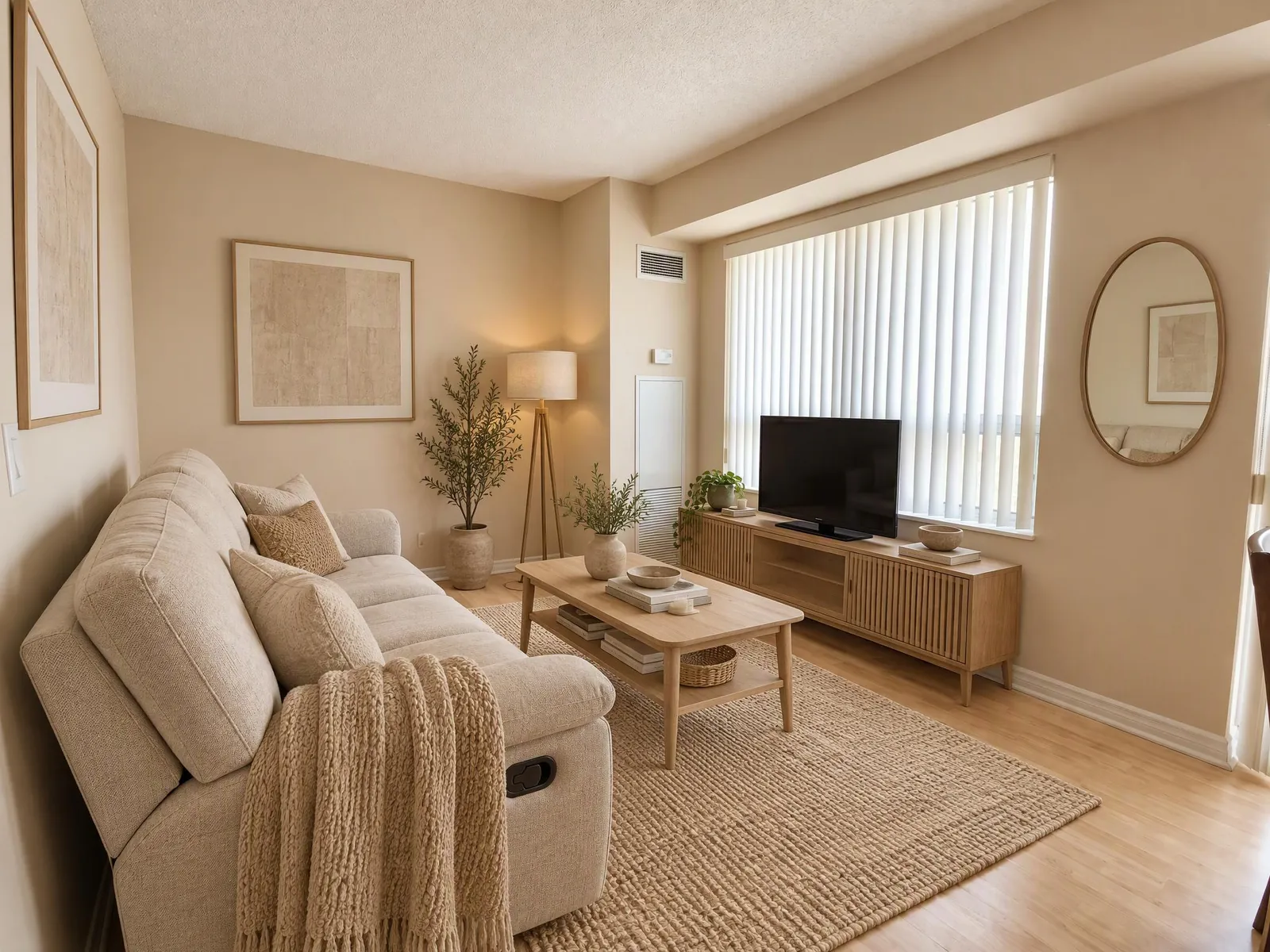
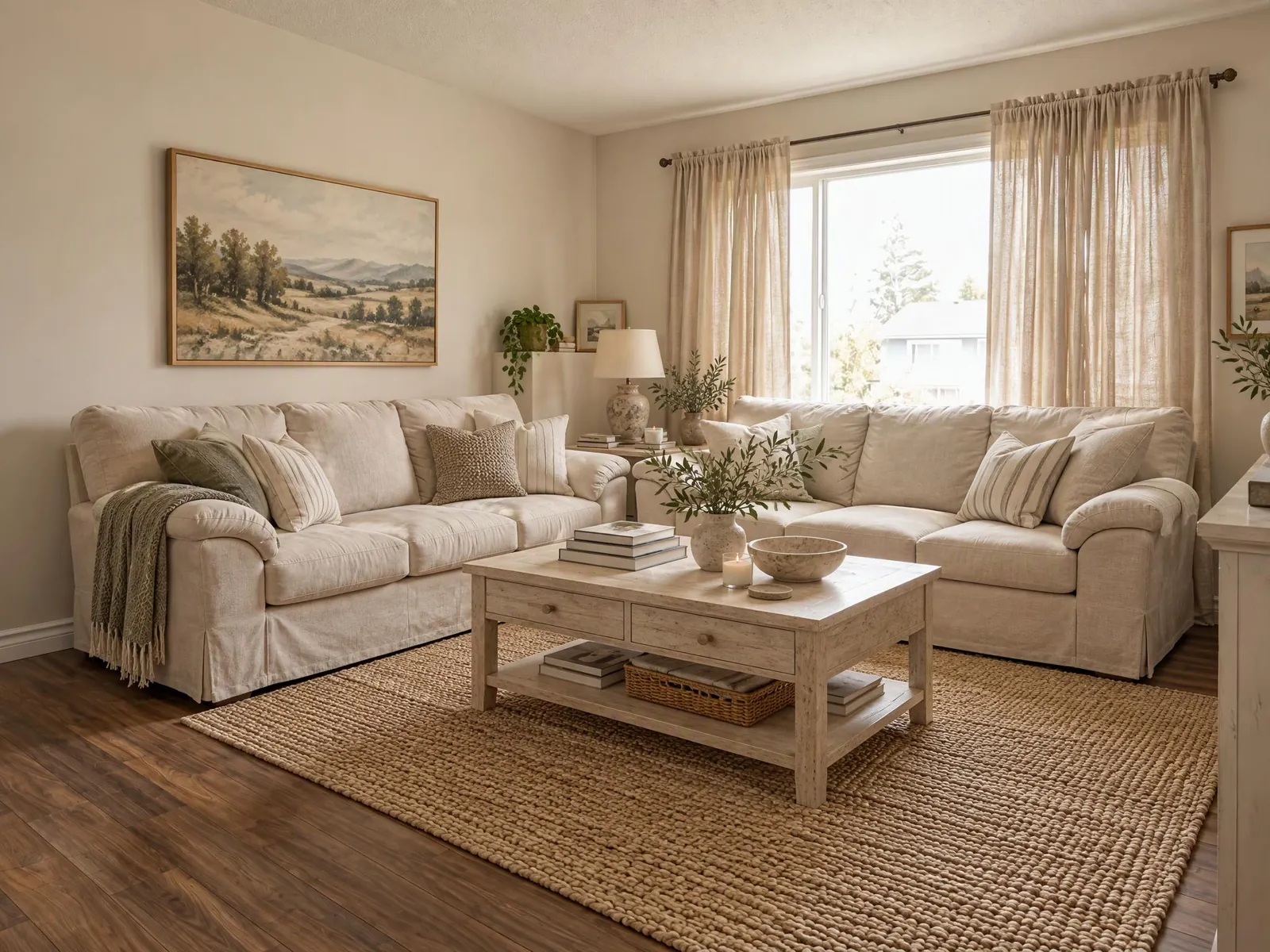
Not sure between Japandi and mid-century? Turn on "Compare styles" in the Style picker and choose up to four styles. Each one becomes its own image of the same photo with the same layout, labelled with its style, so the only difference is the look. How many images one run can make depends on your plan; see the pricing page.
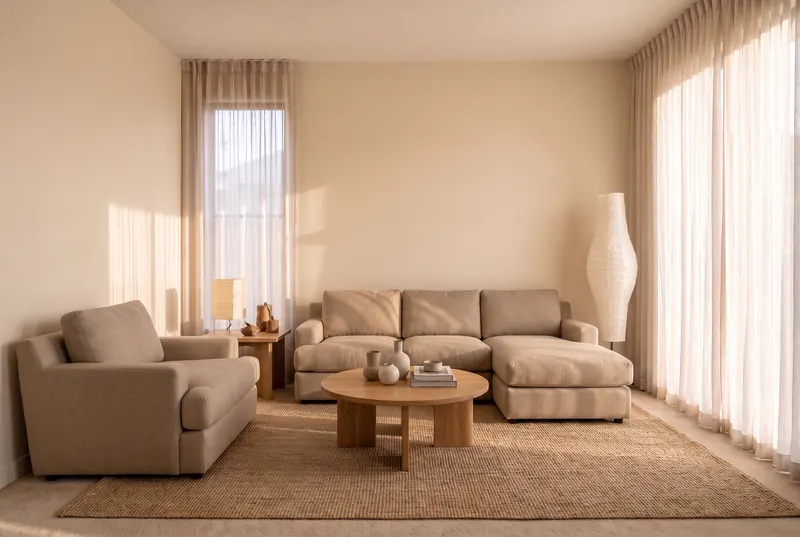
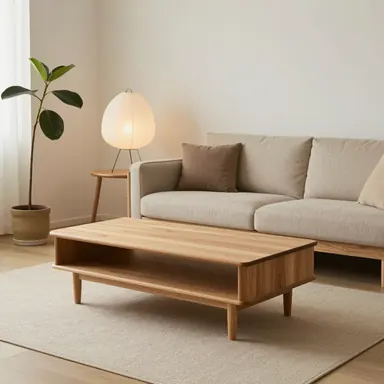 Japandi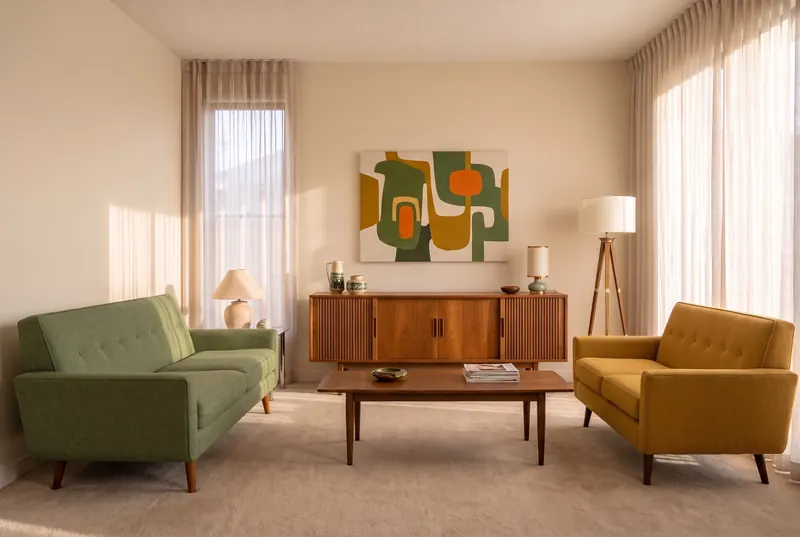
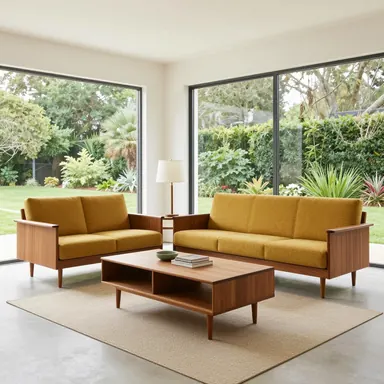 Mid-century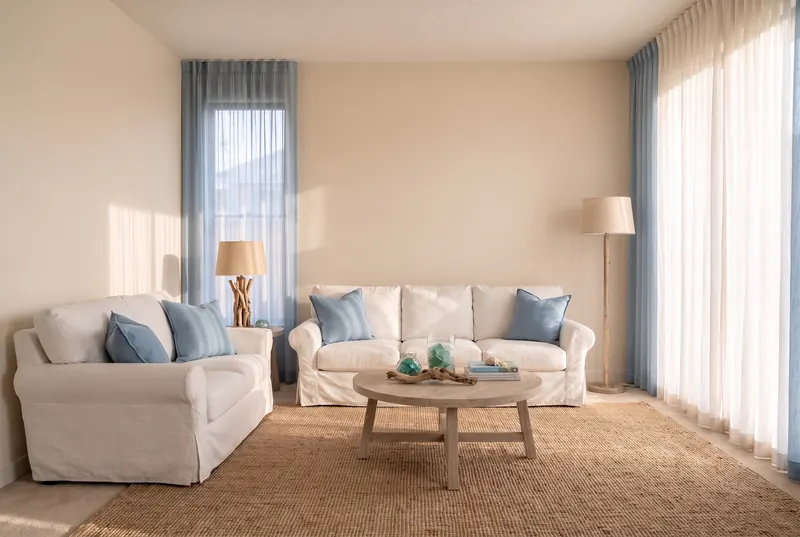
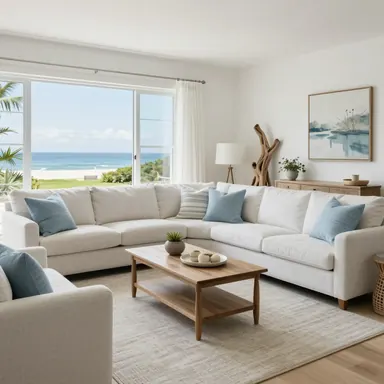 Coastal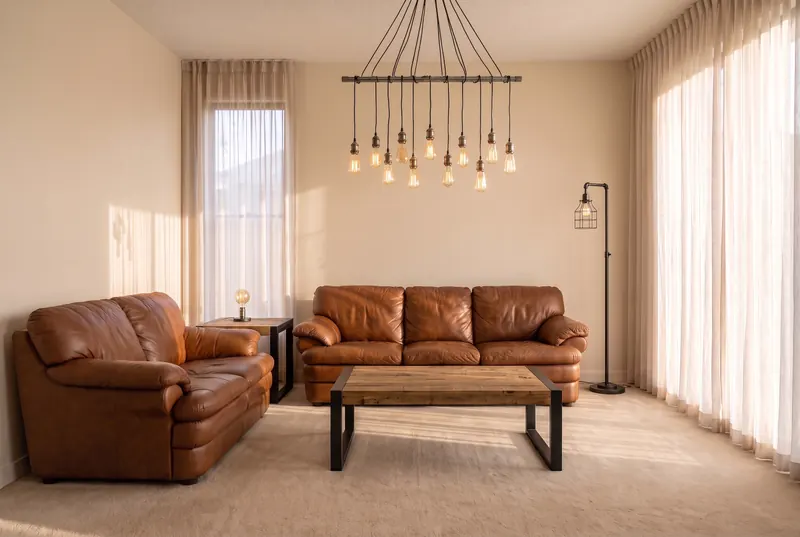
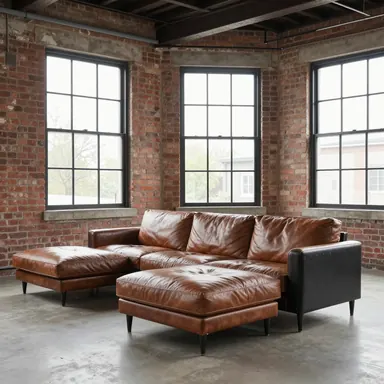 Industrial
Living room ideas to start from
Browse coastal living room ideas, Japandi living room ideas or all living room ideas. Press "Design this" on an idea to use it as the style reference for your own room.
Other rooms
For bedrooms, kitchens, bathrooms, dining rooms and home offices, use AI interior design. To try wall colors only, use the paint color visualizer; to furnish an empty room, use virtual staging.
What the living room designer cannot do
- Change the room: it does not move walls, windows or doors, open up a wall or add a fireplace.
- Measure: furniture is drawn to look right, not to scale. Measure your room before you buy anything.
- Show real products: the furniture and decor are drawn by AI, not items from a catalog.
- Get every detail right: a lamp can land in an odd place or a piece you asked to keep can change slightly. Check the result and run it again if something is off.
Frequently asked questions
Can I take a picture of my living room and design it?
Yes. Upload a photo of your living room, pick a style and a seating layout, and the AI redesigns it. It is made to keep the walls, windows and doors as they are.
Can AI design my living room?
It can show you how your own living room could look in a new style and layout, which helps you decide on a direction before you buy anything. Measure the room and check sizes before you order furniture.
Can it rearrange my furniture?
Yes. Choose a seating layout, such as an L-shaped sectional or two sofas facing, and the AI places the seating that way. Choose "Keep as is" to keep the current positions.
Can I keep my sofa or my floor?
Yes. Under Keep, select the floor, the sofa, the rug, built-ins, curtains or the light fittings, and the AI is told to keep those as they are in your photo.
Will it add a fireplace?
No. The fireplace focal point only styles a fireplace that is already in your photo. Without one, the seating is centered on the main wall instead.
Does it work for a small living room?
Yes. Select "Small" so the furniture is sized for the room and walkways stay clear, and try "Airy" for fewer, lighter pieces.
What is the 3-5-7 rule in interior design?
It is a decorating rule of thumb: group decor in odd numbers, such as three, five or seven items, because odd groups look more natural than pairs.
What is the 2/3 rule for rugs?
The rug should be at least about two thirds the length of the sofa, and large enough for at least the front legs of the seating to rest on it.
Can I compare styles?
Yes. Turn on "Compare styles" in the Style picker and choose up to four styles; each becomes its own labelled image of the same photo. How many images one run can make depends on your plan.
Is the AI living room designer free?
It is free to start: new accounts get free credits, and no card is needed. Current credit costs are on the pricing page.