New project
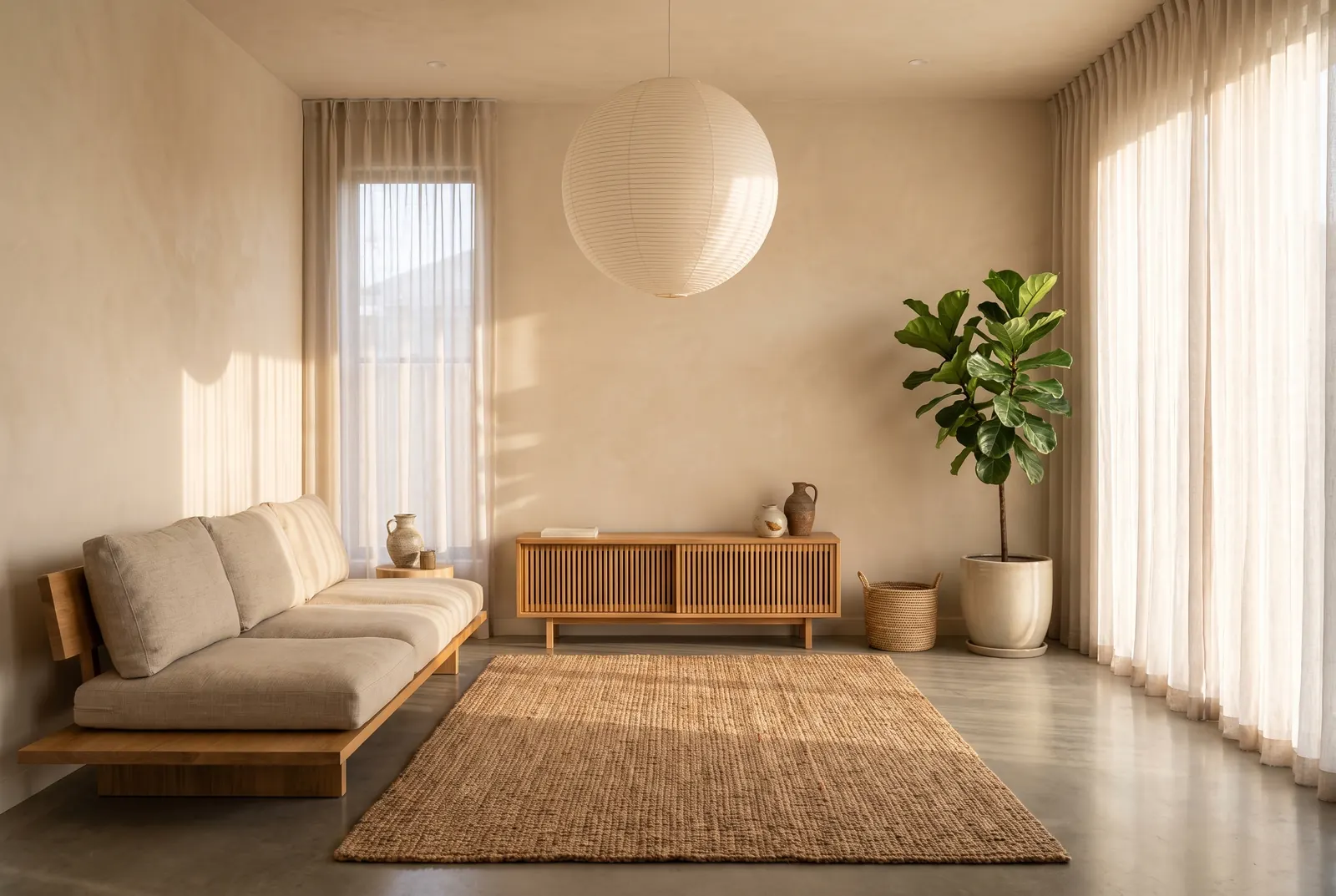
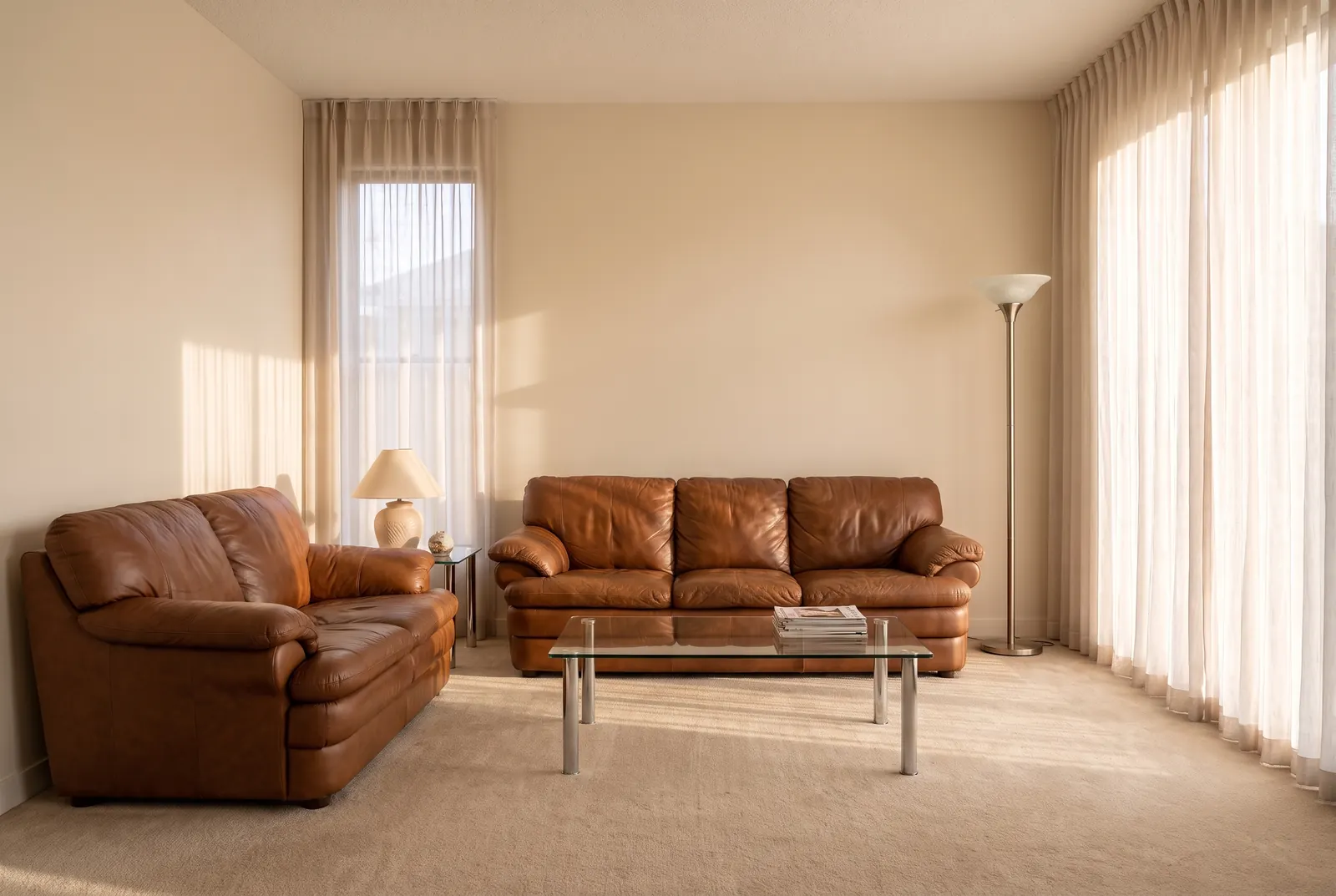
Upload a photo, pick a style and redesign any room with AI. Walls and windows stay; furniture, materials and colors change. Free to try.
Frequently asked questions
Is the AI room design tool free?
Yes, you can start free: new accounts get free credits, no card required. Each Lite design costs 1 credit, and you only buy more when you need them.
Will it keep the shape of my room?
Yes. The walls, windows, doors and camera angle stay as they are in your photo. Only furniture, materials, lighting and colors change, so the result is a room you could actually build.
Which rooms and styles can I design?
Living rooms, bedrooms, kitchens, bathrooms, dining rooms and home offices, in styles from Japandi and Scandinavian to mid-century and industrial. You can also describe a look in your own words or use an inspiration image as the reference.
What is the difference between AI room design and AI interior design?
They are the same job here: you upload a photo of a room and get a photoreal redesign. Use Remodel instead when you also want new floors, cabinets and fixtures.