One workspace, every kind of redesign
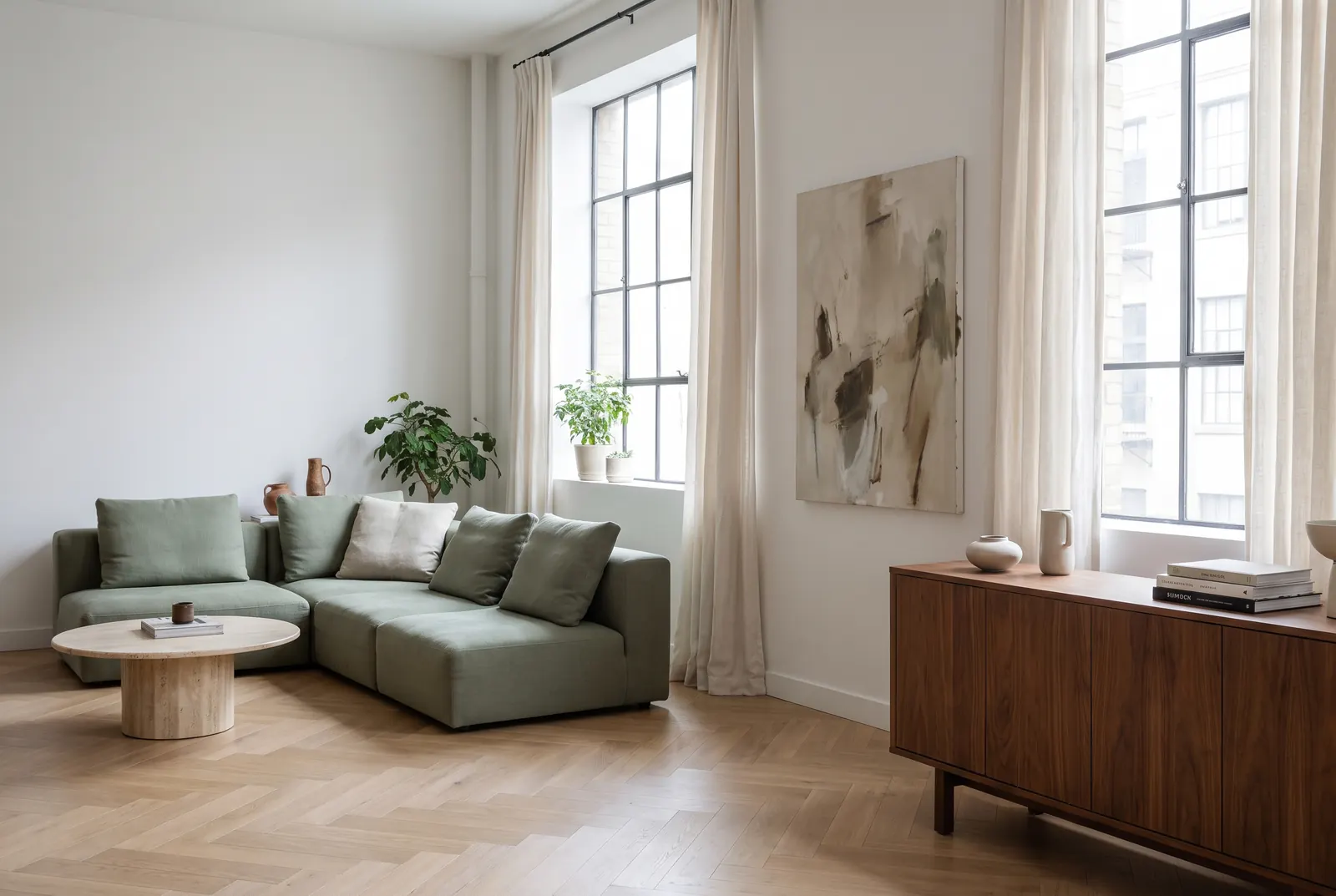
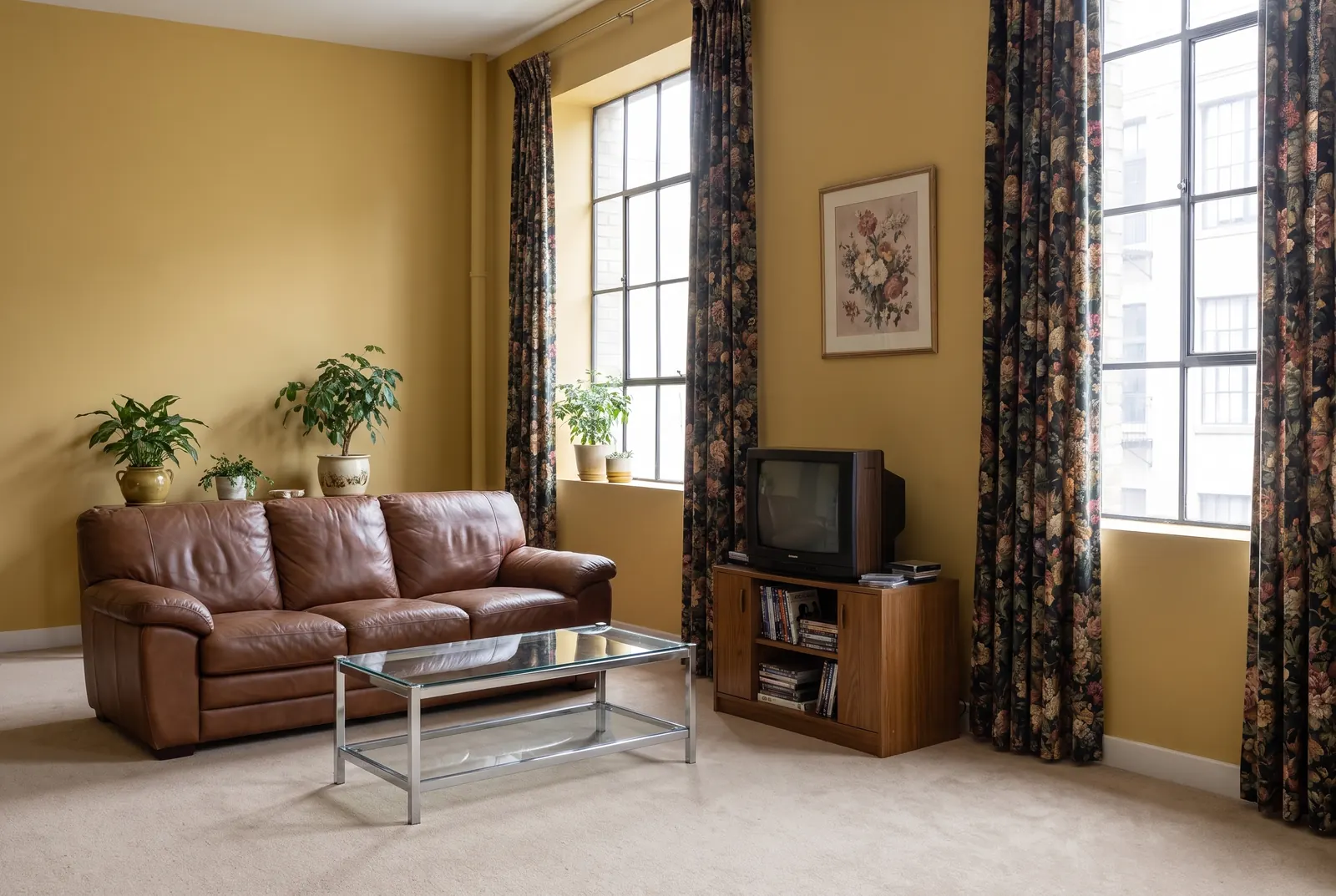
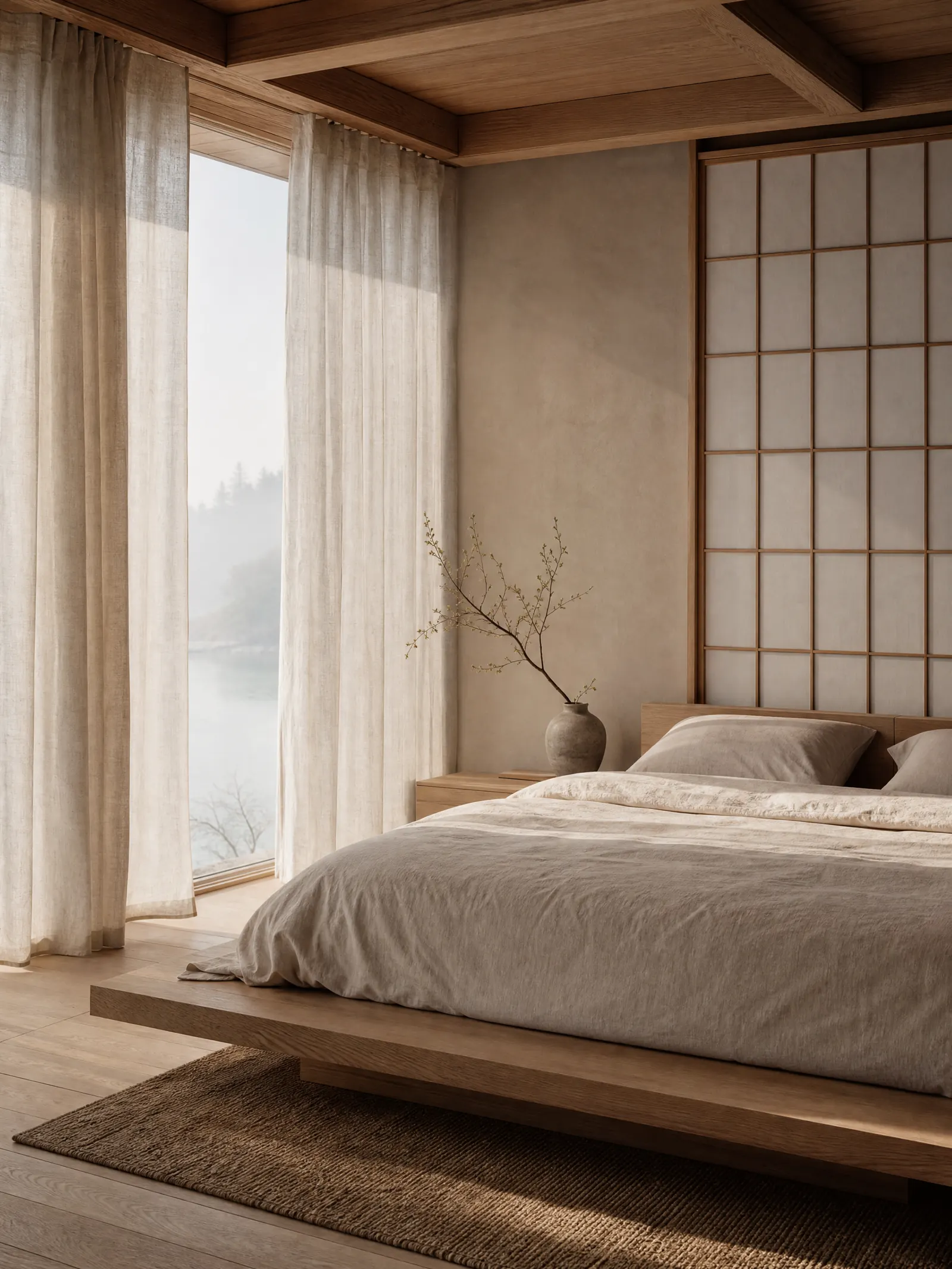
Redesign any room in seconds
Upload a photo and pick a style. The tool is made to keep walls, windows and layout while furniture, materials and color are reimagined into a photorealistic render.
Redesign a room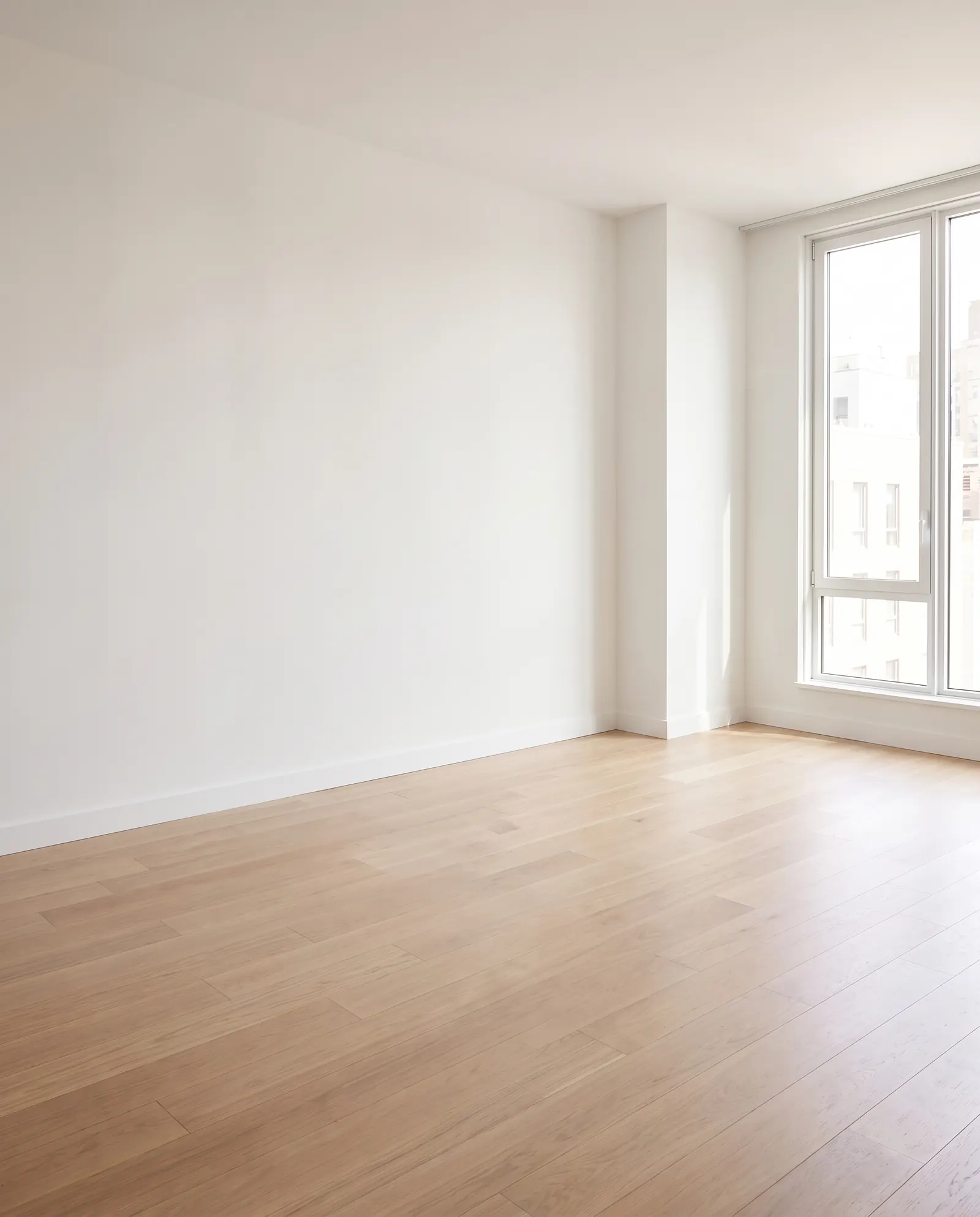
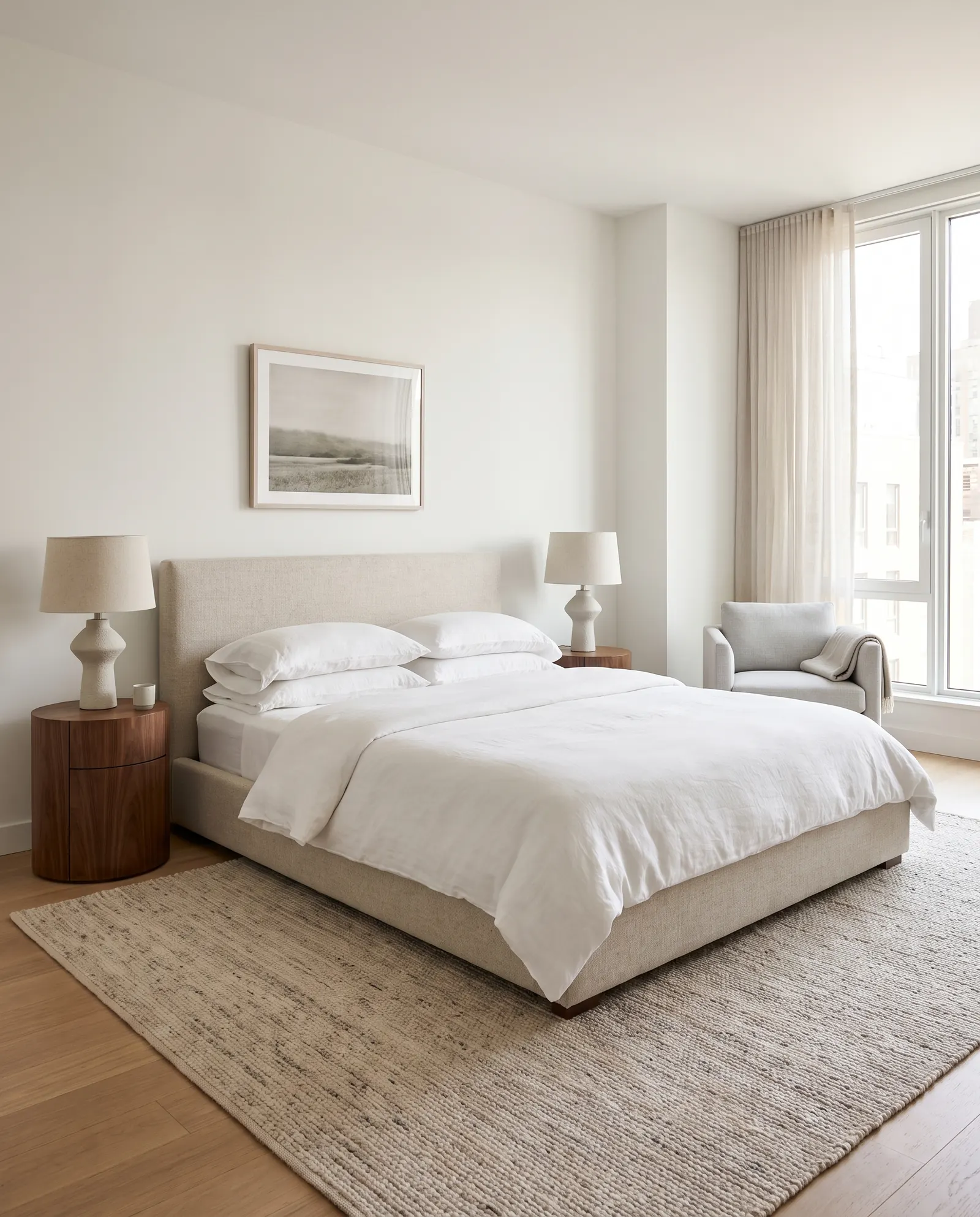
Furnish empty rooms for listings
Turn vacant rooms into warm, lived-in spaces that buyers can picture themselves in, without renting a single piece of furniture.
Stage a room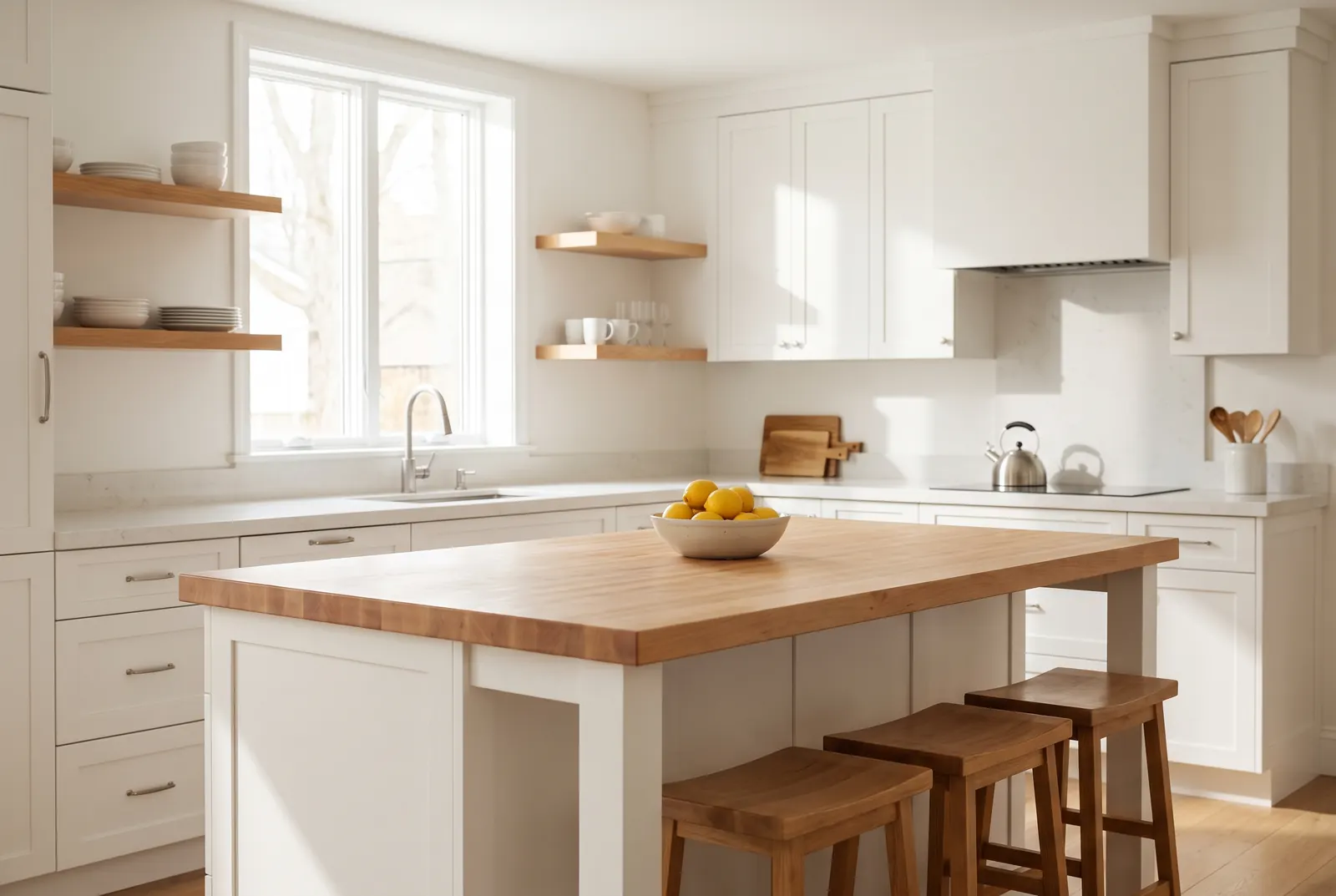
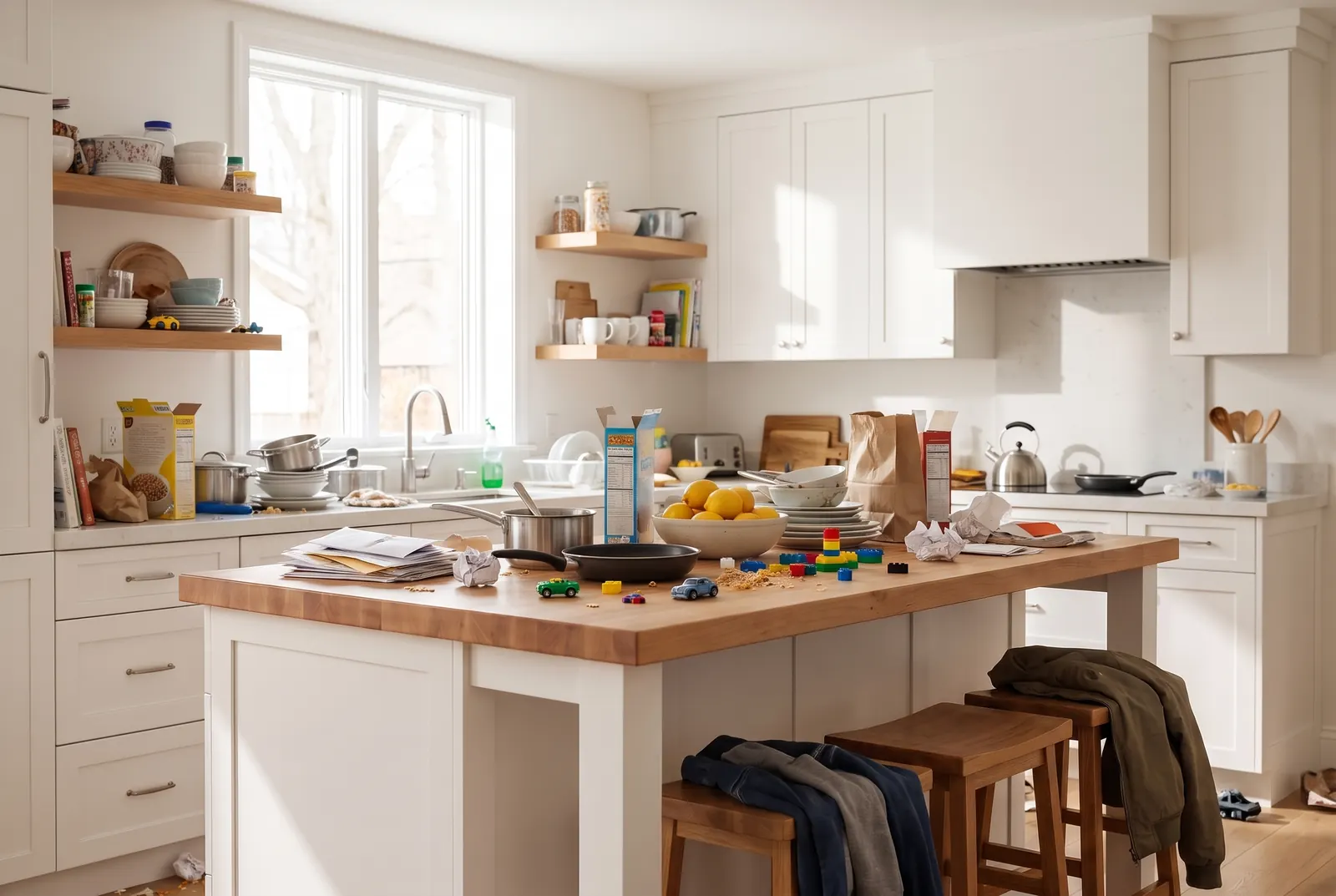
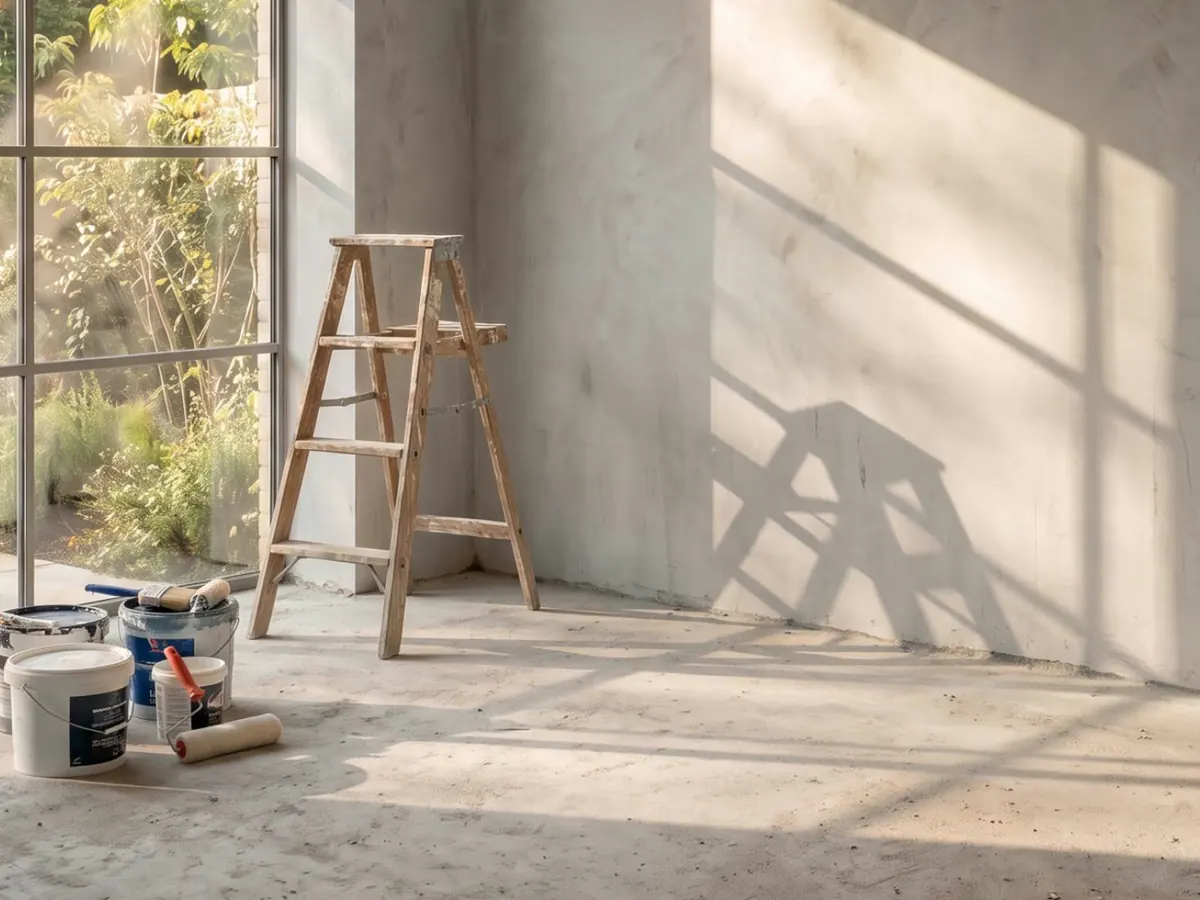
Clear the clutter in one click
Remove mess, furniture and personal items from a photo. The tool is made to keep the original walls, floors and fixtures as they were.
Clean a photo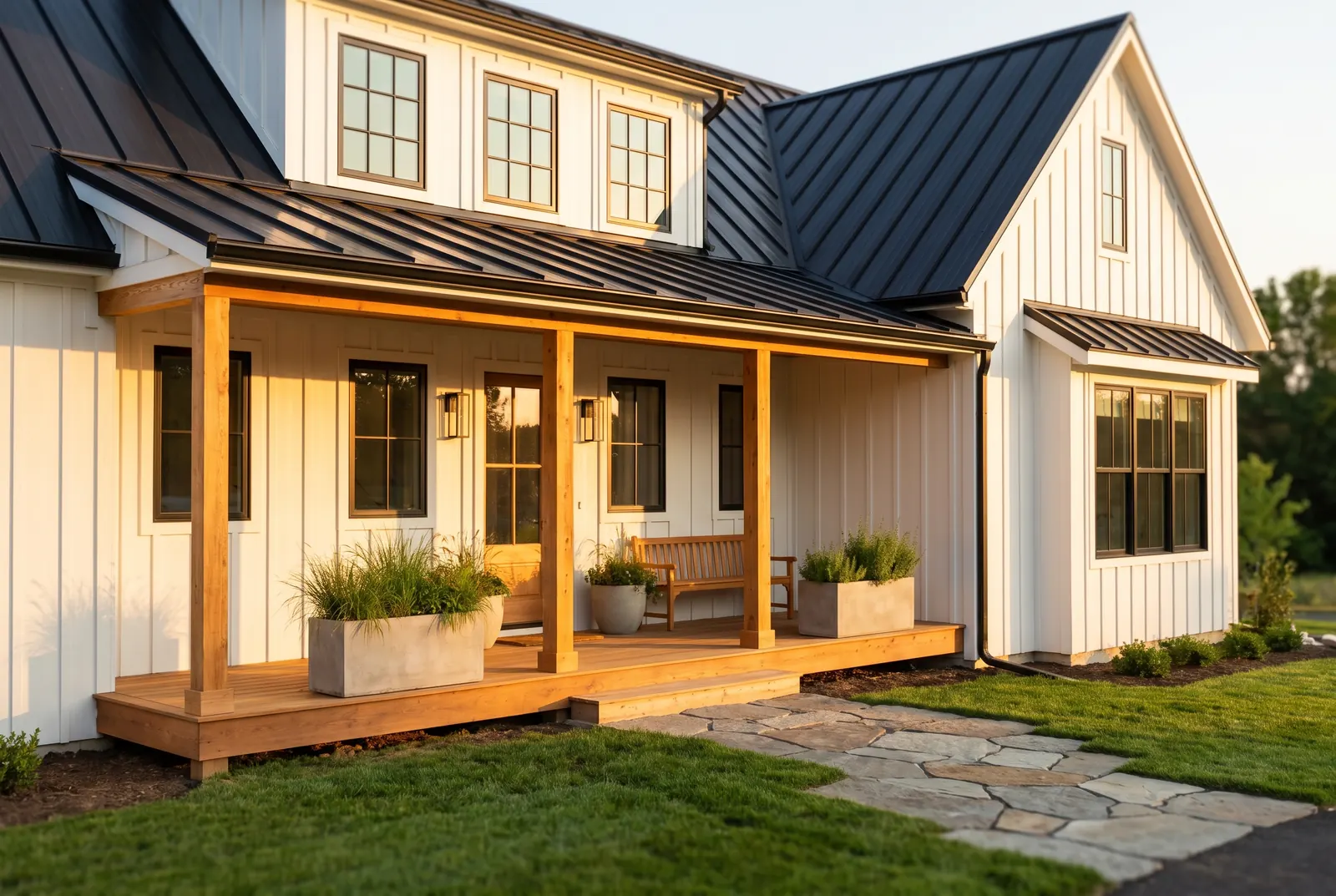
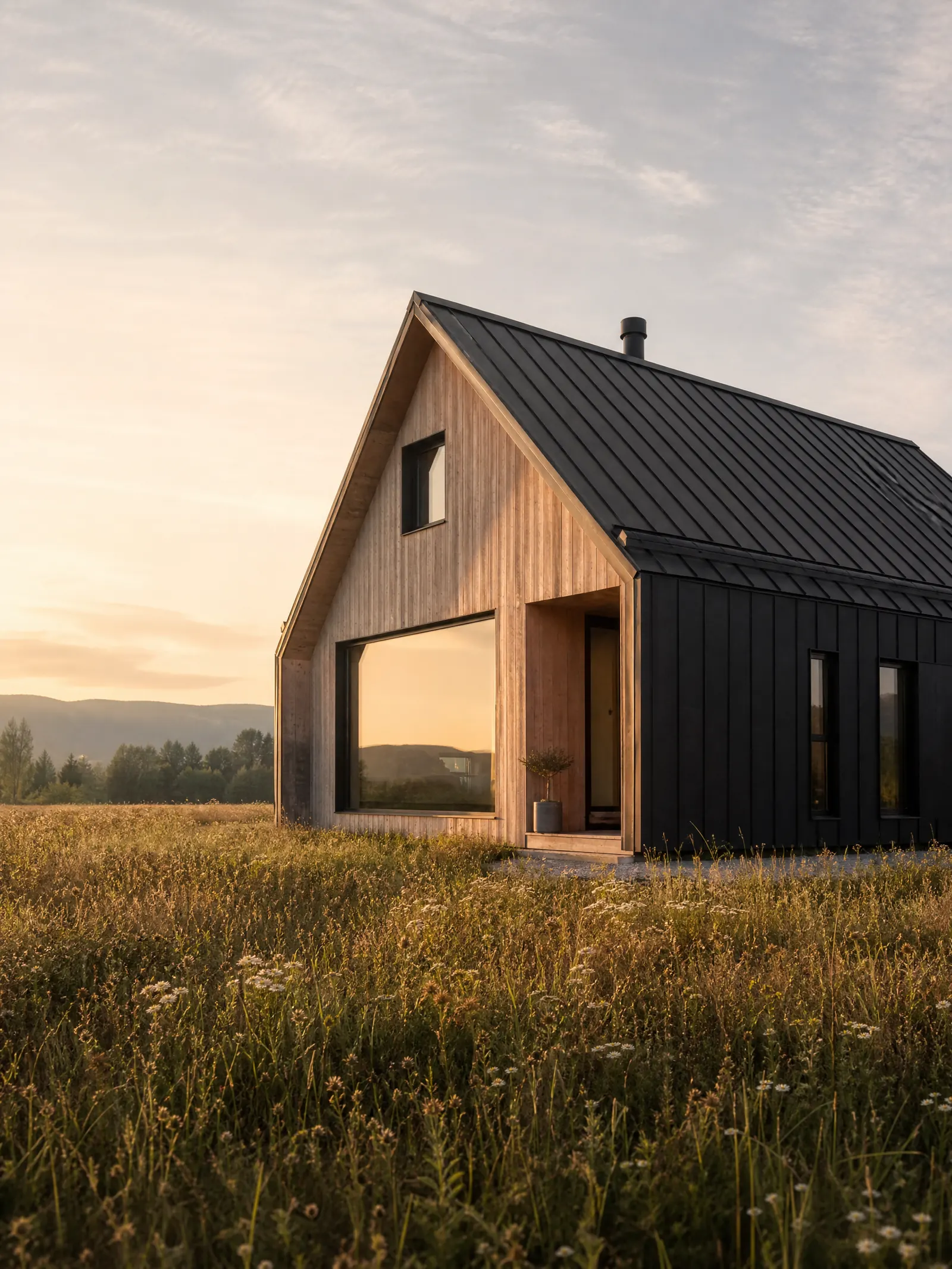
Modern farmhouse, black metal roof
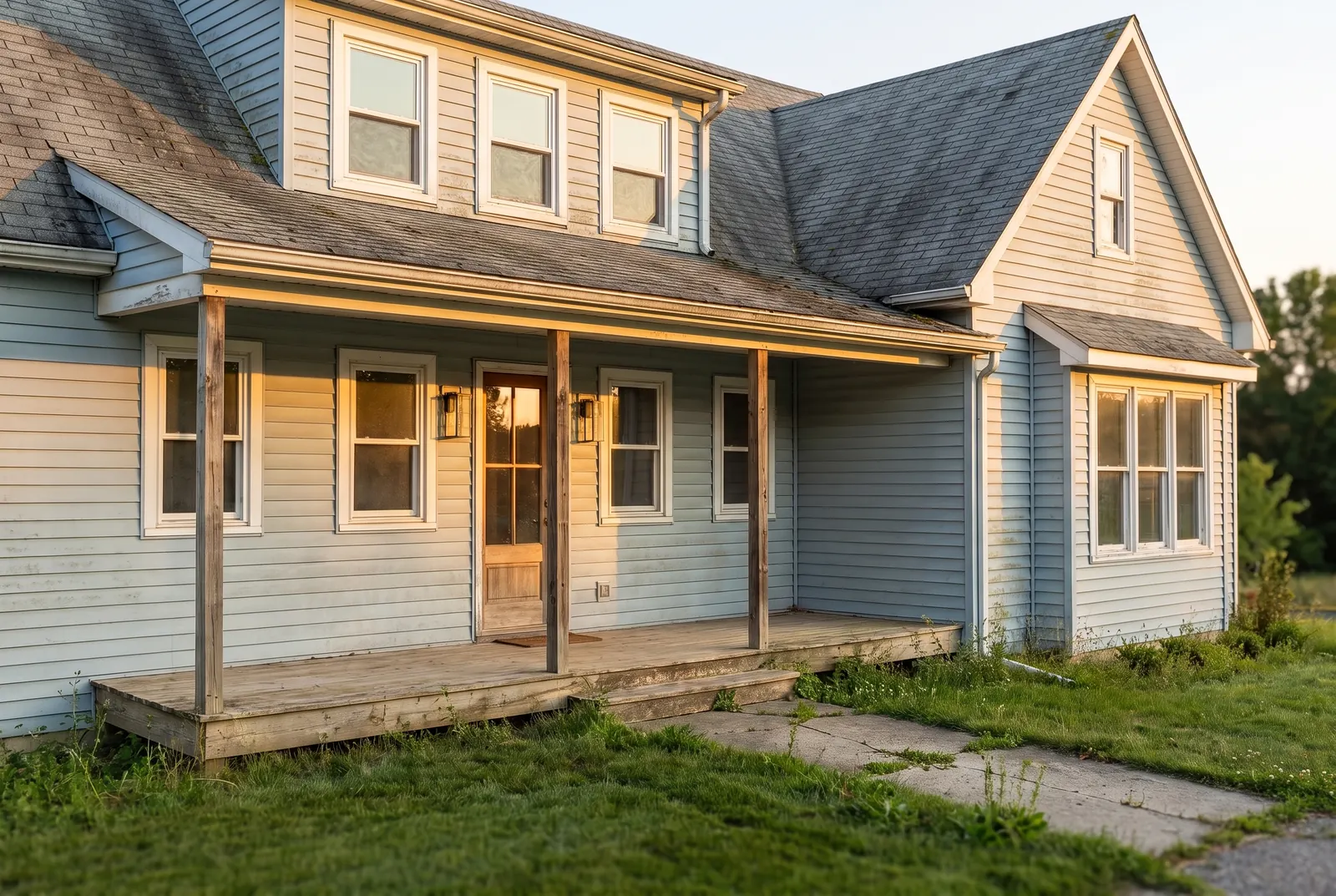
Reimagine the facade before you build
Try new siding, roofing, windows and color schemes on a photo of the house. Compare curb appeal options before you commit to a contractor.
Redesign an exterior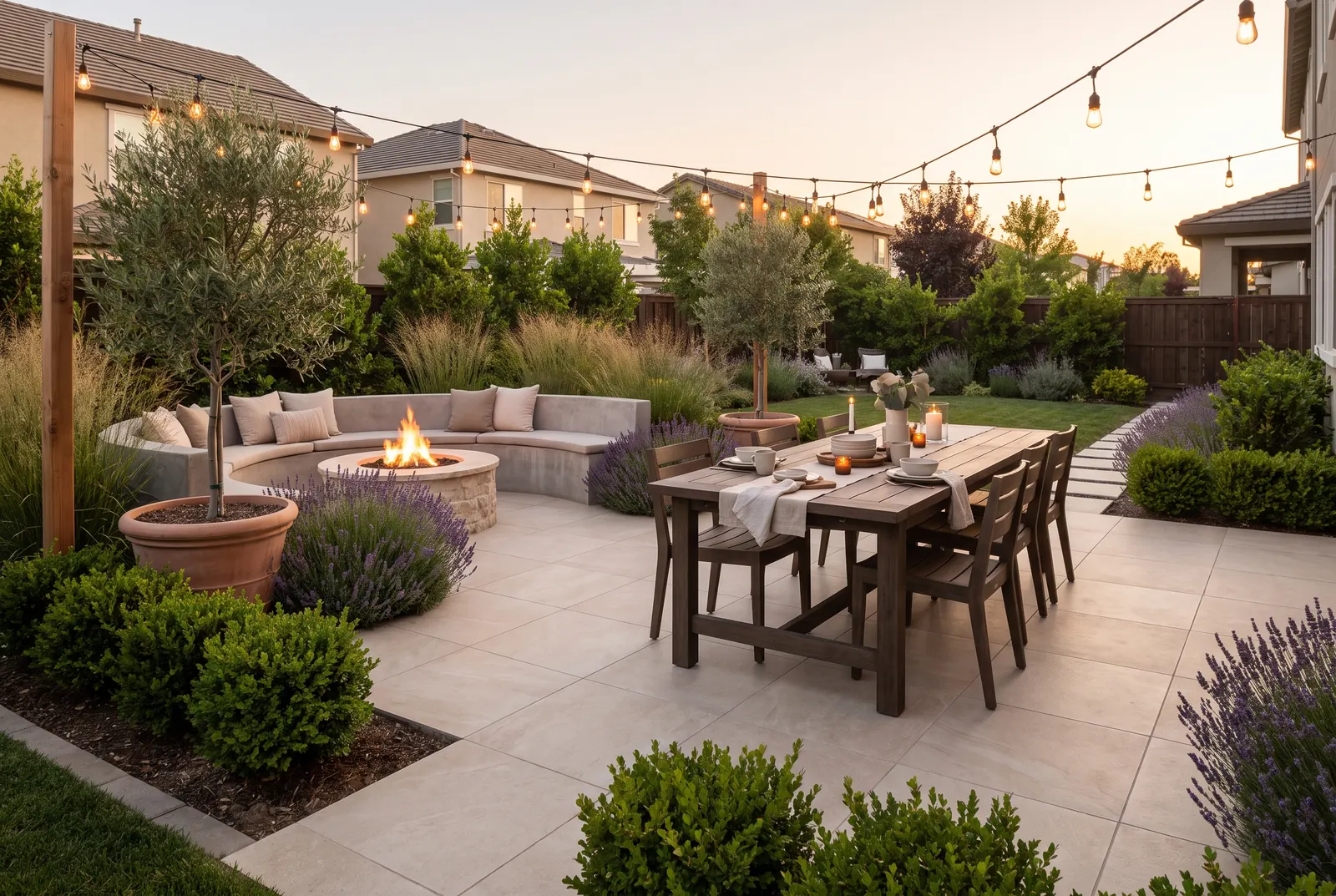
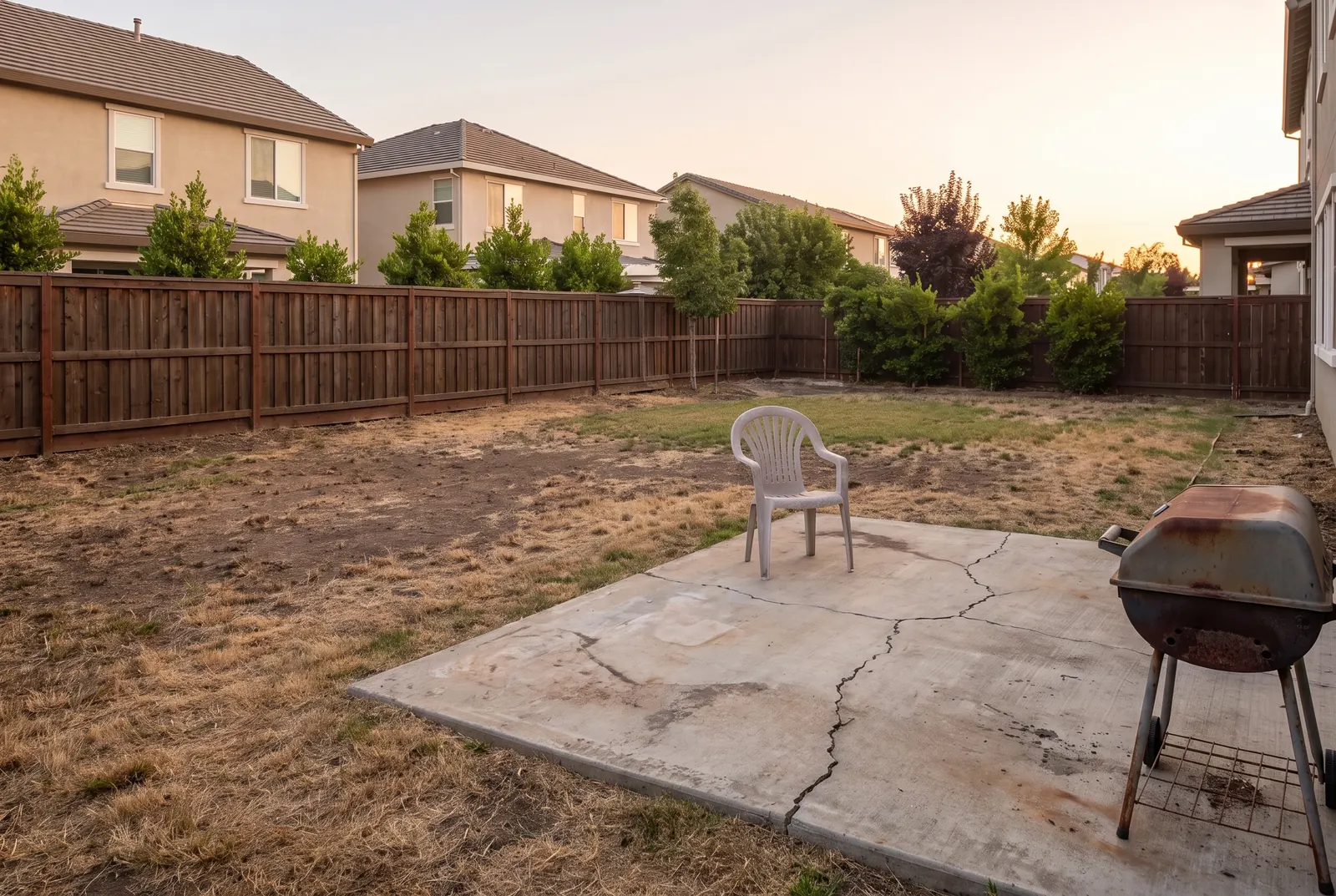
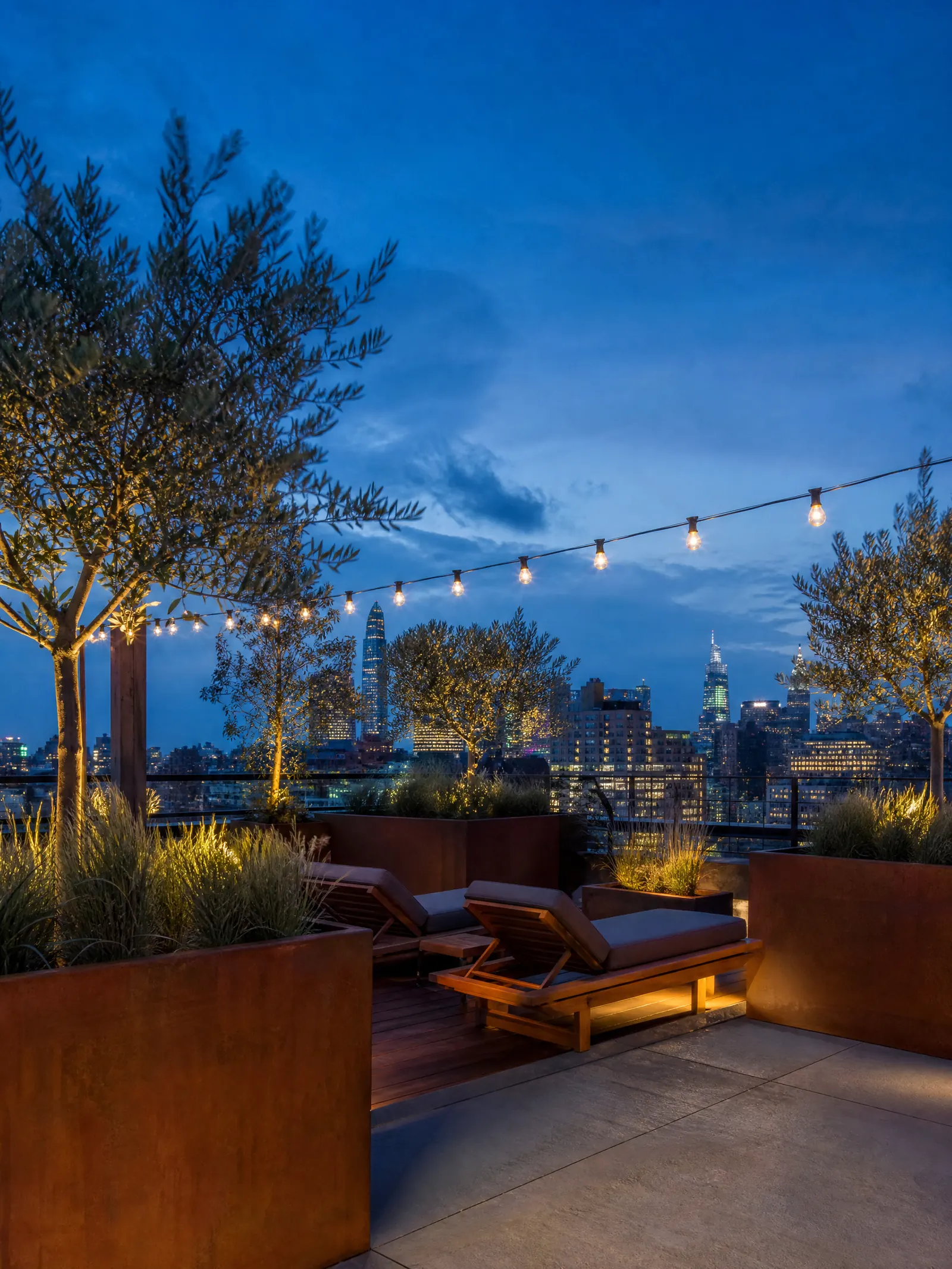
Plan the garden you want
Turn a bare yard into patios, planting beds and outdoor living. Drag the slider to see how much a plan changes the space.
Design a yardStyles, spaces and light
Built around how designers work
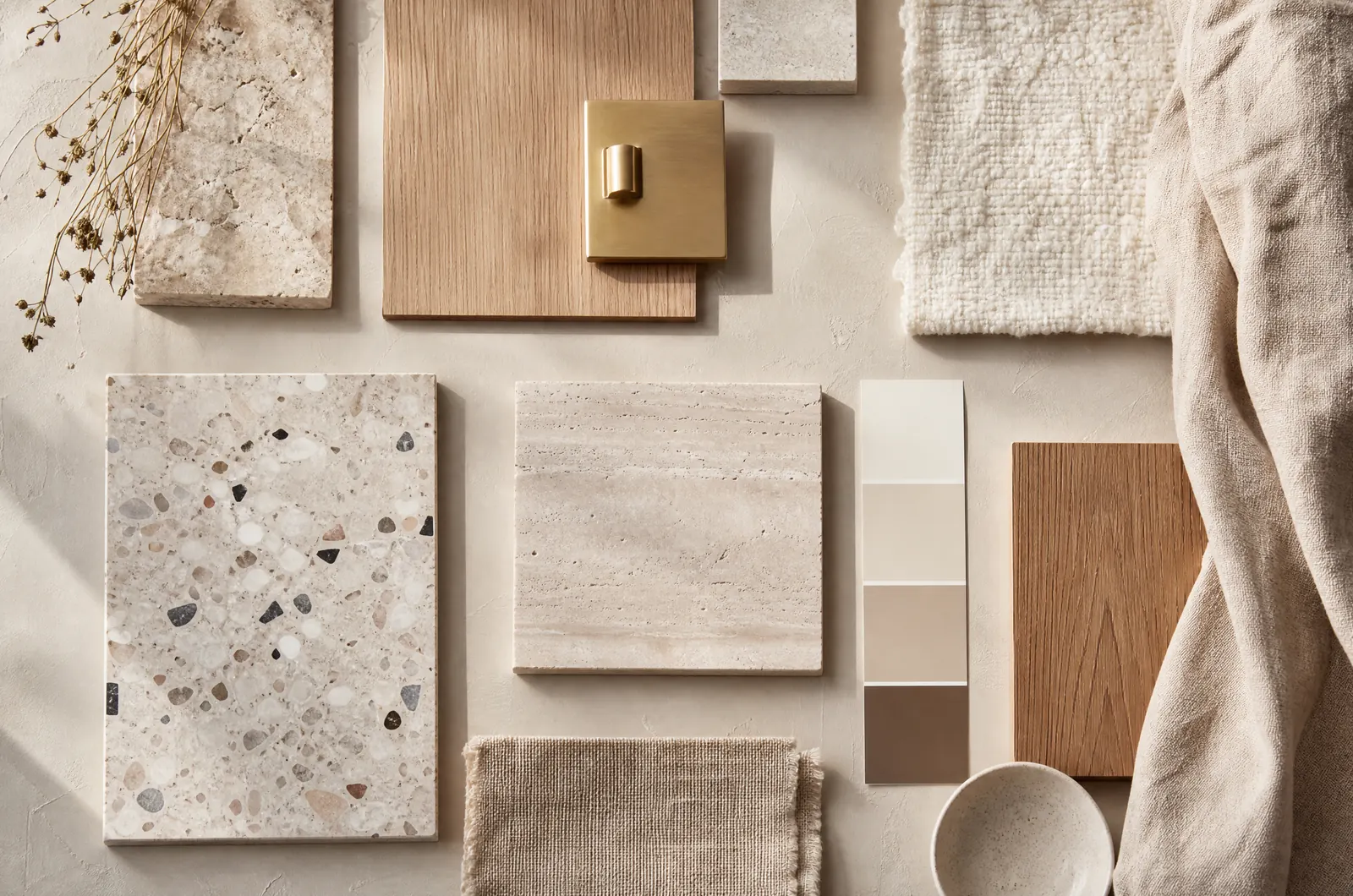
Material studies
Swap stone, timber and fabric in one scene
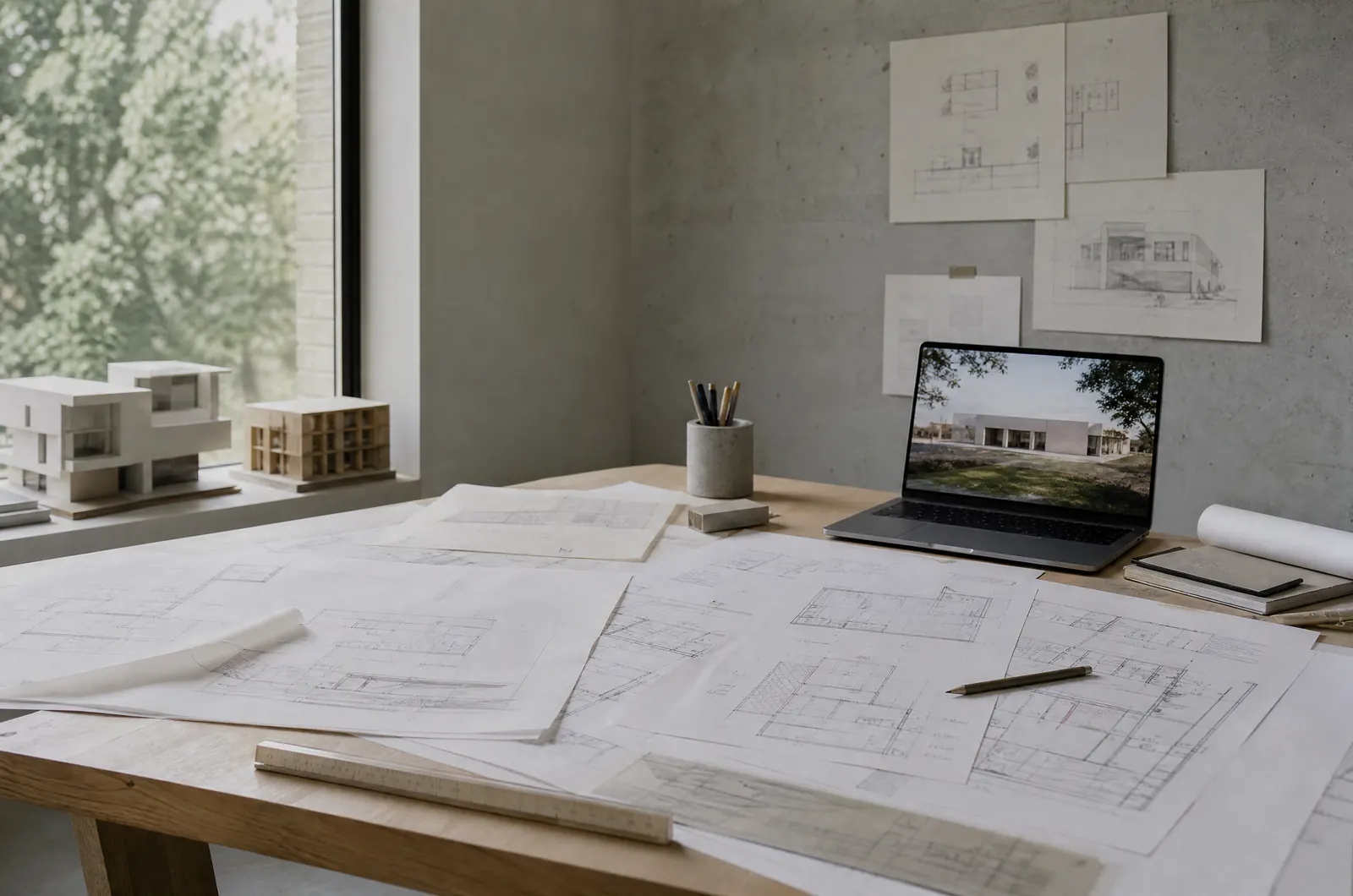
From sketches to photoreal scenes
Start from hand sketches, elevations or 3D models
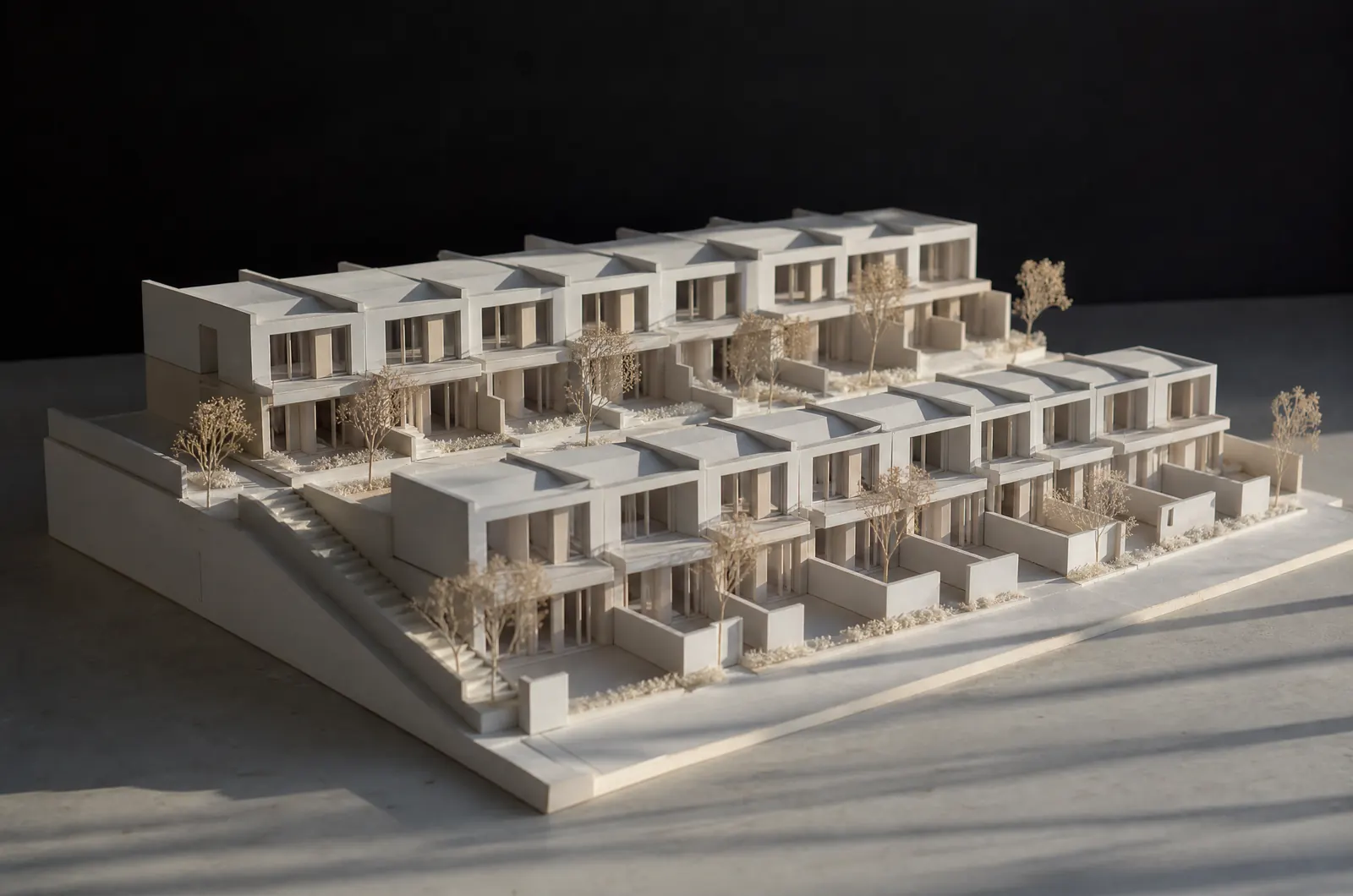
Client-ready proposals
High-res before-and-after renders built to impress
Simple, predictable pricing
Pick a plan for monthly credits, or buy a pack whenever you need more.
Basic
For homeowners planning a project.
$12.99/ month
- 160 credits every month
- About 40 Max designs
- Up to 2 designs per run
Pro
For agents, hosts and designers.
$29.99/ month
- 450 credits every month
- About 112 Max designs
- Up to 4 designs per run
Studio
For studios and teams with many listings.
$99/ month
- 1,800 credits every month
- About 450 Max designs
- Up to 4 designs per run
Pay as you go
No subscription needed. Pack credits never expire.
Your first pack comes with 50% more credits (up to 100).
Frequently asked questions
What can AI home design do?
Redesign a room in a new style, stage an empty room, try paint, flooring and siding colors, make over the outside of the house, plan a garden, draw a floor plan, or turn a photo into a before and after video. Everything starts from a photo or a short description.
Does it keep the geometry of my space?
That is what it is made to do: it keeps walls, openings and the camera position, and changes only finishes, furniture and planting. Check each result, because AI can still shift a detail. For the most faithful results, start from a straight-on photo or model view.
What can I upload?
Site photos, hand sketches, plans and elevations, or screenshots from SketchUp, Rhino, Revit and similar tools.
How do credits work?
Each render uses credits. Plans include credits every month, and one-off credit packs never expire.
Can I try it for free?
Yes. New accounts get free credits to try it, no card required.
Show the vision before the build begins
Start a project free