New project
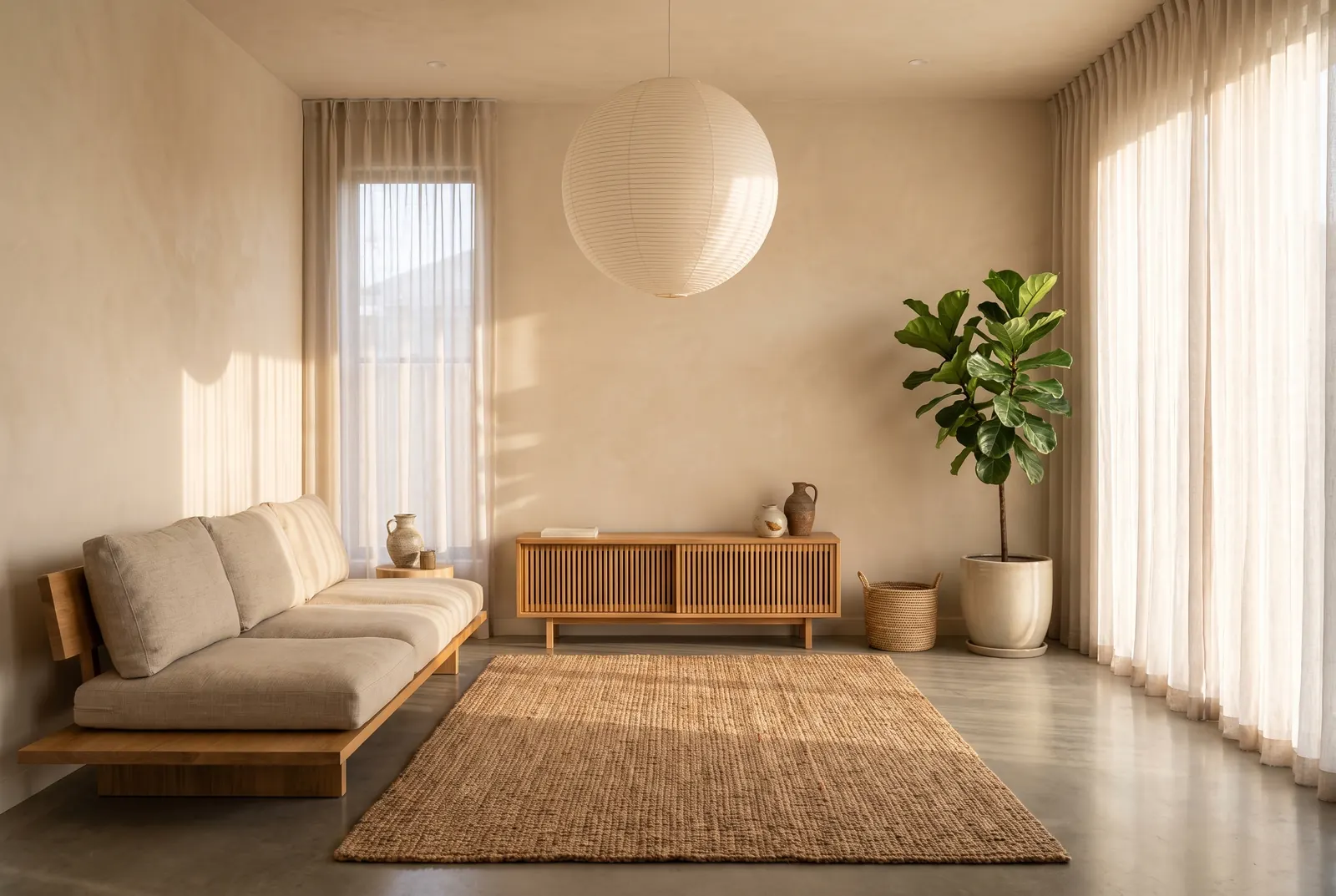
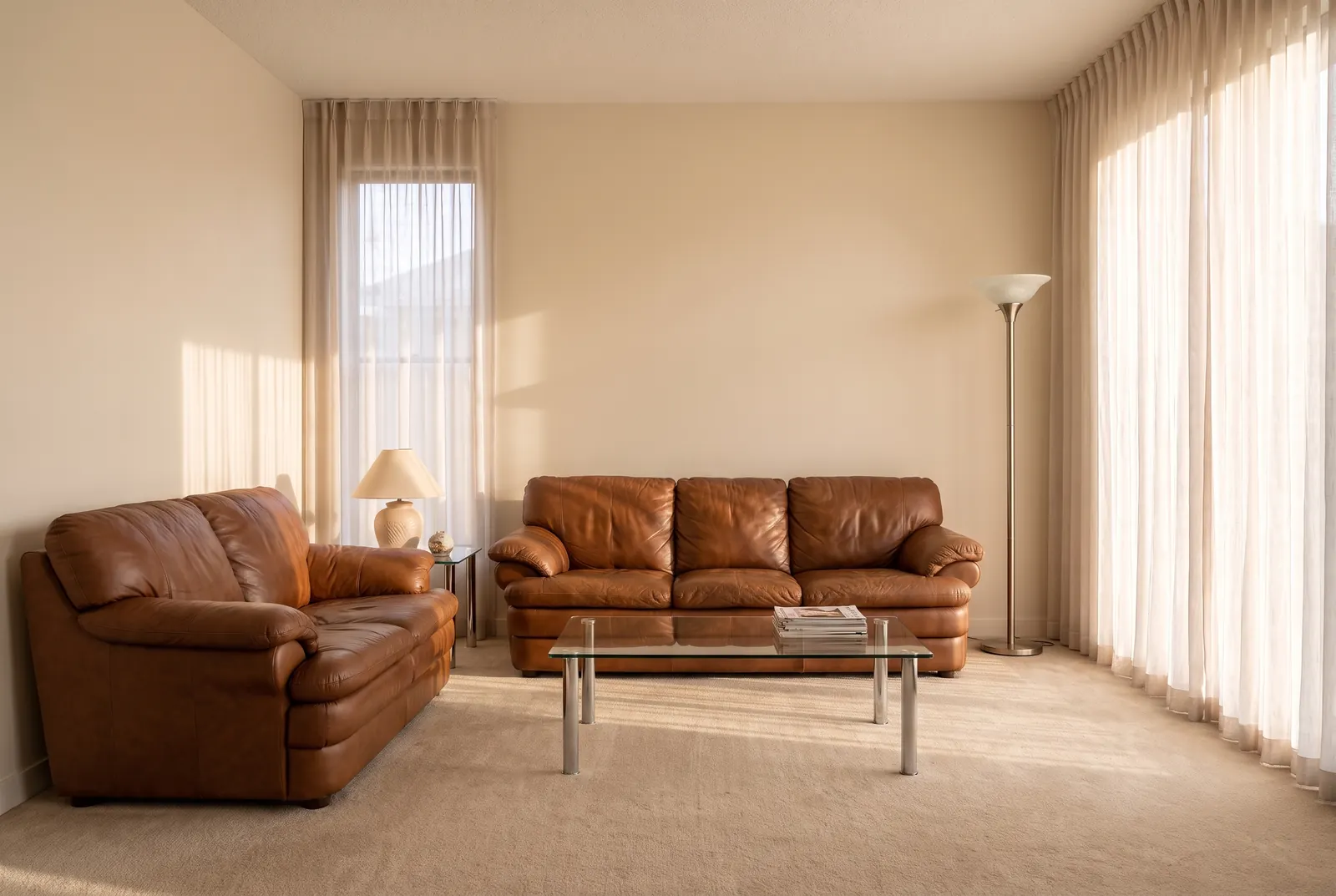
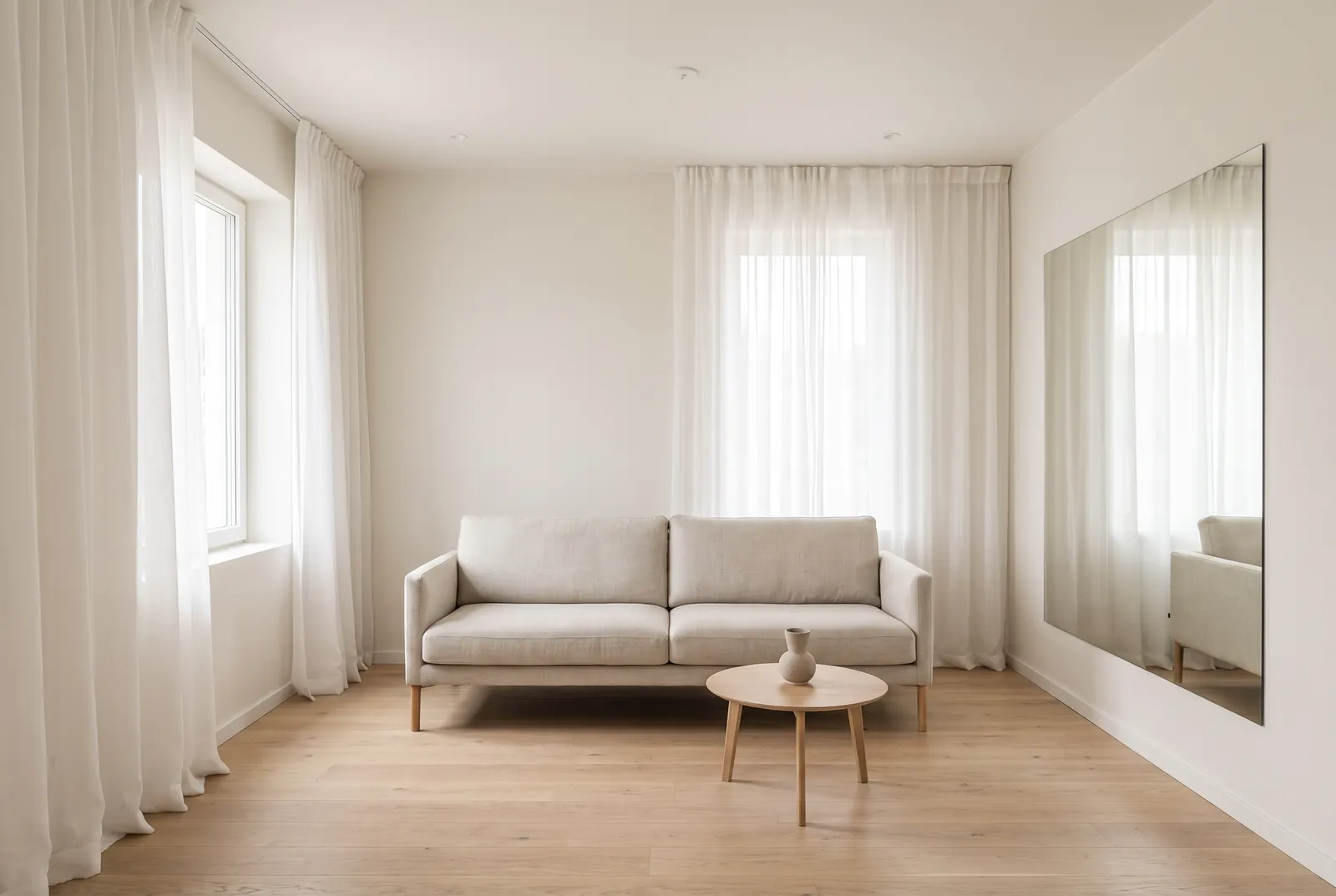
Upload a photo of any room and redesign its interior with AI, from bedrooms and kitchens to home offices. Walls and windows stay. Free to try.
AI room design from a single photo
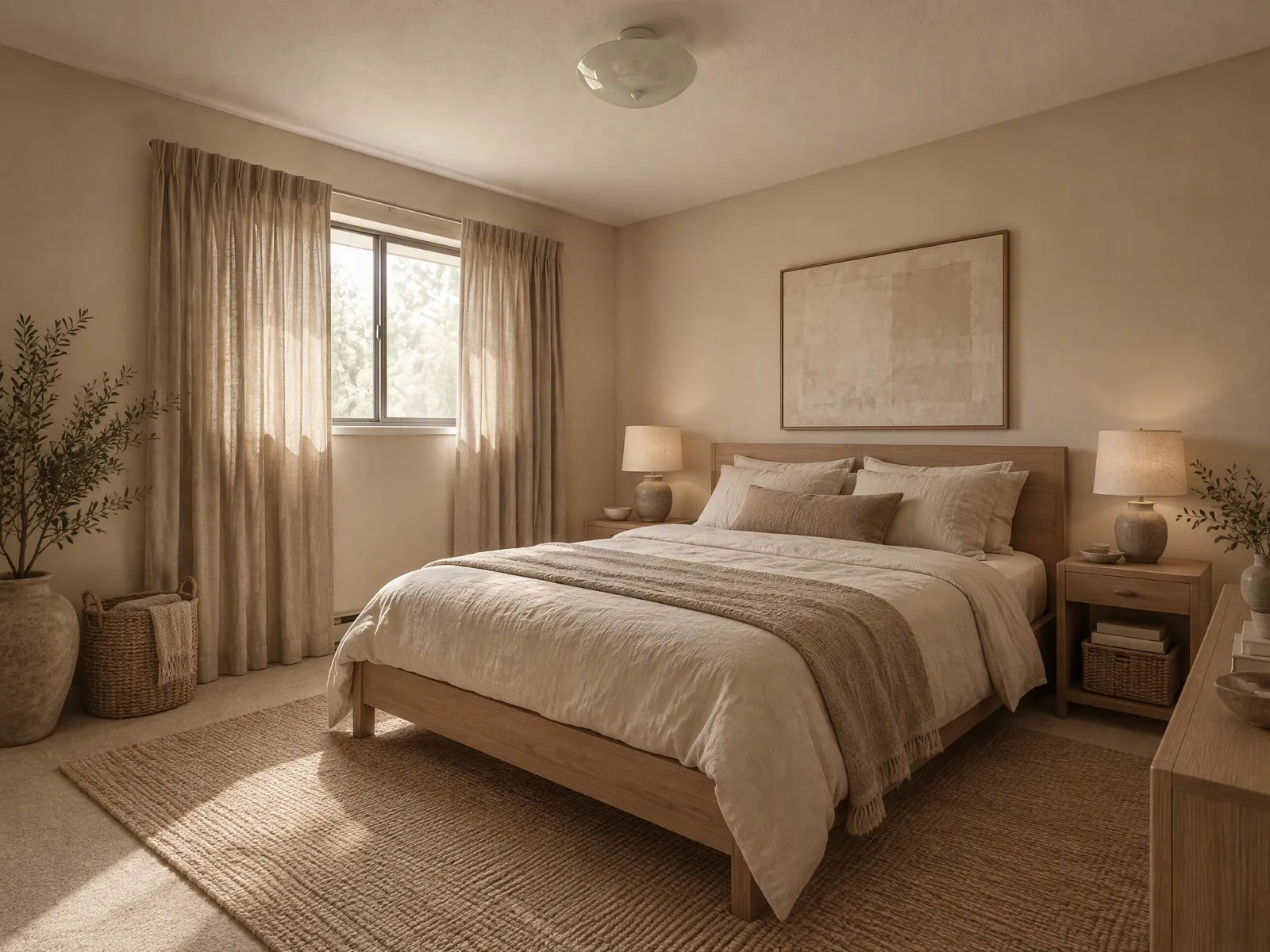
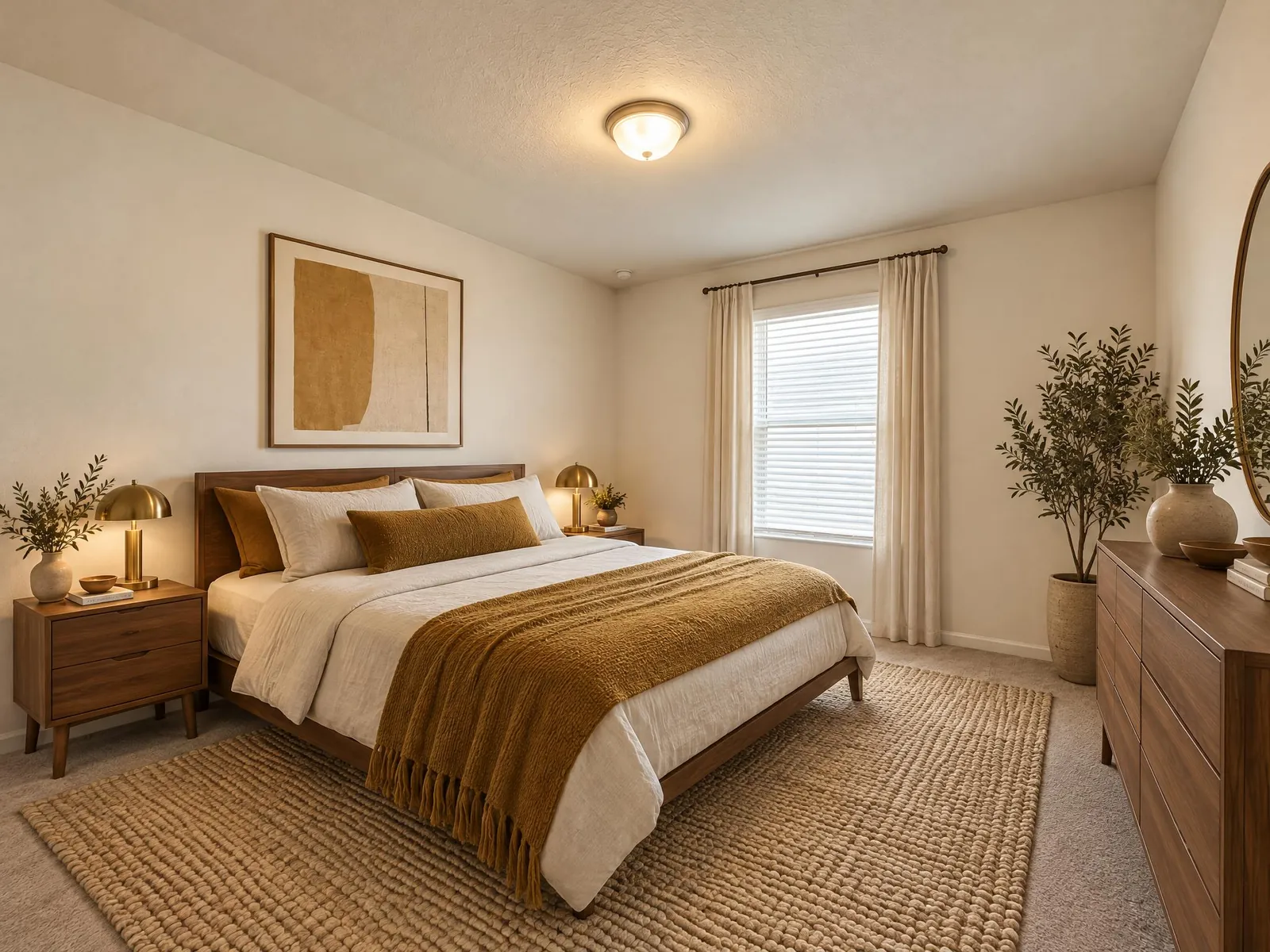
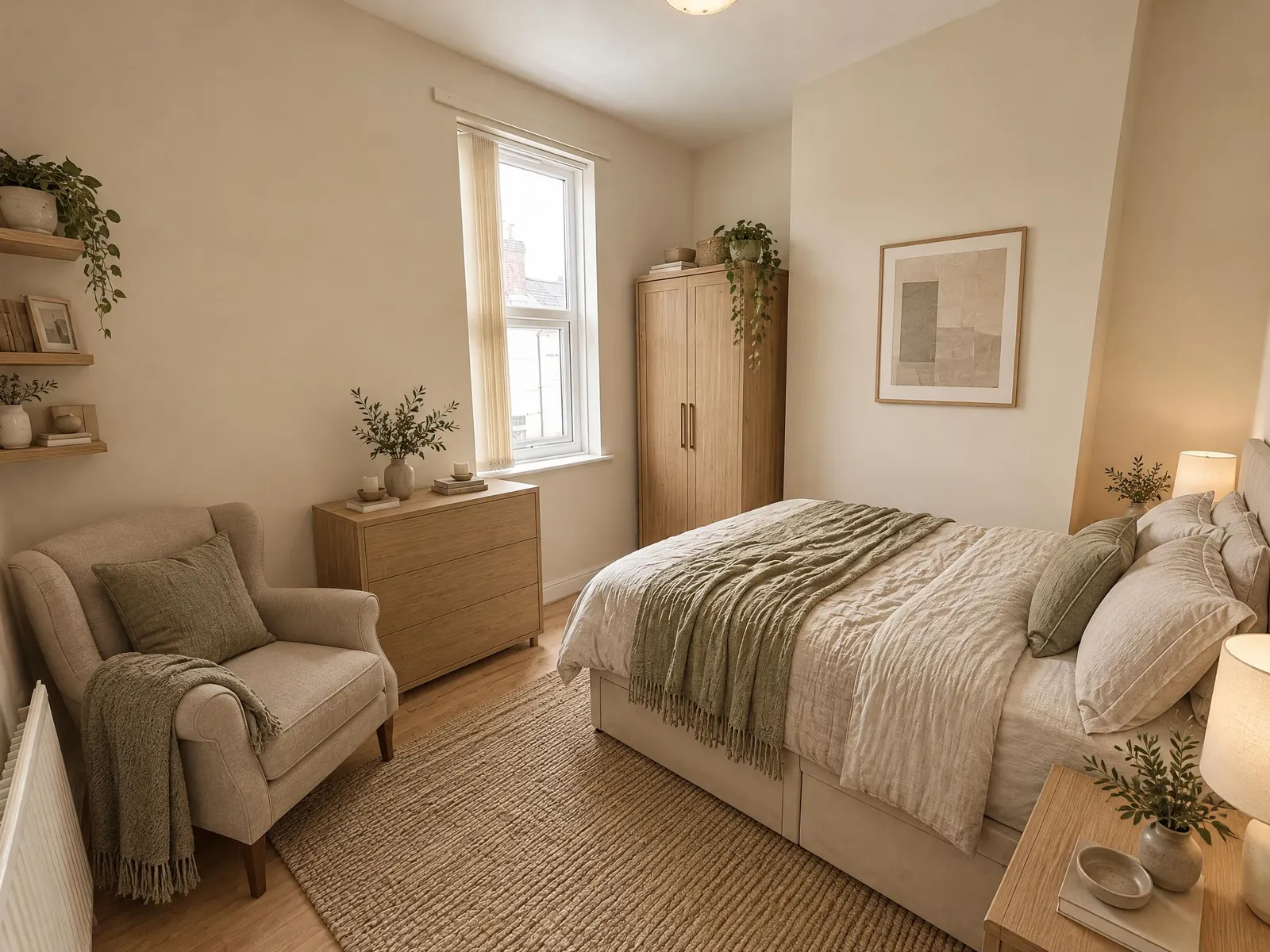
AI room design and AI interior design are the same job here. Take a photo of the room, pick the room type and a style, and the AI redesigns it in seconds. It is made to keep the walls, windows, doors and camera angle of your photo and to change the furniture, materials, lighting and colors, so the result is a room you could actually build. Design one room, or go room by room with the same style for a consistent look across your home.
Design by room
Room-specific tools: living room, bedroom, kitchen and bathroom.
How AI interior design works
- Upload a photo of the room. A phone photo is fine; JPEG, PNG and WebP files up to 10 MB work.
- Pick the room type and a style. If you have something specific in mind, add a few words, like "linen sofa, rattan pendant, olive green accents", or add an inspiration photo as the style reference.
- Generate. The result usually arrives in under a minute. Drag the slider to compare it with your photo, then download it, run it again or try another style.
The tool tells the AI what to keep and what to change. It is made to keep the walls, windows, doors, ceiling and camera angle of your photo, and to replace the furniture, decor, materials and colors. So the result is your room in a new style, not a different room. Look over each result before you use it: AI can still shift a detail or add something that was not there. If it does, generate again, or switch to Max, which stays closer to your photo.
Rooms and interior design styles you can try
- Room types: living room, bedroom, kitchen, bathroom, dining room and home office. The room type tells the AI what the space is for, so a home office gets a desk and a dining room gets a table.
- Modern, Scandinavian and Minimalist: clean lines and calm, light palettes, from sleek and neutral to white walls with light wood and soft textiles, to very few pieces and no clutter.
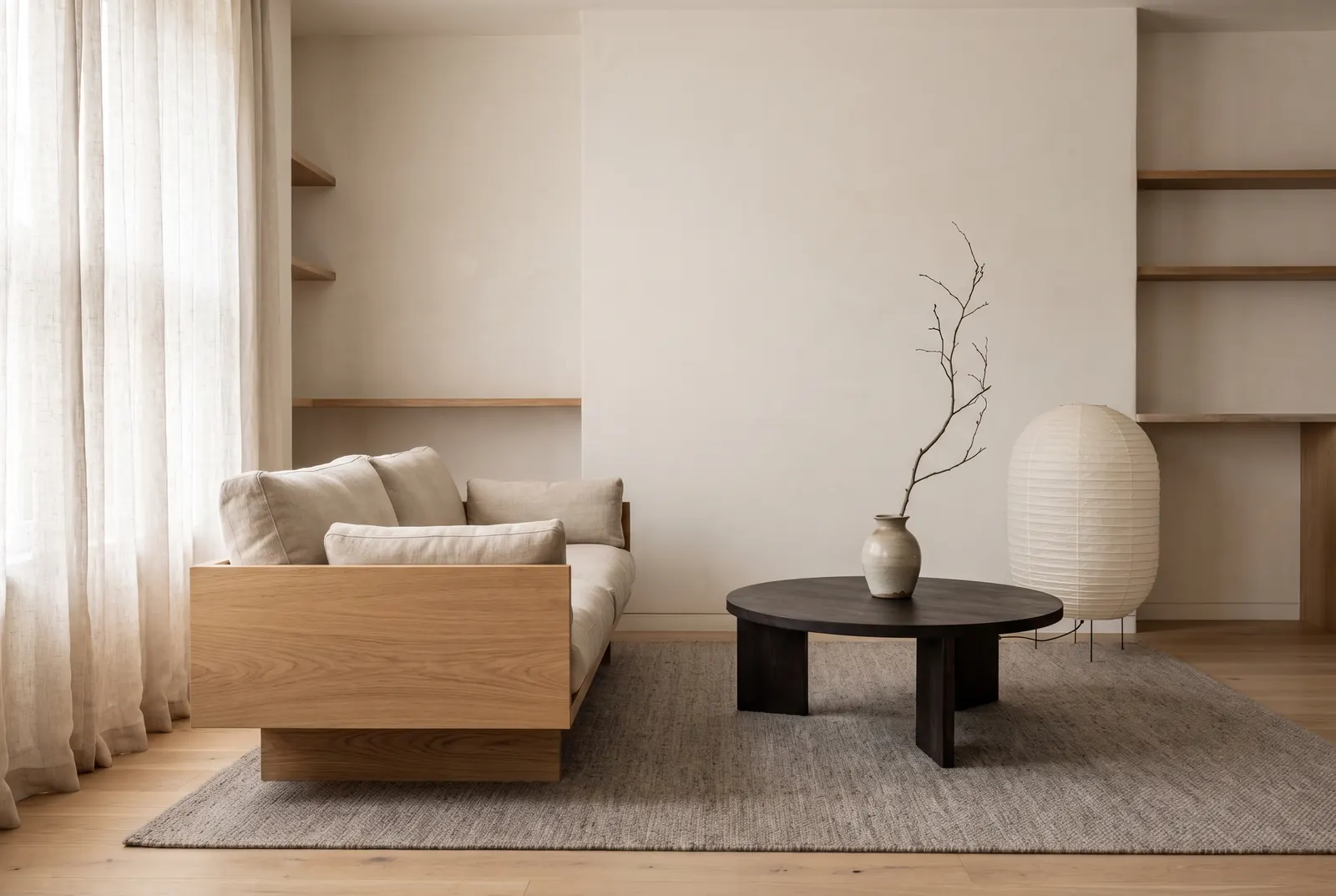
- Japandi: low oak furniture, paper lamps and muted earth tones.
- Industrial and Farmhouse: exposed brick, black steel, leather and reclaimed wood, or shiplap, wood beams and warm whites.
- Mid-century, Boho and Coastal: teak and tapered legs, rattan and layered rugs with plants, or soft blue, linen and light driftwood.
- Luxury: marble, velvet, brass details and statement lighting.
- Your own words: the text box adds to the style you pick, so "Scandinavian, but with a dark green accent wall" works.
- A style reference: upload a photo of a room you like, or press "Design this" on any idea in the Inspiration gallery. The AI takes the palette, materials, furniture style and mood from that image and keeps the layout of your own room. The style option is not used while a reference is set.
Free AI room design: what you get before you pay
Every new account gets 5 free credits, and no card is needed. A Lite design costs 1 credit, so that is five Lite designs, or one Max design and one Lite. If a generation fails, its credits are refunded, so a failed attempt does not use up your free start.
Free accounts make one image per run. Paid plans make up to 2 (Basic) or up to 4 (Pro and Studio) images per run, so you can compare variations side by side; each image is charged on its own. Plans add credits every month. If you would rather not subscribe, credit packs are a one-off purchase, and their credits never expire.
Lite or Max: which quality to pick
You choose a quality level for every run. Lite is faster and uses 1 credit per image. It is good for trying several styles on the same photo and finding a direction. Max uses 4 credits per image and gives sharper detail, closer to your photo. Use it for the picture you will show a partner, a client or a contractor.
To work this way, explore on Lite, then open your favorite result and press Regenerate. It loads the same photo and settings, so you only switch the model to Max and generate.
Who uses an AI room designer
- Homeowners planning a change: see a new style on your own living room or bedroom before you buy a sofa, a rug or a can of paint.
- Renters: get furniture and decor ideas that leave the walls as they are.
- Designers: make quick concepts to explore with a client before detailed work starts, starting from a photo of the client's own room.
- Agents and stagers: for an empty room, use Virtual Staging; for a messy listing photo, use AI Room Cleaner first. Both are made to keep the room and change only what is in it.
Tips to design your room with AI
- Shoot in daylight with the lights on, and hold the phone level at about chest height.
- Stand in a corner or doorway so the photo shows as much floor and wall as you can. The AI only redesigns what is in the frame.
- Clear loose clutter first, or run the photo through AI Room Cleaner and pick the clean result with "Choose from my creations".
- Keep your own words short and concrete: two or three materials or colors and one key piece, like "walnut sideboard, cream boucle chair, brass lamp".
- Change one thing at a time. Try several styles on the same photo; History keeps every result, so you can go back to an earlier one.
- Designing the whole home? Go room by room with the same style or the same reference image, and keep the results together in one project.
What AI interior design can't do
- Change the structure: it does not move walls, windows or doors or change the floor plan. To replace floors, cabinets and fixtures, use Remodel; to draw a new layout, use the Floor Plan Generator.
- Give measurements: furniture in the picture is drawn to look right, not to scale. Measure your room before you buy anything.
- Show real products: the furniture and decor are drawn by AI, not items from a catalog, so use the picture to decide on a look, then shop for pieces like it.
- Get every detail right: a lamp can end up in an odd spot or a window can shift slightly. Check the result, and generate again if something is off.
- Estimate cost: it shows how the room could look, not what it will cost.
Frequently asked questions
Is the AI room design tool free?
Yes, you can start free: new accounts get free credits, no card required. Each Lite design costs 1 credit, and you only buy more when you need them.
Will it keep the shape of my room?
That is what it is made to do: it keeps the walls, windows, doors and camera angle of your photo and changes only furniture, materials, lighting and colors, so the result is a room you could actually build. Check each result, because AI can still shift a detail.
Which rooms and styles can I design?
Living rooms, bedrooms, kitchens, bathrooms, dining rooms and home offices, in styles from Japandi and Scandinavian to mid-century and industrial. You can also describe a look in your own words or use an inspiration image as the reference.
What is the difference between AI room design and AI interior design?
They are the same job here: you upload a photo of a room and get a photoreal redesign. Use Remodel instead when you also want new floors, cabinets and fixtures.
Can AI design my room from a picture?
Yes. Take a photo of the room, pick the room type and a style, and the AI redesigns it in seconds. The walls, windows and camera angle stay as in your photo; furniture, materials and colors change.
What kind of photo works best?
A bright, level photo taken from a corner or doorway that shows as much of the floor and walls as you can. The AI keeps what is in the frame, so a wider shot gives it more of the room to work with.
Which living room styles can I try?
Japandi, Scandinavian, mid-century, industrial, coastal, minimalist and more, or describe your own, like "warm modern with a green velvet sofa". You can also use an inspiration photo as the style reference.
Can I furnish an empty living room?
Yes, but Virtual Staging is made for that: it adds furniture to an empty room without changing the floor or walls.
How many designs do I get per run?
One image per run on a free account, up to 2 on Basic and up to 4 on Pro and Studio. Each image is charged on its own: 1 credit on Lite or 4 on Max.
Can I use my own inspiration photo?
Yes. Add it as a style reference next to your room photo, or press "Design this" on any idea in the Inspiration gallery. The look comes from the reference; the room comes from your photo.
Can I use the designs for work?
Yes. You own the images you create and can use them for any lawful purpose, including client presentations and marketing, as set out in our terms.