New project
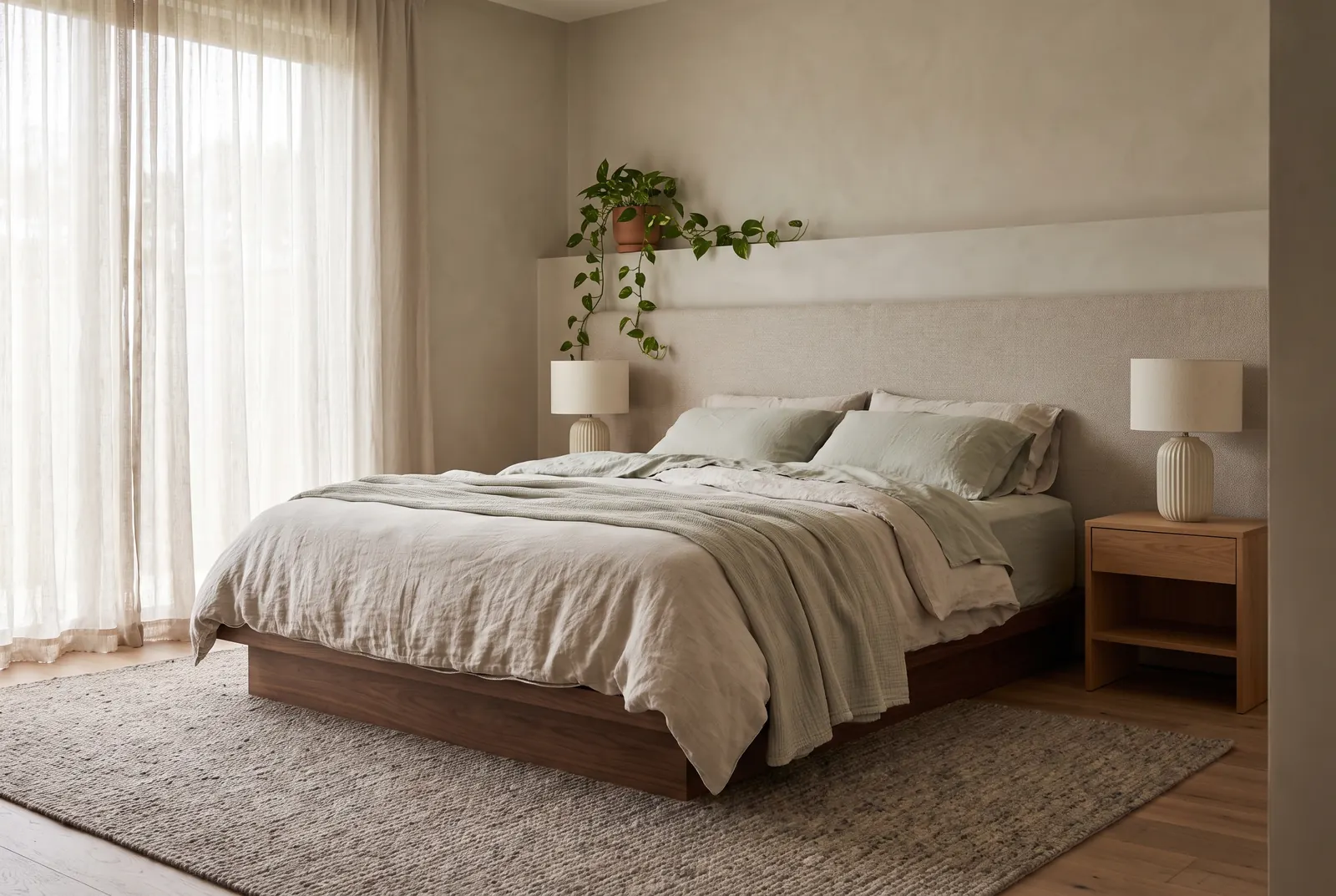
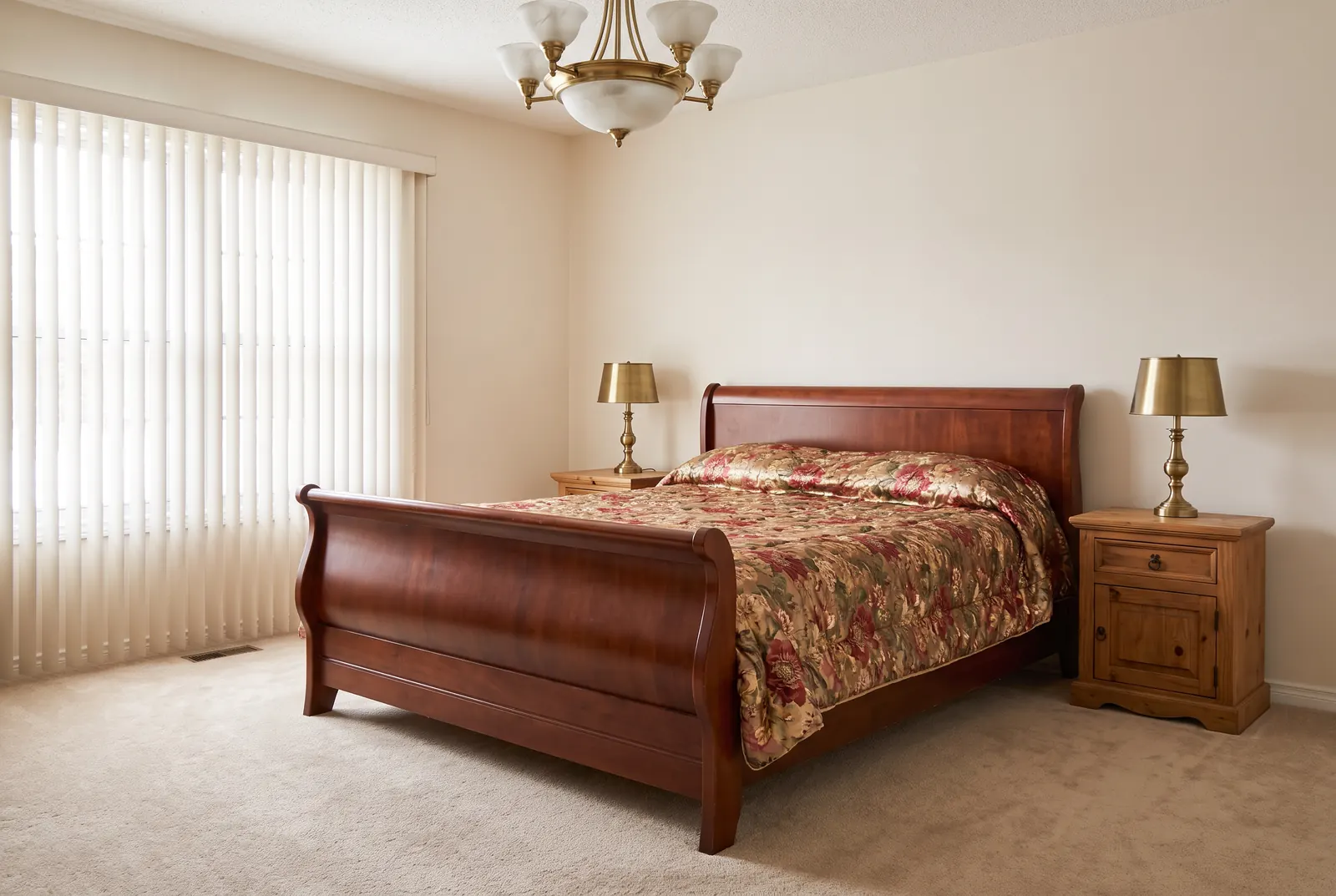
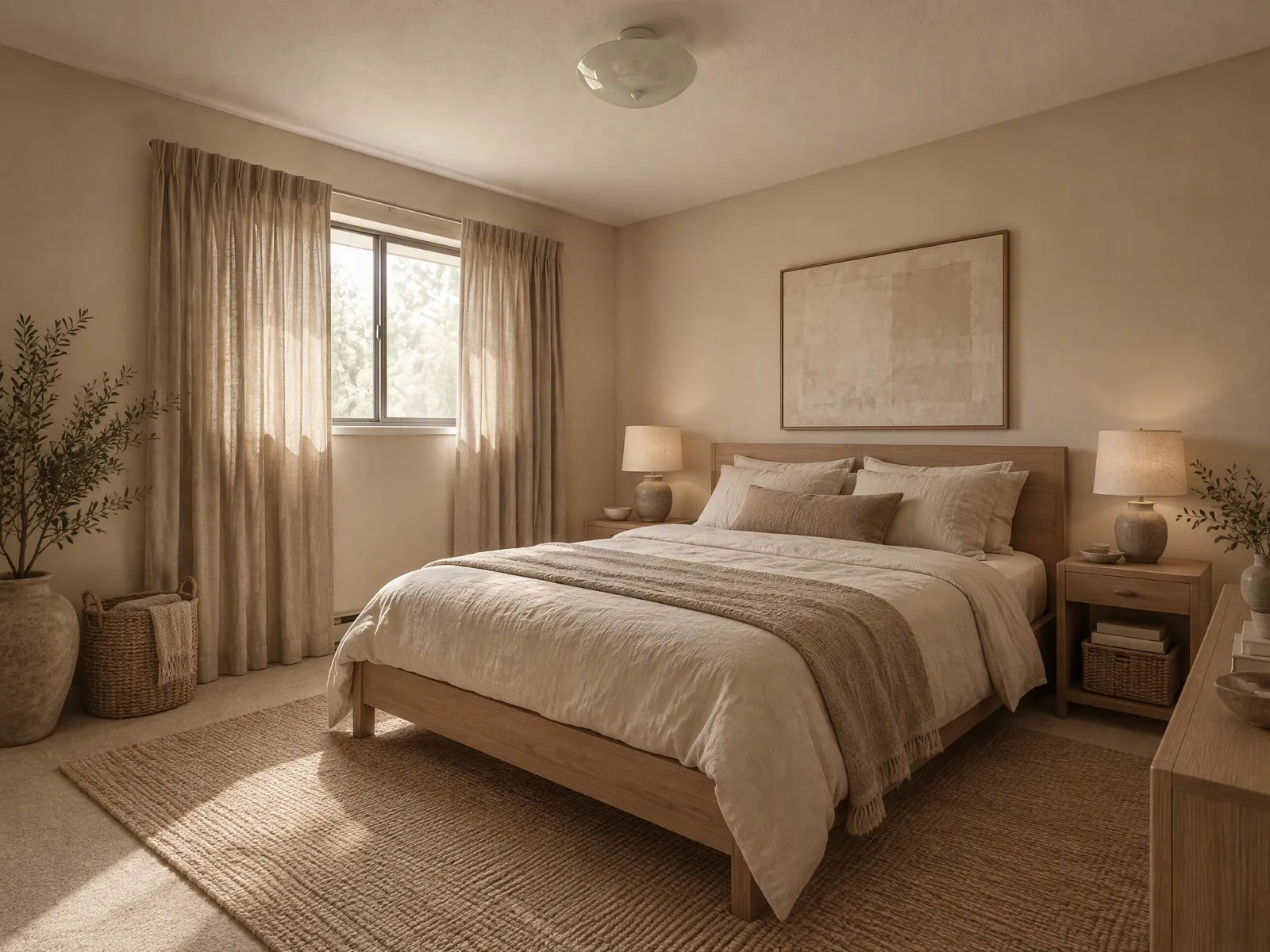
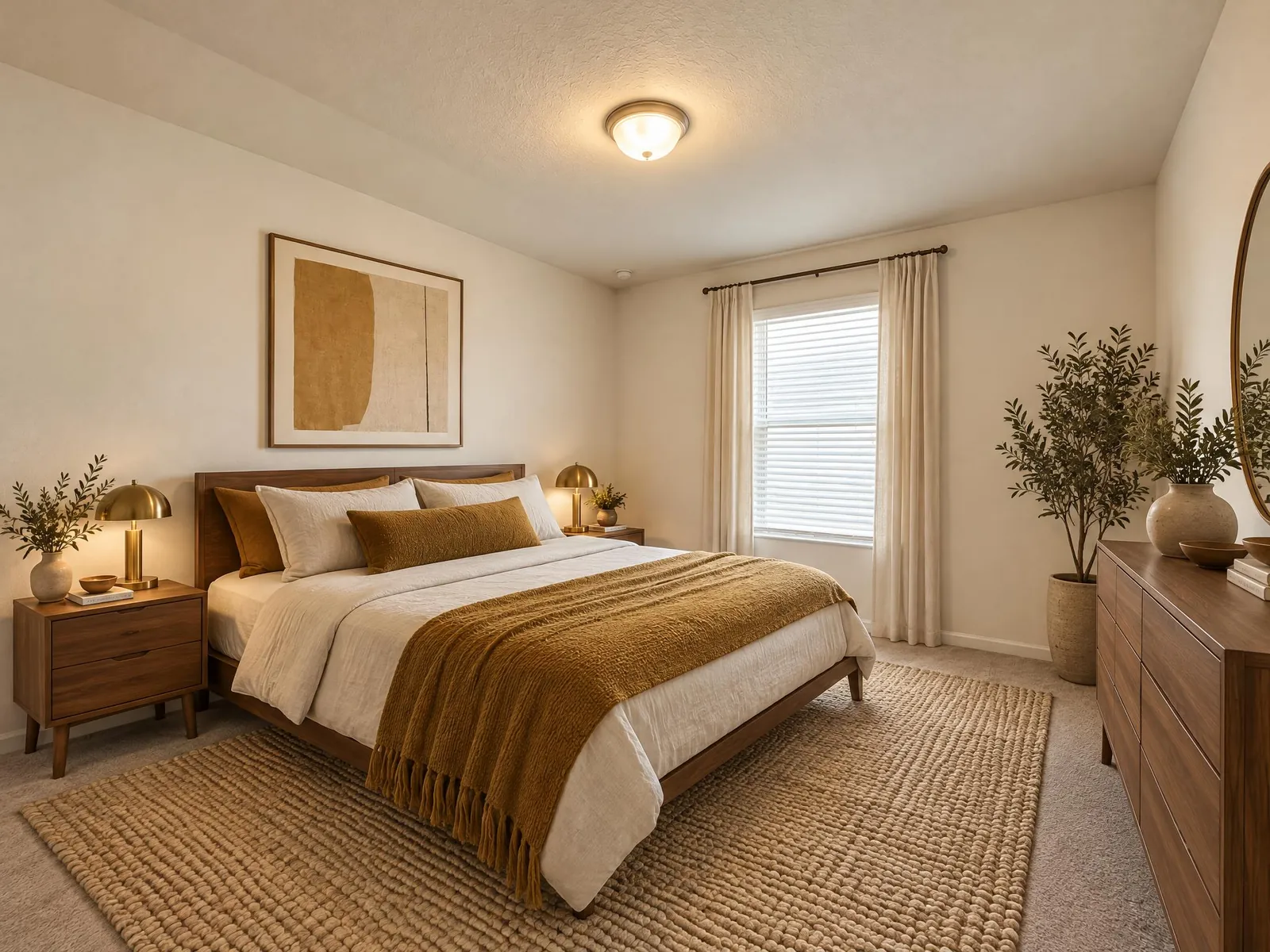
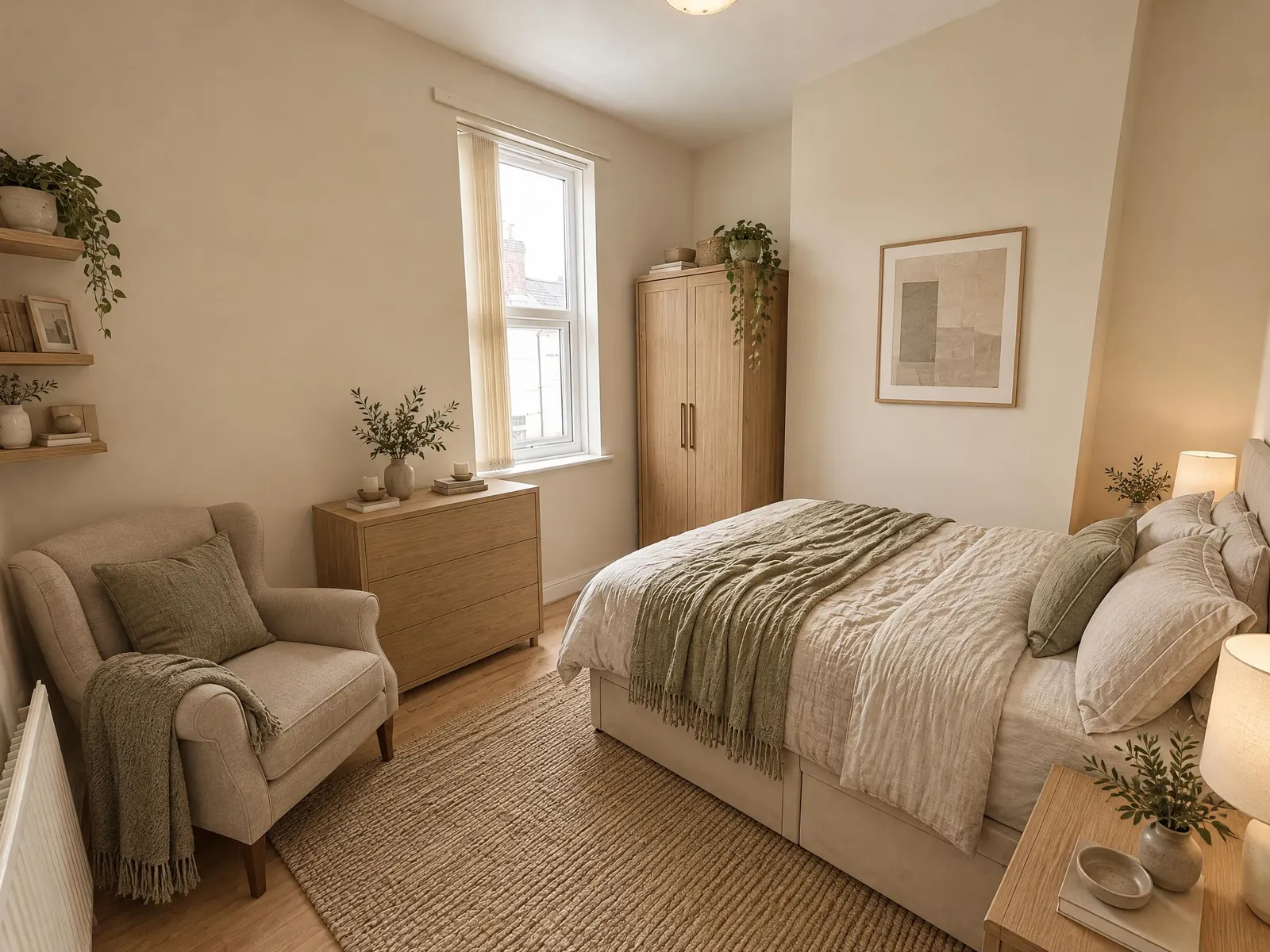
Redesign your bedroom from a single photo: a new bed, linens, lighting, colors and decor in the style you pick, made to keep the room itself.
How AI bedroom design works
- Upload a photo of your bedroom. Stand in the doorway or a corner so the bed and as much floor as possible are in the frame. JPEG, PNG and WebP files up to 10 MB work.
- Pick a style. Add a few words if you want something specific, like "upholstered headboard, linen bedding in sage, rattan pendant", or add a photo of a bedroom you like as the style reference.
- Generate. The result usually arrives in under a minute. Drag the slider to compare it with your photo, then download it or try another style.
The tool tells the AI to keep the room itself: the walls, windows, doors, ceiling and camera angle. What changes is everything in it: the bed and bedding, nightstands, lighting, rugs, wall color and decor. Look over each result before you rely on it, because AI can still shift a detail, like a window or a radiator. If it does, generate again or switch to Max, which stays closer to your photo.
Bedroom ideas by style
- Modern: clean lines and a neutral palette, with a low bed and simple lighting.
- Scandinavian: white walls, light wood and soft textiles. It works well in small, darker rooms.
- Japandi: a low oak bed, paper lamps and muted earth tones, for a calm, uncluttered bedroom.
- Minimalist: very few pieces, white and beige, and nothing on the floor.
- Boho: rattan, layered rugs, plants and macrame.
- Mid-century: teak furniture, tapered legs and mustard or green accents.
- Farmhouse, Coastal, Industrial and Luxury: shiplap and warm whites; soft blue and linen; brick and black steel; or velvet, marble and brass.
- Your own words: "sage green walls, oak bed, white linen" or "dark moody bedroom, navy walls, brass reading lamps".
Small bedroom ideas you can test on your own room
Small bedrooms are where a picture helps most, because there is little room for mistakes. Try a light style like Scandinavian or Minimalist first. Then add what you are weighing up: "bed against the window wall", "wall-mounted nightstands", "tall wardrobe with mirrored doors" or "one large rug instead of two small ones".
Take the photo from the doorway with the widest lens on your phone, so the AI can see the whole room. If the floor is covered, run the photo through AI Room Cleaner first. Then pick the clean result with "Choose from my creations".
Bedroom color ideas
Color sets the mood of a bedroom more than any single piece of furniture. Put it in your own words, like "sage green walls with warm white trim", "deep navy accent wall behind the bed" or "soft blush and oak". The AI redesigns the room around it. If you like your furniture and only want to try a wall color, use the Room Visualizer instead. It changes the walls and is made to keep everything else as it is.
Kids rooms, guest rooms and primary bedrooms
- Kids rooms: "bunk beds, reading nook, toy storage, soft green and wood".
- Nurseries: "white crib, rocking chair, blackout curtains, calm neutral palette".
- Guest rooms: "simple double bed, luggage bench, small desk, hotel-style bedding".
- Primary bedrooms: "king bed with tall headboard, sitting area by the window, layered lighting".
- Teen rooms: "desk with shelves above, neon-free, dark blue and oak".
Free to start: Lite and Max
New accounts get free credits to start, and no card is needed. Current credit costs and plans are on the pricing page. You choose a quality level on every run. Lite is faster and uses fewer credits, which suits trying several styles. Max gives sharper detail, closer to your photo, which shows in fabrics and wood grain. Open the result you like and press Regenerate to run it again on Max with the same settings. If a generation fails, its credits are refunded.
Tips for a better bedroom redesign
- Make the bed or clear it. Piles of clothes can be redesigned into odd shapes.
- Shoot in daylight with the curtains open and the lights on.
- Hold the phone level at about chest height.
- Change one thing at a time. History keeps every result, so you can compare.
Design a bedroom from a photo you love
Saved a bedroom on social media or in a magazine? Use it as the style reference instead of trying to describe it. Upload it next to your own bedroom photo, or press "Design this" on a bedroom idea in the Inspiration gallery. The AI takes the palette, materials, furniture style and mood from the reference and applies them to your room, so you see that look with your own windows, ceiling and floor space. Your own words still work alongside it, like "same look, but with a larger wardrobe". The style option is not used while a reference is set.
What AI bedroom design can't do
- Change the room: it does not move windows, doors or walls.
- Measure: a king bed in the picture may not fit your room. Measure before you buy.
- Show real products: the bed, lamps and bedding are drawn by AI, not from a catalog.
- Get every detail right: check the result and generate again if something looks off.
Frequently asked questions
What changes in my bedroom?
The bed and linens, nightstands, lighting, rugs, wall color and decor, in the style you pick. The tool is made to keep the room itself, with its windows, doors and ceiling; check each result, because AI can still shift a detail.
Does it work on small or messy bedrooms?
Yes. Clear a corner of the floor if you can and shoot from the doorway; the AI redesigns what it sees. To clean up the photo first, run AI Room Cleaner on it.
Can I design a kids room or guest room?
Yes. Pick Bedroom and describe it in the prompt, like "kids room with bunk beds and a reading nook" or "calm guest room in sage and oak".
Can I use a bedroom photo I like as the style?
Yes. Add it as the style reference, or press "Design this" on a bedroom idea in the Inspiration gallery. The look comes from the reference; the room comes from your photo.
Can I only change the wall color?
Use the Room Visualizer for that. It changes the walls and is made to keep the furniture as it is. This page redesigns the whole room.
Is AI bedroom design free?
It is free to start: new accounts get free credits, no card required. Current costs are on the pricing page.