New project
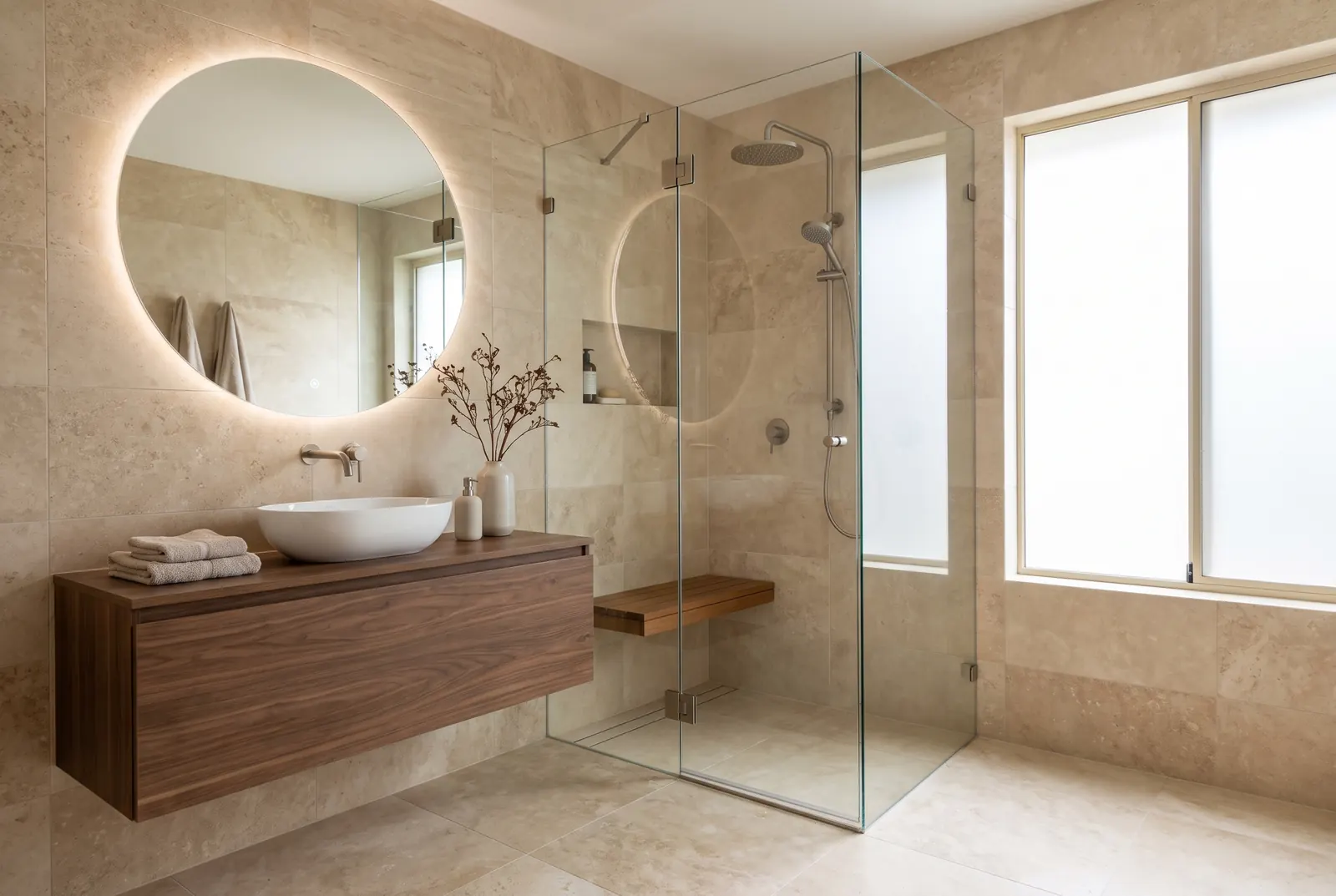
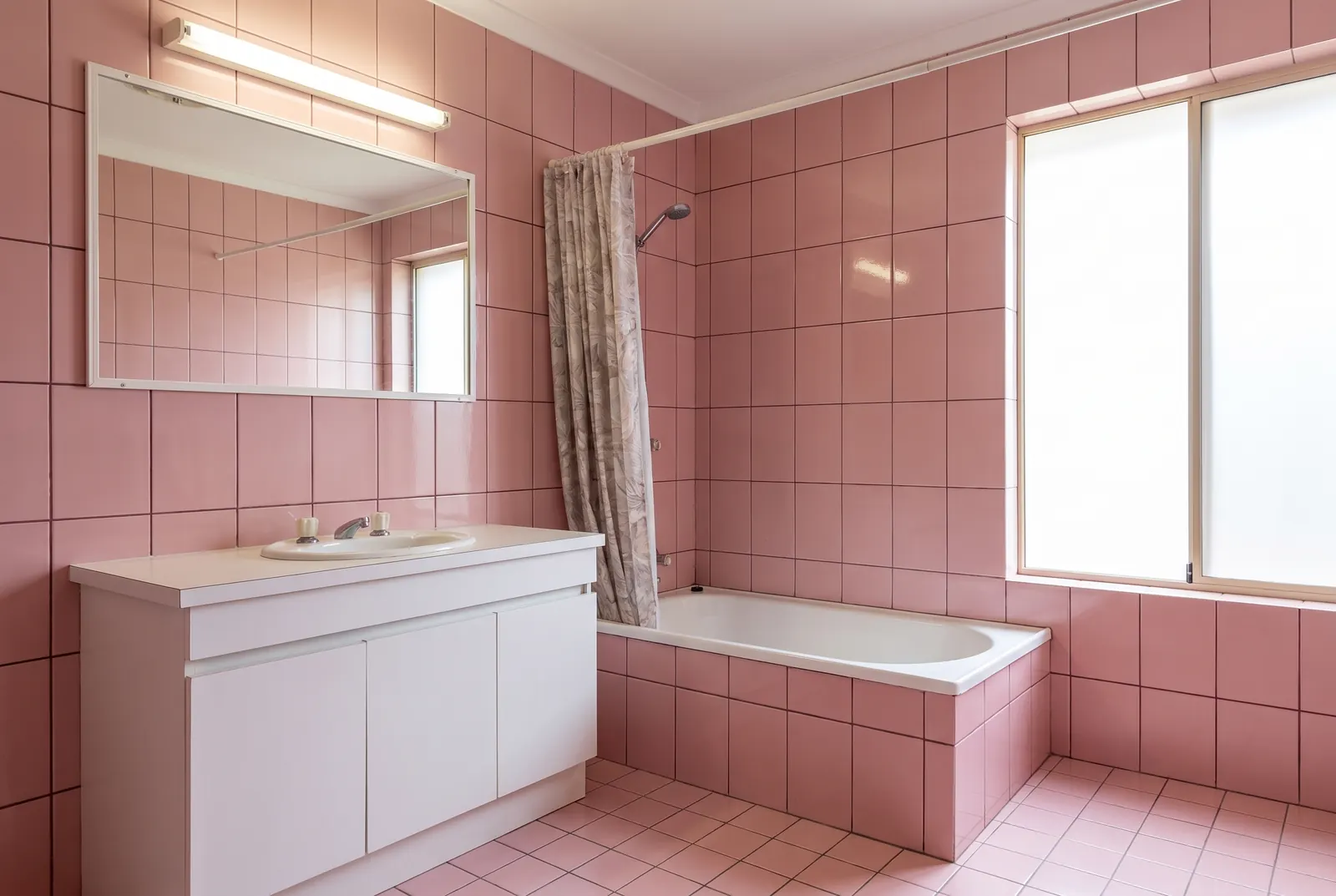
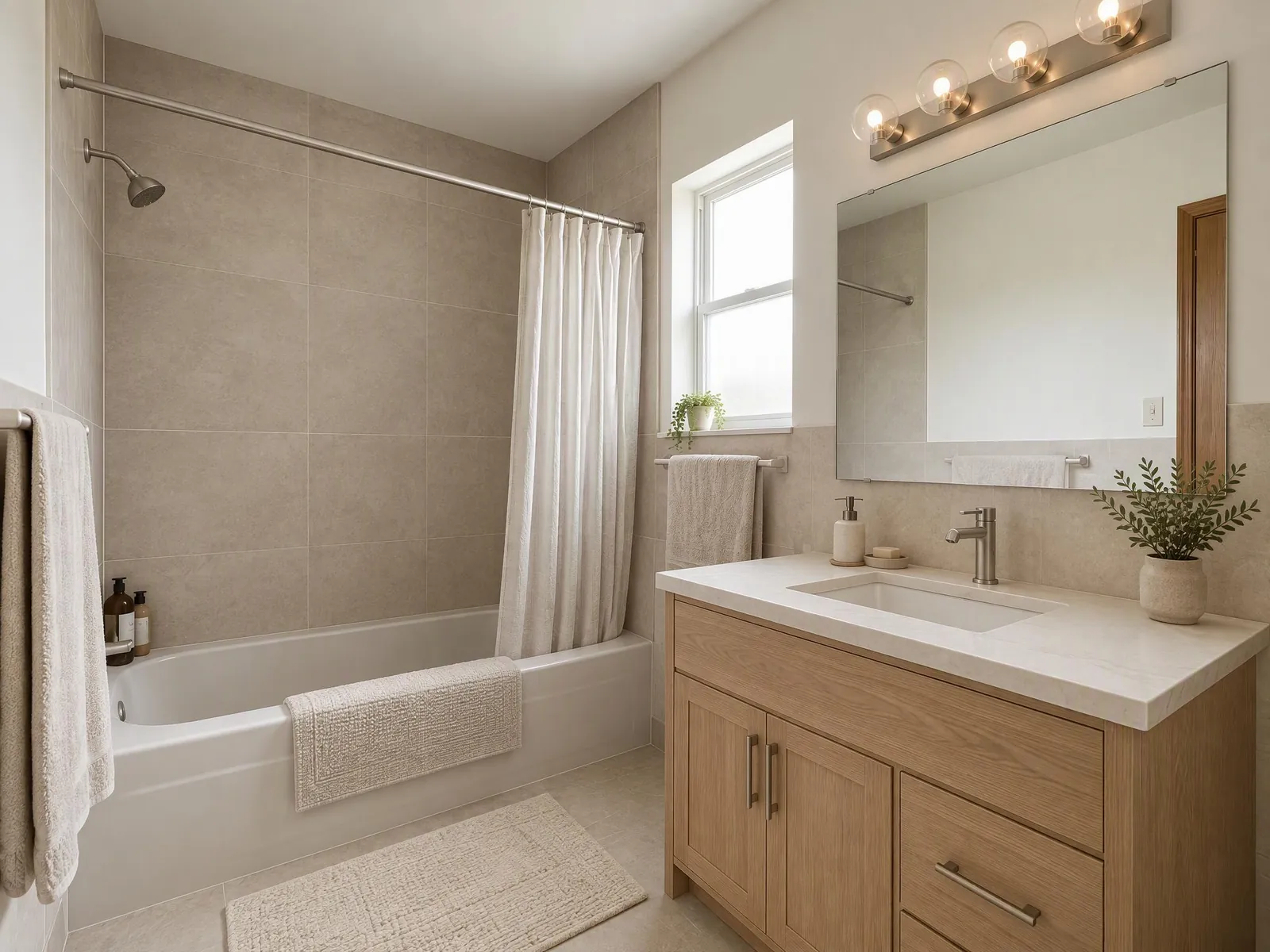
Upload a photo of your bathroom and preview new tiles, fixtures, walls and lighting, or a new vanity, in the style you pick, before you start a remodel.
How AI bathroom design works
- Upload a photo of your bathroom. Shoot from the doorway with the widest lens on your phone, so the vanity and the shower or tub are both in view. JPEG, PNG and WebP files up to 10 MB work.
- Choose what to replace. Tiles, fixtures, walls and lighting are ticked to start. Add Cabinetry for a new vanity, flooring or countertops if you want them too, and untick anything you want to keep. Pick a style, or describe the finishes.
- Generate. The result usually arrives in under a minute. Drag the slider to compare before and after, then download it or try other tiles.
The tool tells the AI to keep the shape of the room, the camera angle, windows, doors and ceiling, and the positions of the plumbing. Only the parts you ticked are replaced. Look over each result before you rely on it, because AI can still move a detail. If the toilet or the shower has moved, generate again or switch to Max, which stays closer to your photo.
AI bathroom remodel: what you can replace
- Tiles: wall and floor tiles, including the shower walls.
- Fixtures: faucets, sinks, shower heads and other fixtures.
- Walls: paint and wall finishes outside the tiled areas.
- Lighting: mirror lights, wall lights and ceiling fittings.
- Cabinetry: the vanity and other cabinets.
- Countertops: the vanity top.
- Flooring: if you want the floor changed separately from the wall tiles.
Bathroom tile ideas to try
Put the tile in your own words; these are good starting points:
- "Large matte porcelain tiles in warm grey, floor to ceiling".
- "White zellige tiles in the shower, terrazzo floor".
- "Green vertical stacked tiles behind the vanity".
- "Black and white checkerboard floor, white subway tiles on the walls".
- "Microcement walls and floor, no grout lines".
Try the same photo with two or three of these and compare them side by side.
Small bathroom ideas
In a small bathroom every choice shows. Light, large tiles, a wall-hung vanity and a glass screen instead of a curtain are common ways to make the room feel bigger. Describe them, and see whether they work in your own bathroom before you commit. "Walk-in shower with a glass screen" or "wall-hung vanity with a round mirror" work best when the photo shows room for them. A niche in the shower wall or a mirror cabinet adds storage without taking floor space; describe them the same way.
Shoot from the doorway, hold the phone level and include as much of the floor as you can. A photo taken from inside the shower or very close up gives the AI too little of the room.
Free to start: Lite and Max
New accounts get free credits to start, and no card is needed. Current credit costs and plans are on the pricing page. You choose a quality level on every run. Lite is faster and uses fewer credits, which suits trying tiles and colors. Max gives sharper detail, closer to your photo, which helps when you judge tile patterns and grout. Open the result you like and press Regenerate to run it again on Max with the same settings. If a generation fails, its credits are refunded.
Tips for a better bathroom redesign
- Clear the counter and close the toilet lid. Bottles and towels make the result busier.
- Turn the lights on and use daylight if there is a window.
- Mirrors can confuse the picture. Shoot at an angle to the mirror, not straight into it.
- Use a style reference: upload a photo of a bathroom you like, and the AI matches its tiles and colors.
- Name the tile size and pattern, like "large-format", "herringbone" or "stacked vertically".
- Move towels and bath mats out of the frame, or describe new ones.
Modern bathroom ideas and other styles
Pick a style, or use these as a starting point for your own words:
- Modern: "large-format grey tiles, floating vanity, black fixtures, backlit mirror".
- Japandi: "warm oak vanity, beige stone tiles, matte black tap, paper-soft light".
- Farmhouse: "white shiplap, checkerboard floor, vintage-style brass fixtures".
- Luxury: "marble walls, brass fixtures, statement pendant over the tub".
- Coastal: "white tiles, soft blue vanity, light wood, linen towels".
- Minimalist: "microcement throughout, frameless glass, no visible storage".
What AI bathroom design can't do
- Move plumbing: the toilet, the shower and the sink stay where they are. It does not show a new layout.
- Check waterproofing, ventilation or building rules: a contractor does that.
- Estimate cost or tile quantities.
- Show exact products: tiles and fixtures are drawn by AI.
- Get every detail right: check the result and generate again if needed.
Frequently asked questions
What can I change in my bathroom?
Tiles, fixtures, walls and lighting are selected by default. Tick Cabinetry for the vanity, or add flooring and countertops. Untick anything you want to keep.
Can I try a walk-in shower or a freestanding tub?
Describe it in the prompt, like "walk-in shower with glass screen". It works best when there is room for it in the photo.
Does it work for small bathrooms?
Yes. Shoot from the doorway with the widest lens on your phone so the vanity and shower are both in the frame.
Can I change the floor tiles and keep the wall tiles?
Tiles covers wall and floor tiles together. Untick Tiles, tick Flooring and describe the floor, like "hexagon marble floor tiles". Then check that the wall tiles stayed.
Can I keep my tiles and change only the vanity?
Yes. Untick everything except Cabinetry (and Countertops for the top), and describe the vanity, like "walnut wall-hung vanity". Check the result.
Can I see a tub replaced with a shower?
You can describe it, like "replace the tub with a walk-in shower". The tool is made to keep the plumbing where it is, so treat it as an idea and check it with a plumber.
Is AI bathroom design free?
It is free to start: new accounts get free credits, no card required. Current costs are on the pricing page.