New project
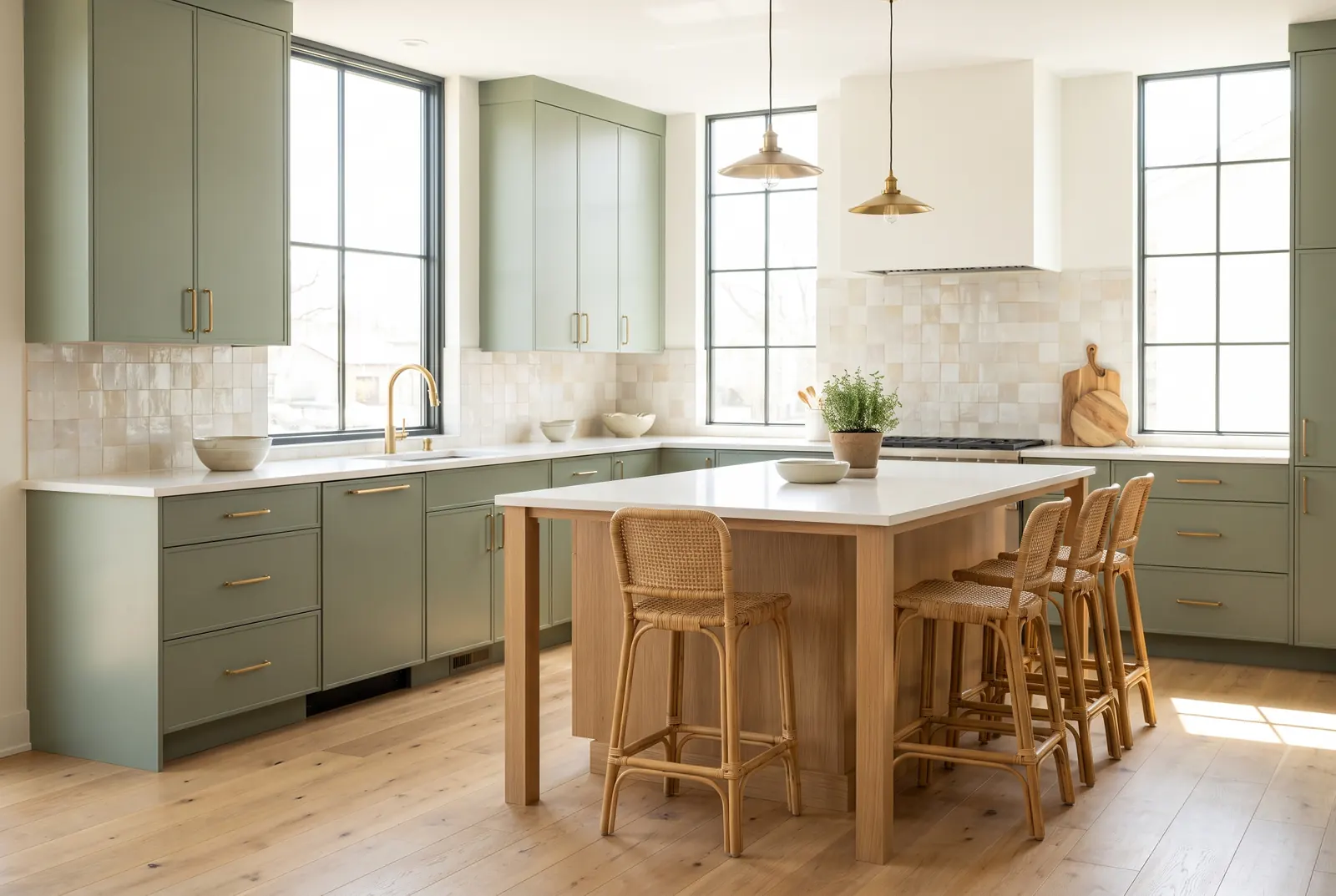
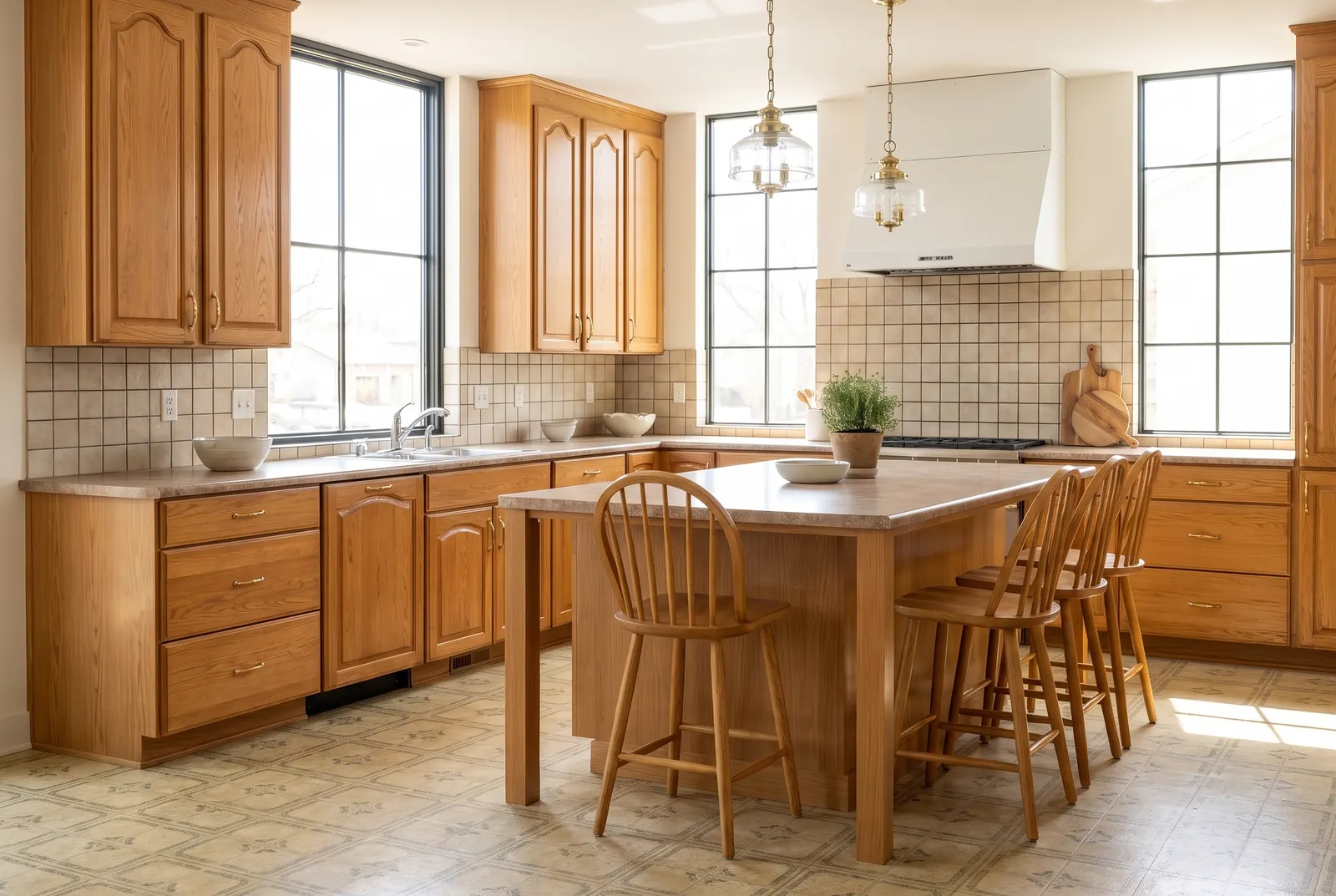
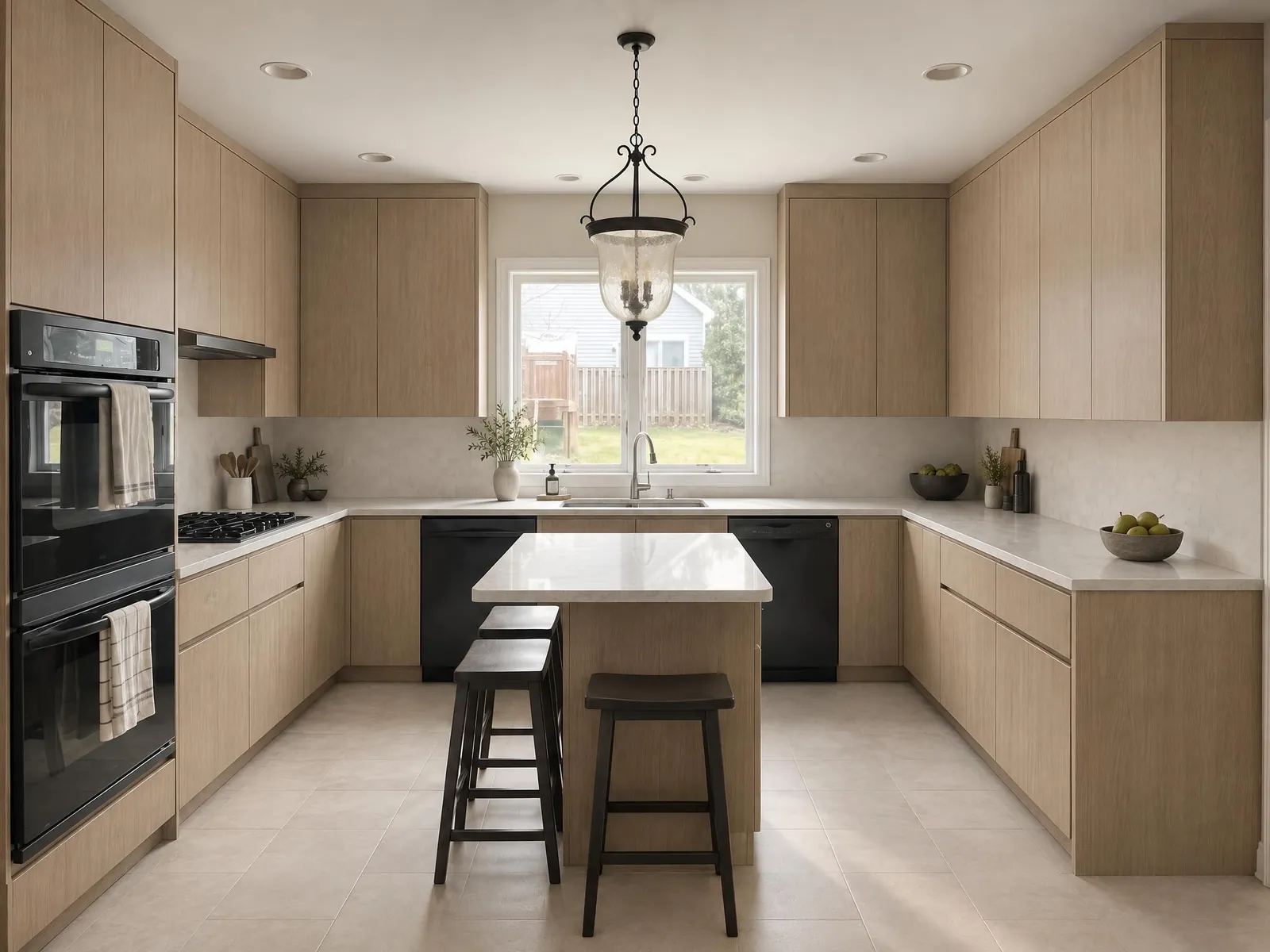
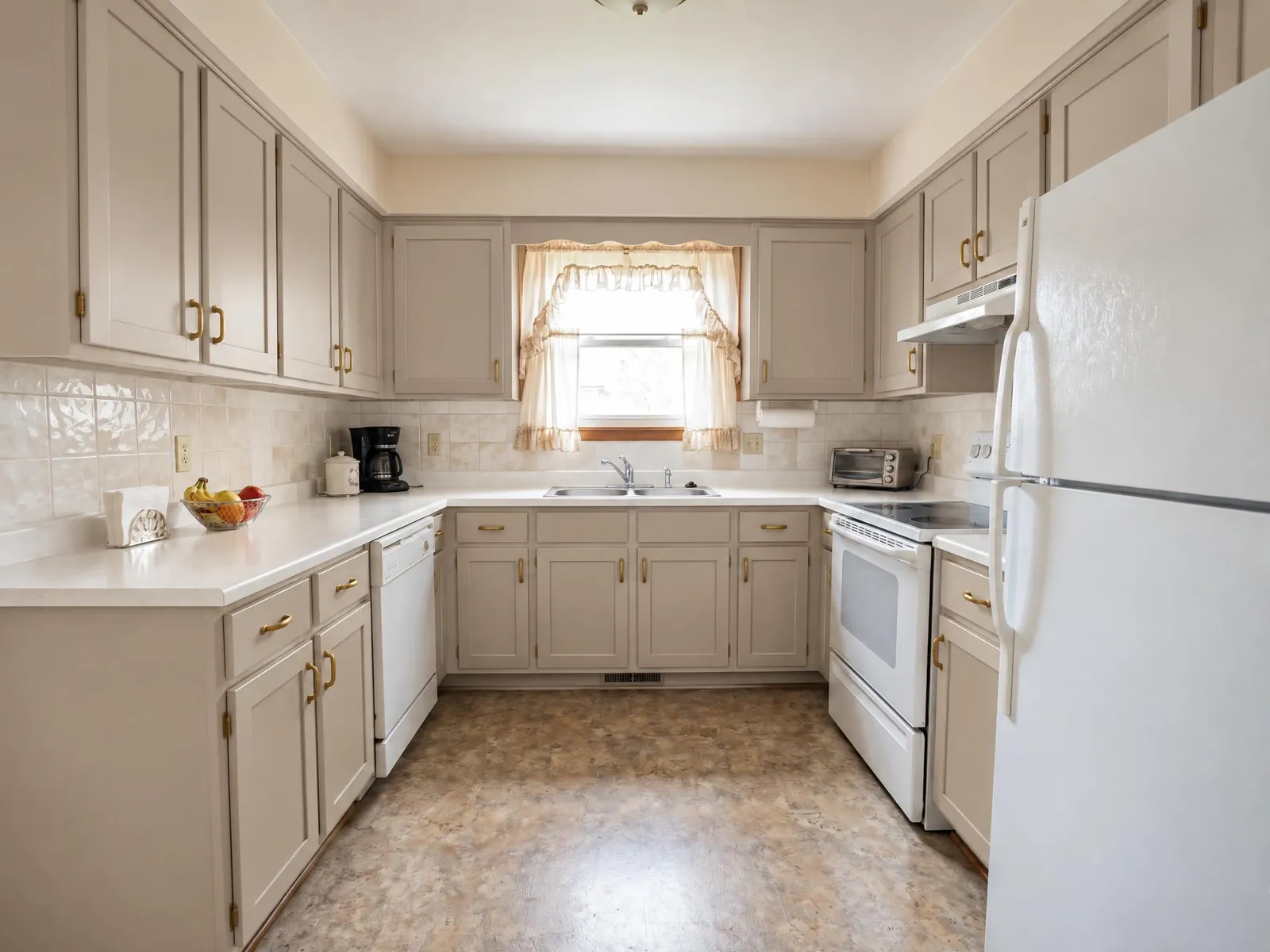
Redesign your kitchen with AI from a photo: pick a style and see new cabinets, countertops, backsplash, flooring and lighting together, in seconds.
Only changing the finishes?
To pick the cabinet color, countertop, backsplash and hardware one by one, and compare cabinet colors side by side, choose each finish yourself.
How AI kitchen design works
- Upload a photo of your kitchen. A wide shot in daylight with the counters in view works best.
- Choose what to change and a style. Cabinetry, countertops, flooring and walls are selected to start. Add tiles for a new backsplash, fixtures for a new sink and faucet, or lighting for new pendants, and untick anything you want to keep. Then pick a style or describe the finish.
- Generate. The result usually arrives in under a minute. Drag the slider to compare before and after, then download it or try another finish.
The tool tells the AI to keep the shape of the room, the camera angle, windows, doors and ceiling, and the positions of the plumbing and appliances. It replaces only the parts you ticked. Look over the result before you share it, because AI can still move a detail. If the sink or range has shifted, generate again or switch to Max, which stays closer to your photo.
AI kitchen remodel: pick exactly what to replace
Each part is a separate choice, so the same photo can show a light refresh or a full remodel:
- Cabinets: new door styles and colors, from flat slab to shaker, painted or wood.
- Countertops: stone, quartz-look, butcher block or concrete. Describe the one you have in mind.
- Tiles: the backsplash and the wall and floor tiles.
- Flooring: wood, tile or stone floors.
- Walls: paint and wall finishes.
- Fixtures: the sink, the faucet and the hardware.
- Lighting: pendants over the island, ceiling lights and under-cabinet light fittings.
Planning a smaller budget? Tick only cabinets and walls to see what a paint job could do. Planning a full remodel? Tick everything.
Kitchen design ideas by style
Pick one of ten styles, or use these as starting points for your own words:
- Modern: "flat white cabinets, thin quartz counters, black handles".
- Scandinavian: "light oak cabinets, white walls, simple open shelves".
- Japandi: "low oak cabinetry, warm plaster walls, paper pendant".
- Farmhouse: "white shaker cabinets, butcher block counters, apron-front sink".
- Industrial: "black steel shelves, concrete counters, brick backsplash".
- Mid-century: "walnut cabinets, green tile backsplash, globe pendants".
- Coastal, Boho, Minimalist and Luxury are there too. Luxury leans on marble, brass and statement lighting.
Have a photo of a kitchen you love? Add it as the style reference, and the AI matches its materials and colors and is made to keep your layout.
Free AI kitchen design, and what it costs after
New accounts get 5 free credits, no card required. A Lite kitchen design costs 1 credit, so you can try five finishes on your own kitchen before you pay anything. A Max design costs 4 credits and gives sharper detail, closer to your photo, which helps when you want to judge a countertop or a tile pattern. If a generation fails, the credits come back.
After that, plans add credits every month and make up to 2 or 4 images per run, so you can compare several takes on the same photo at once. Credit packs are a one-off purchase whose credits never expire, which suits a single kitchen project.
Ways to use AI kitchen design
- Before you call a contractor: show the picture instead of describing it, so everyone starts from the same idea of the finished kitchen.
- Choosing between two directions: run the same photo in two styles, or with and without new flooring, and compare the results.
- Deciding what to keep: tick only the parts you are unsure about, and see whether the old counters still work with new cabinets.
- For designers and flippers: make quick concepts from a photo of the existing kitchen, before any drawings.
Tips for a better kitchen redesign
- Clear the counters. Kettles, dish racks and mail on the counters make it harder for the AI to show the new surface.
- Shoot from a corner or the doorway, with the phone level, so the cabinets, counters and floor are all in the frame.
- Use daylight and turn the lights on, so dark cabinets do not lose their detail.
- Name the material and the color together, like "sage green shaker cabinets" or "honed white marble counters".
- Change a few parts at a time. If you change everything at once and do not like the result, it is hard to tell which part you disliked.
What AI kitchen design can't do
- Move the layout: it is made to keep the sink, appliances and windows where they are. It is not for testing a new island position or a wall removal.
- Give sizes or a cabinet plan: the picture shows the look, not whether new cabinets or appliances fit. Measure, or have a kitchen designer or cabinet supplier measure, before you order.
- Quote the job: it does not estimate what the remodel will cost.
- Show exact products: cabinets, tiles and faucets are drawn by AI. Use the picture to choose a look, then find products that match it.
Frequently asked questions
Is there a free AI tool that can redesign my kitchen?
This one is free to start: new accounts get free credits, no card required. Each Lite design costs 1 credit, and you only buy more when you need them.
How is this different from a kitchen planner?
Kitchen planners have you draw the room and drag in cabinets. This tool starts from a photo of your real kitchen and shows how new cabinets, counters and tile would look in it, in seconds.
What can I change in my kitchen?
Cabinets, countertops, backsplash tile, flooring, walls, fixtures and lighting, in the style you pick or one you describe.
Will my appliances and windows stay where they are?
That is what it is made to do: it keeps the layout, windows and appliance positions from your photo, so the design fits the kitchen you have. Check each result, because AI can still move a detail.
What photo works best?
A wide, straight-on shot in daylight with the counters visible. Stand in a corner or doorway to fit as much of the kitchen as you can.
Can I change just the backsplash?
Yes, but this page redesigns the parts you tick in one style. To change only the backsplash and keep everything else, choose each finish yourself and set only Backsplash.
Can it add a kitchen island?
You can describe one, and it works best when the photo shows open floor where the island would go. The tool is made to keep your layout, so treat an added island as an idea, not a plan.
Can I copy a kitchen I saw online?
Add that photo as the style reference. The AI takes its materials and colors and applies them to your kitchen; it does not copy the other kitchen's layout.